orx-boofcv
Helper functions to ease working with the BoofCV computer vision library and its data types.
BoofCV is an open source library written from scratch for real-time computer vision. Its functionality covers a range of subjects, low-level image processing, camera calibration, feature detection/tracking, structure-from-motion, fiducial detection, and recognition. BoofCV has been released under an Apache 2.0 license for both academic and commercial use.
Examples of what BoofCV offers can be found at http://boofcv.org/
As BoofCV implements it's own data types for images, lines, points, etc. this addon provides some helper functions to convert them to OPENRNDR types:
- Bindings: converts to and from
ColorBuffer. - Drawing: allows directly drawing BoofCV line segments and other shapes.
- Point conversion to and from
Vector2. - Contour conversion from
BoofCV.ContourtoShapeandShapeContour. ImageFlowtoColorBufferconversion.
Demos
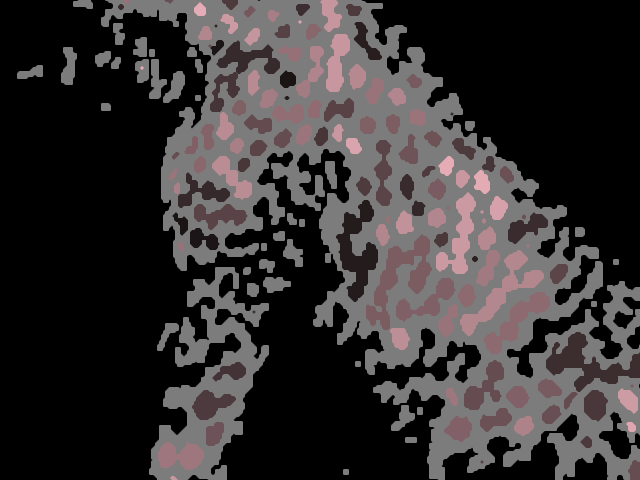
DemoContours01
Demonstrates how to convert a PNG image into ShapeContours using BoofCV.
Two helper methods help convert data types between BoofCV and OPENRNDR.
The ColorBuffer.toGrayF32() method converts an OPENRNDR ColorBuffer to GrayF32 format,
required by BoofCV.
The .toShapeContours() converts BoofCV contours to OPENRNDR ShapeContour instances.
The resulting contours are animated zooming in and out while their colors change slowly.
DemoResize01
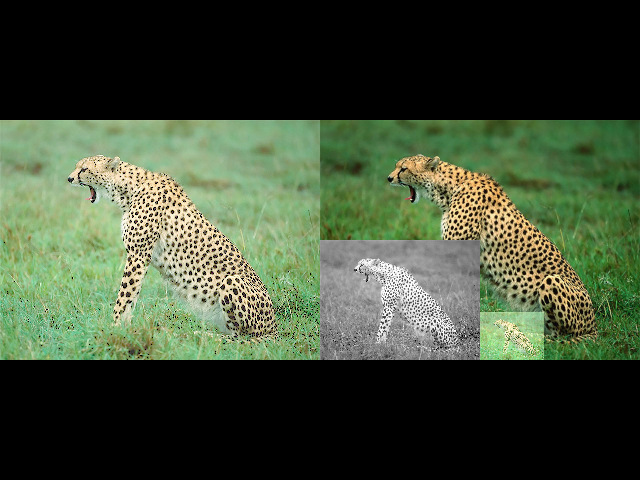
Demonstrates how to scale down images using the resizeBy BoofCV-based
method.
DemoResize02
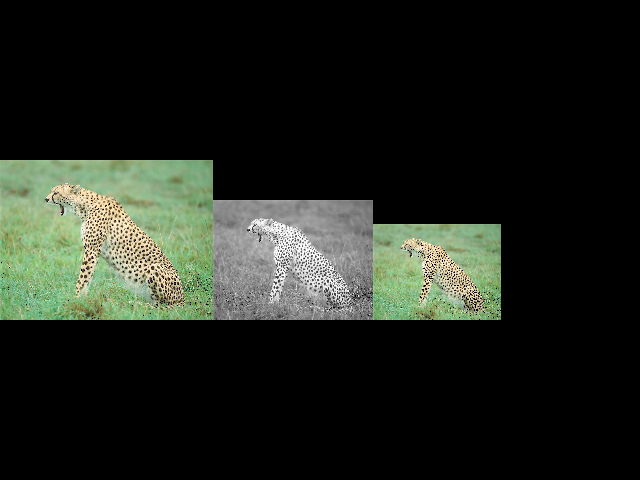
Demonstrates how to scale down images using the resizeTo BoofCV-based
method.
If only the newWidth or the newHeight arguments are specified,
the resizing happens maintaining the original aspect ratio.
DemoSimplified01
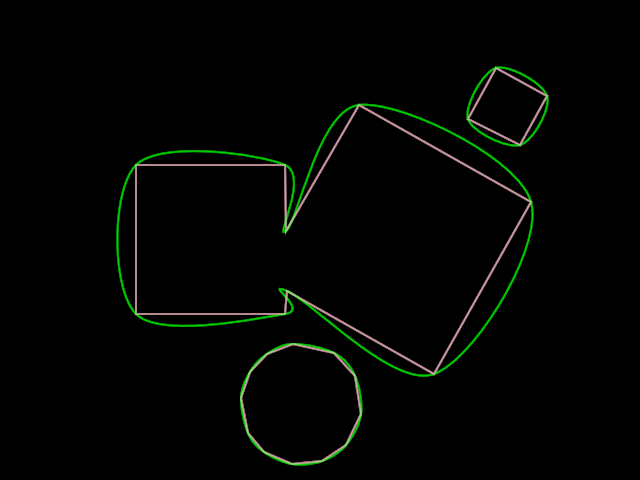
When converting a ColorBuffer to ShapeContour instances using
BoofCV, simple shapes can have hundreds of segments and vertices.
This demo shows how to use the simplify() method to greatly
reduce the number of vertices.
Then it uses the simplified vertex lists to create smooth curves
(using CatmullRomChain2) and polygonal curves (using ShapeContour.fromPoints).
Study the console to learn about the number of segments before and after simplification.