orx-camera
2D and 3D cameras controllable via mouse and keyboard.
Usage
import org.openrndr.application
import org.openrndr.color.ColorRGBa
import org.openrndr.draw.DrawPrimitive
import org.openrndr.extra.camera.AxisHelper
import org.openrndr.extra.camera.GridHelper
import org.openrndr.extra.camera.OrbitalCamera
import org.openrndr.extra.camera.OrbitalControls
import org.openrndr.extra.meshgenerators.boxMesh
import org.openrndr.extra.meshgenerators.sphereMesh
import org.openrndr.math.Vector3

fun main() = application {
    program {
        val camera = OrbitalCamera(
            Vector3.UNIT_Z * 90.0, Vector3.ZERO, 90.0, 0.1, 5000.0
        )
        val controls = OrbitalControls(camera, keySpeed = 10.0)

        val sphere = sphereMesh(radius = 25.0)
        val cube = boxMesh(20.0, 20.0, 5.0, 5, 5, 2)

        extend(camera)
        extend(AxisHelper()) // shows XYZ axes as RGB lines
        extend(GridHelper(100)) // debug ground plane
        extend(controls) // adds both mouse and keyboard bindings
        extend {
            drawer.vertexBuffer(sphere, DrawPrimitive.LINE_LOOP)
            drawer.vertexBuffer(cube, DrawPrimitive.LINE_LOOP)
            drawer.stroke = ColorRGBa.WHITE
            drawer.fill = null
            repeat(10) {
                drawer.translate(0.0, 0.0, 10.0)
                // 2D primitives are not optimized for 3D and can
                // occlude each other
                drawer.circle(0.0, 0.0, 50.0)
            }
        }
    }
}
Keybindings
w- move forwards (+z)s- move backwards (-z)Leftora- strafe left (-x)Rightord- strafe right (+x)Upore- move up (+y)Downorq- move up (-y)Page Up- zoom inPage Down- zoom out
Demos
DemoCamera2D01
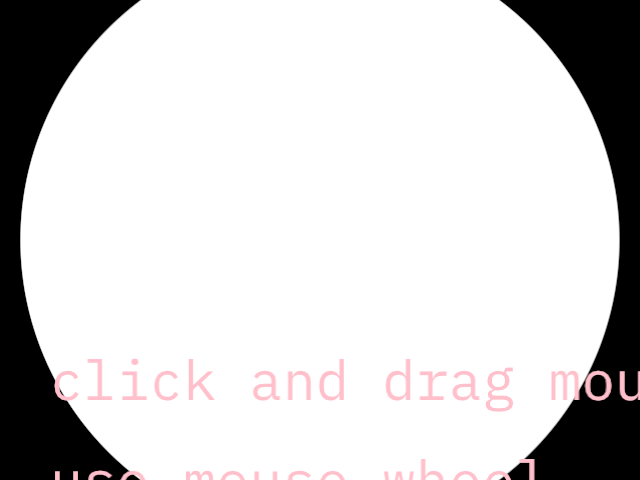
DemoCamera2D02
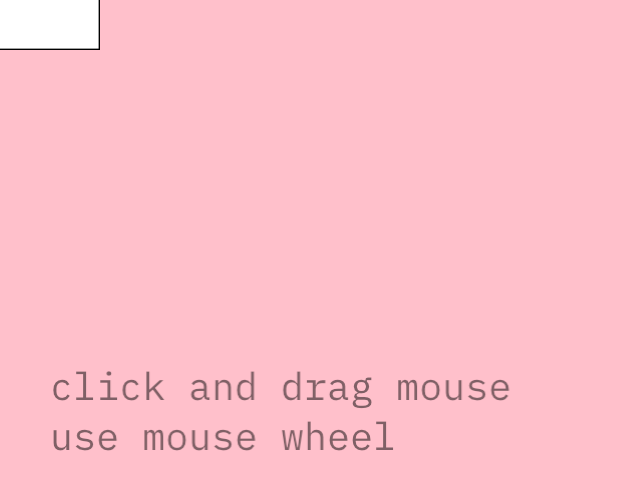
DemoOrbitalCamera01
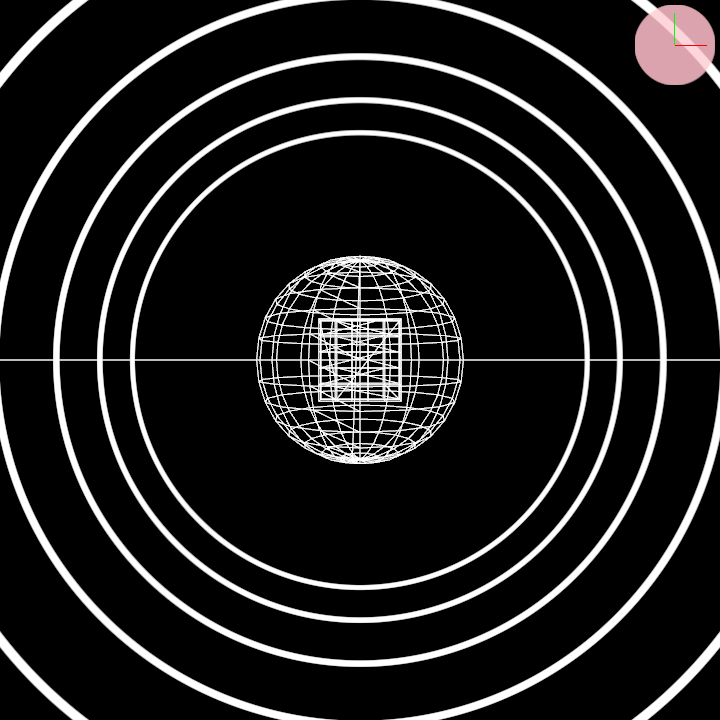
DemoParametricOrbital01