orx-fcurve
FCurves are 1 dimensional function curves constructed from 2D bezier functions.
The language to express Fcurves is similar to SVG's path language.
| Command | Description |
|---|---|
m/M y |
move the pen only in the y-direction |
h/H x |
draw a horizontal line |
l/L x y |
line to (x, y) |
q/Q x0 y0 x y |
quadratic bezier to (x,y) and control-point (x0, y0) |
c/C x0 y0 x1 y1 x y |
cubic bezier to (x,y) and control-points (x0, y0), (x1, y1) |
t/T x y |
quadratic smooth to (x, y) |
s/S x1 y1 x y |
cubic smooth to (x,y) and control point (x1, y1) |
Example Fcurves
M0 l5,10 q4,-10 or M0 l5 10 q4 -10
M0 h10
c3,10,5,-10,8,0.5
L5,5
New lines are allowed, which can help in formatting the Fcurve
M0 h10
c3,10,5,-10,8,0.5
L5,5
EFCurves
EFCurves are Fcurves with an additional preprocessing step in which scalar expressions are evaluated.
Comments
EFCurves add support for comments using the # character.
M0 h10 c3,10,5,-10,8,0.5 # L5,5
M0 h10               # setup the initial y value and hold it for 10 units.
c3,10,5,-10,8,0.5    # relative cubic bezier curve
# and a final line-to
L5,5
Expressions
For example: M0 L_3 * 4_,4 evaluates to M0 L12,4.
orx-expression-evaluator is used to evaluate the expressions, please refer to its
documentation for details on the expression language used.
Repetitions
EFCurves add support for repetitions. Repetitions are expanded by replacing
occurrences of |<text-to-repeat>|[<number-of-repetitions>] with number-of-repetitions copies
of text-to-repeat.
For example:
M0 |h1 m1|[3]expands toM0 h1 m1 h1 m1 h1 m1M0 |h1 m1|[0]expands toM0
Nested repetitions
Repetitions can be nested.
For example |M0 |h1 m1|[3]|[2] expands to M0 h1 m1 h1 m1 h1 m1 M0 h1 m1 h1 m1 h1 m1.
Interaction between repetitions and expressions
M0 |H_it + 1_ m1][3] expands to M0 H1 m1 H2 m1 H3 m1
M0 |H_index + 1_ m_it_]{1.2, 1.3, 1.4} expands to M0 H1 m1.2 H2 m1.3 H3 m1.4
References
- https://x.com/ruby0x1/status/1258252352672247814
- https://blender.stackexchange.com/questions/52403/what-is-the-mathematical-basis-for-f-curves/52468#52468
- https://pomax.github.io/bezierinfo/#yforx
Demos
DemoFCurve01
DemoFCurve02
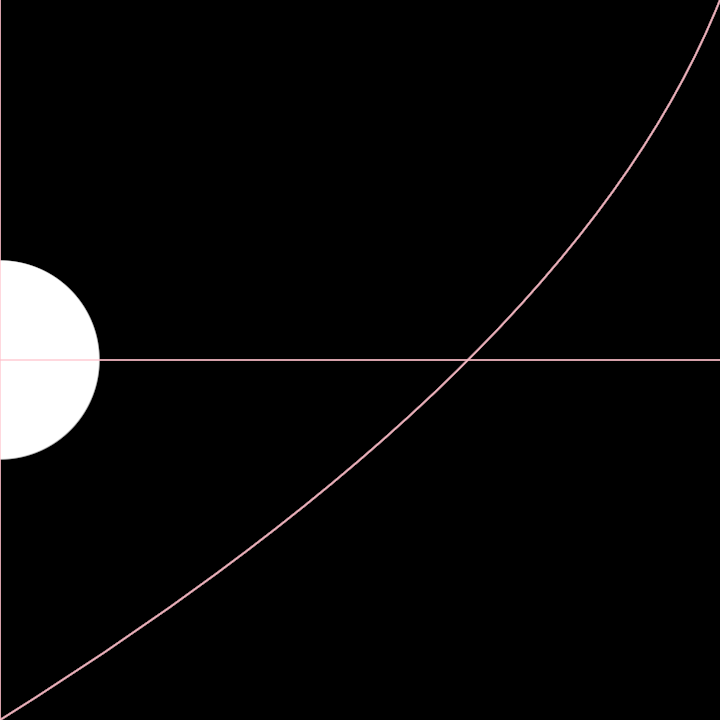
DemoMultiFCurve01