orx-camera
2D and 3D cameras controllable via mouse and keyboard.
Usage
import org.openrndr.application
import org.openrndr.color.ColorRGBa
import org.openrndr.draw.DrawPrimitive
import org.openrndr.extra.camera.AxisHelper
import org.openrndr.extra.camera.GridHelper
import org.openrndr.extra.camera.OrbitalCamera
import org.openrndr.extra.camera.OrbitalControls
import org.openrndr.extra.meshgenerators.boxMesh
import org.openrndr.extra.meshgenerators.sphereMesh
import org.openrndr.math.Vector3

fun main() = application {
    program {
        val camera = OrbitalCamera(
            Vector3.UNIT_Z * 90.0, Vector3.ZERO, 90.0, 0.1, 5000.0
        )
        val controls = OrbitalControls(camera, keySpeed = 10.0)

        val sphere = sphereMesh(radius = 25.0)
        val cube = boxMesh(20.0, 20.0, 5.0, 5, 5, 2)

        extend(camera)
        extend(AxisHelper()) // shows XYZ axes as RGB lines
        extend(GridHelper(100)) // debug ground plane
        extend(controls) // adds both mouse and keyboard bindings
        extend {
            drawer.vertexBuffer(sphere, DrawPrimitive.LINE_LOOP)
            drawer.vertexBuffer(cube, DrawPrimitive.LINE_LOOP)
            drawer.stroke = ColorRGBa.WHITE
            drawer.fill = null
            repeat(10) {
                drawer.translate(0.0, 0.0, 10.0)
                // 2D primitives are not optimized for 3D and can
                // occlude each other
                drawer.circle(0.0, 0.0, 50.0)
            }
        }
    }
}
Keybindings
w- move forwards (+z)s- move backwards (-z)Leftora- strafe left (-x)Rightord- strafe right (+x)Upore- move up (+y)Downorq- move up (-y)Page Up- zoom inPage Down- zoom out
Demos
DemoCamera2D01
Camera2D demo
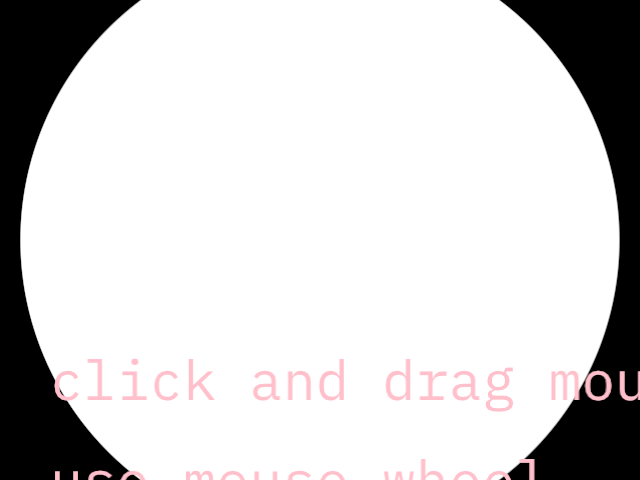
click and drag the mouse for panning, use the mouse wheel for zooming
DemoCamera2D02
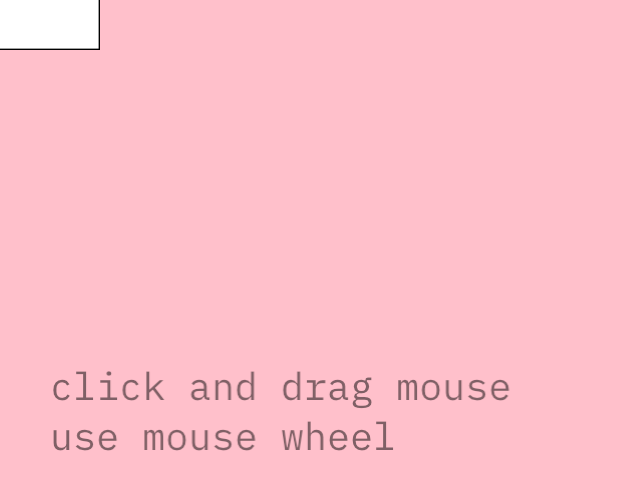
Camera2D demo with static elements
An approach for having certain elements not affected by the camera
DemoCamera2DManual01
Demonstrate the use of Camera2DManual for manual camera control.
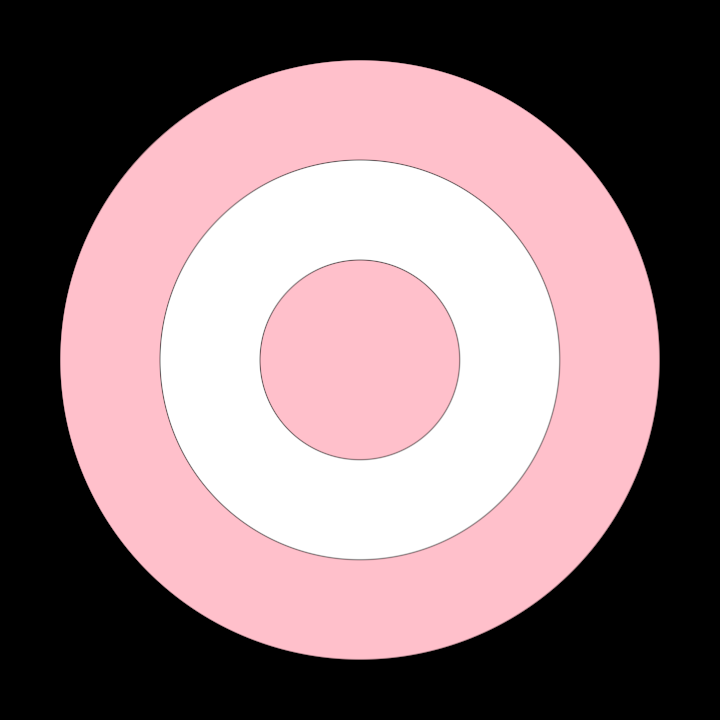
The application is configured with a 720x720 window size. Within the program, a custom camera (Camera2DManual)
is initialized and used to create isolated drawing scopes. The isolated method is used to overlay different
drawing operations while maintaining individual camera states, ensuring proper transformations for specific elements.
Three circles are drawn on the canvas: a small pink one, a medium white one and a large pink one.
Only the pink ones are affected by the interactive Camera2DManual, while the middle white circle is outside
the camera's isolated scope.
DemoCamera2DManual02
Demonstrate the use of Camera2DManual to independently translate, scale and rotate one contour
in a collection.
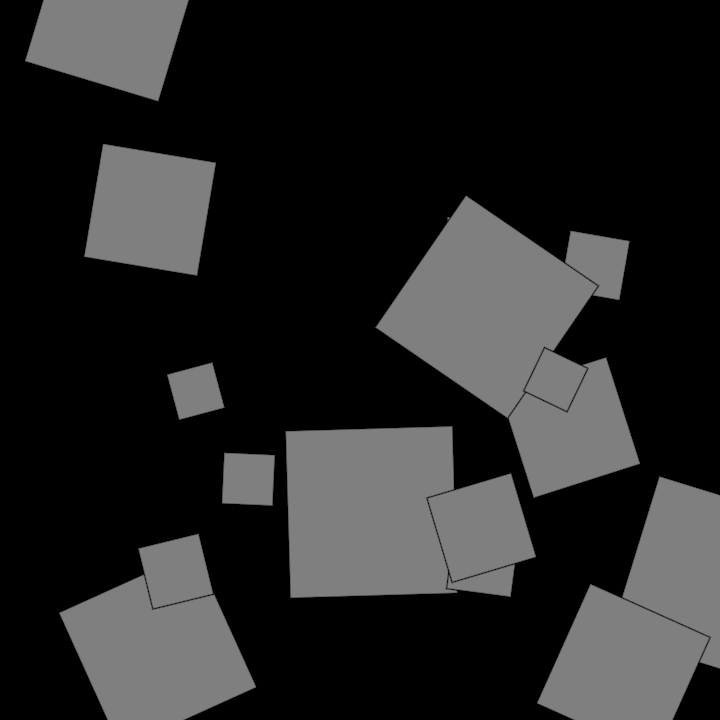
When the mouse is clicked, the active contour is transformed using the camera view matrix, then the camera is reset to its default state and whatever shape is under the mouse becomes the new active contour.
As the mouse is dragged or its wheel scrolled, the camera is updated, affecting how the active contour is rendered.
DemoOrbitalCamera01
DemoOrbitalManual01
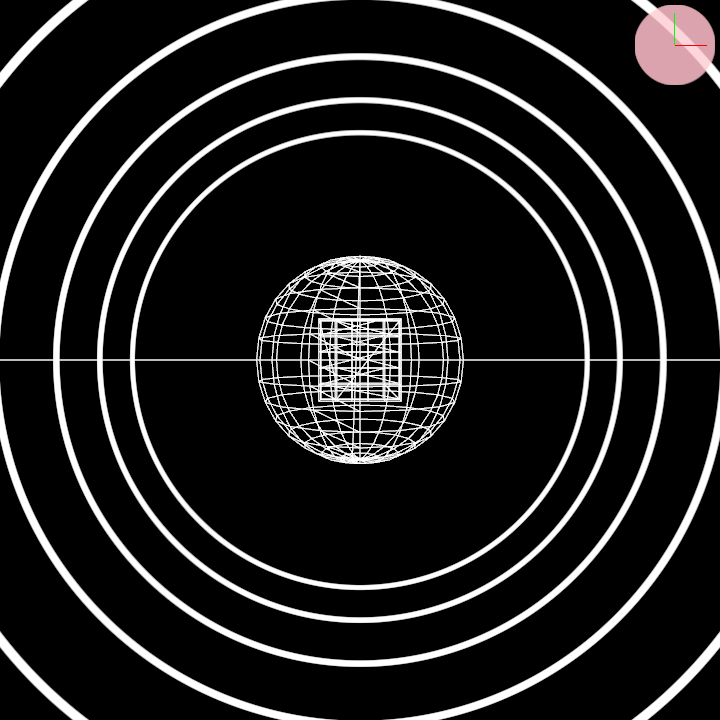
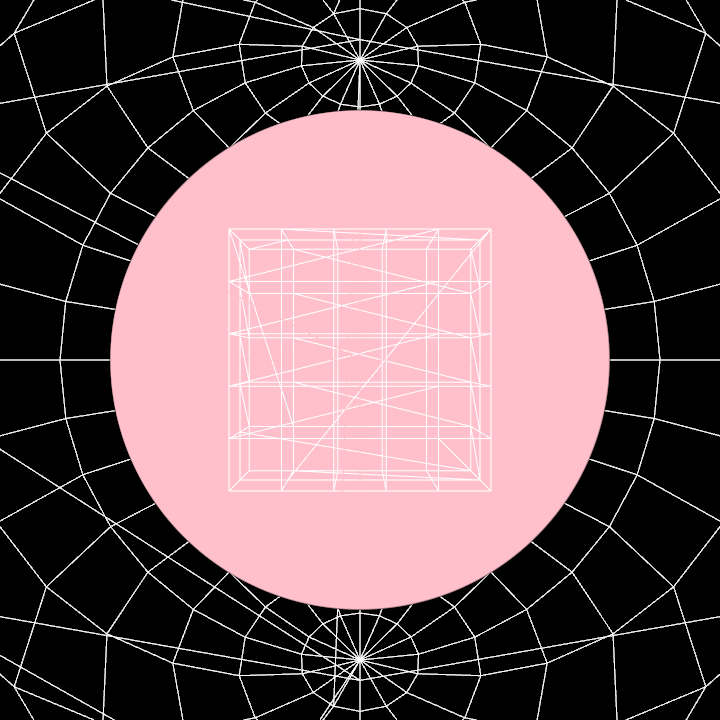
Demonstrate the use of an orbital camera to render a sphere and a cube in 3D space as wireframe meshes, positioned and rendered independently using the camera's isolated drawing state. A stationary pink circle is also drawn in the center of the scene.
Functionality:
- Initializes a sphere mesh and a cube mesh with predefined dimensions.
- Spawns an orbital camera, initially positioned away from the origin, to allow for focused rendering.
- Renders 3D wireframe shapes (sphere and cube) using the camera's isolated perspective.
- Draws a static 2D pink circle overlay at the window center.
DemoParametricOrbital01