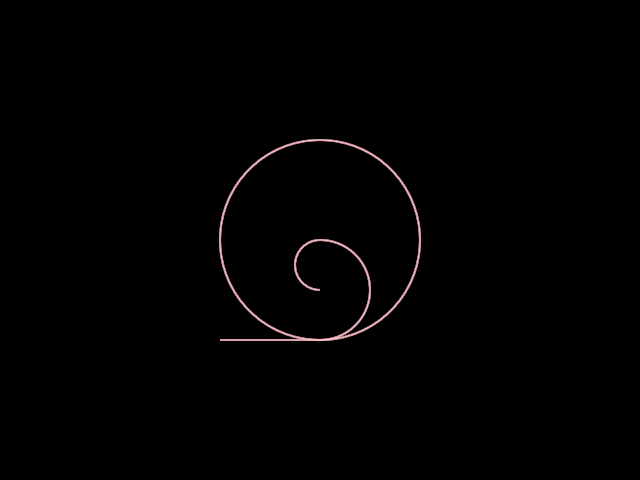
orx-turtle
Bezier (ShapeContour) backed turtle graphics.
The turtle language
The basic turtle language consists of:
rotate(degrees: Double)to rotateforward(distance: Doubleto walk forwardpenUp()to raise the penpenDown()to lower the pen, this will start a new contour
Orientation/direction and position can be set directly
position: Vector2get/set position of the turtle, teleporting the turtle will start a new contourdirection: Vector2get/set direction of the turtle, setting direction will computeorientationorientation: Matrix44the orientation matrix from whichdirectionis evaluatedisPenDown: Boolean
The language also holds some tools to manage the position and orientation of the turtle.
resetOrientation()will reset the orientation to the default orientationpush()push the position and orientation on the stackpop()pop the position and orientation from the stackpushOrientation()push the orientation on the stackpopOrientation()pop the orientation on the stackpushPosition()push the position on the stackpopPosition()pop the position from the stack
The extended turtle language
segment(s: Segment)to draw a segment with its entrance tangent aligned to the turtle's orientationcontour(c: ShapeContour)to draw a contour with its entrance tangent aligned to the turtle's orientation
Demos
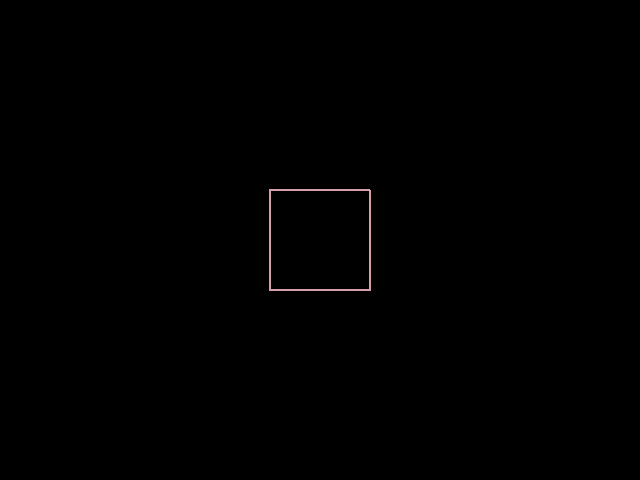
DemoTurtle01
/* Drawing a square using the turtle interface.
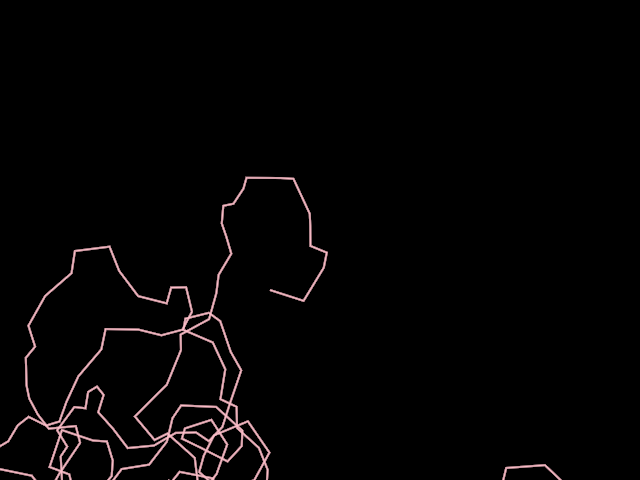
DemoTurtle02
/* A simple random walk made using the turtle interface.
DemoTurtle03
/* Drawing shape contours aligned to the turtle's orientation.