orx-mesh-noise
Generate random samples on the surface of a mesh
Demos
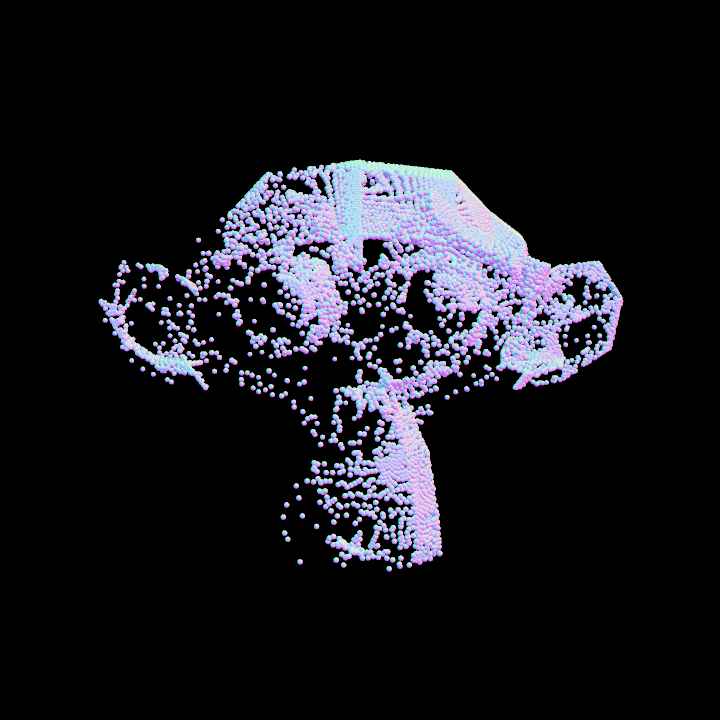
DemoMeshNoise01
This demo creates a 3D visualization program using the OPENRNDR framework. It demonstrates loading an OBJ model, generating uniform points on the surface of the mesh, and rendering these points as small spheres using a custom shader.
The following key processes are performed:
- Loading mesh data from an OBJ file.
- Generating a list of uniformly distributed points on the mesh surface.
- Rendering the generated points with small spheres.
- Using an "Orbital" extension for interactive camera control.
- Applying a shader effect to visualize surface normals.
The application runs with a window size of 720x720 pixels and positions the camera
in front of the scene using the "Orbital" extension.
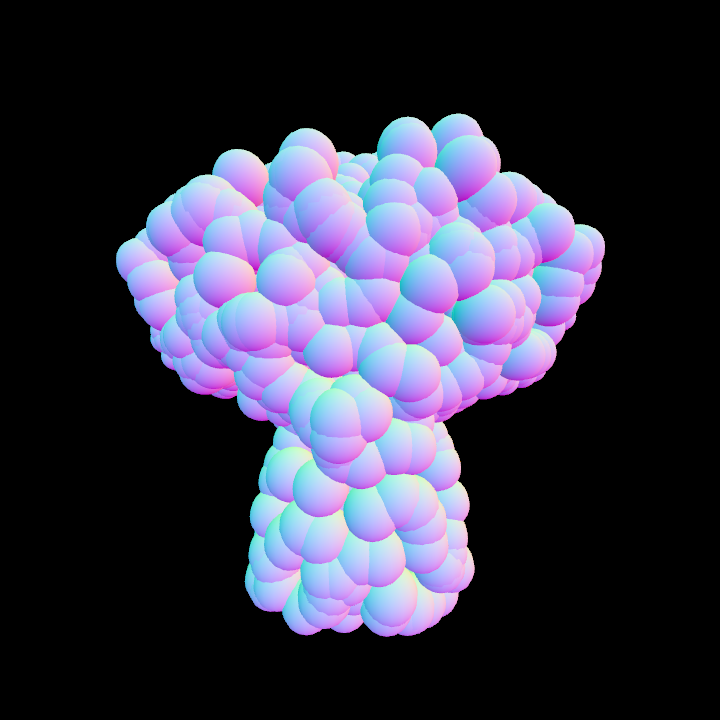
DemoMeshNoise02
Demonstrate uniform point on mesh generation using hash functions
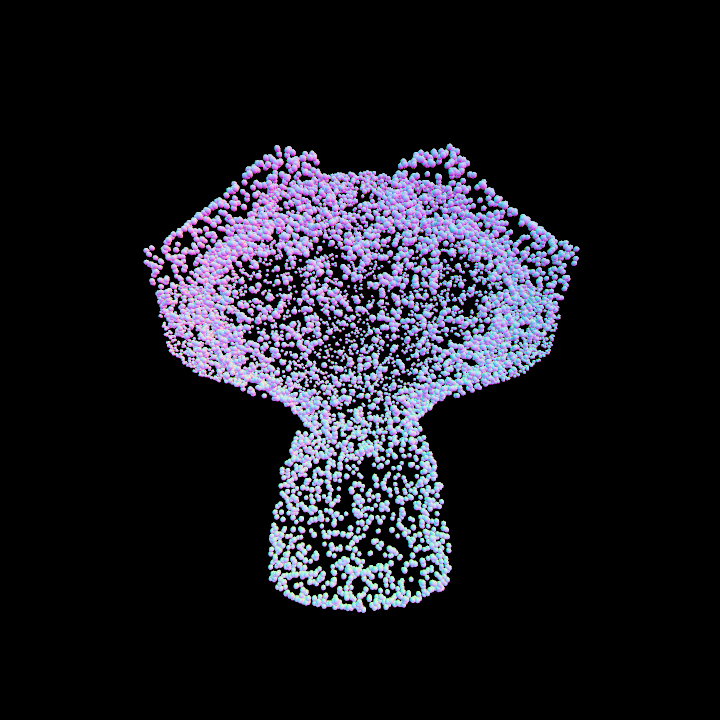
DemoMeshNoise03
This demo loads a 3D model from an OBJ file, processes the mesh data to estimate normals and tangents, and generates a set of uniformly distributed pose points. These pose points determine the transformations applied to individual objects rendered in the viewport.
It extends the rendering with an orbital camera for navigation and shaders for custom visual
effects. Cylinders represent transformed objects, with their scale animations based on time-dependent
trigonometric functions.
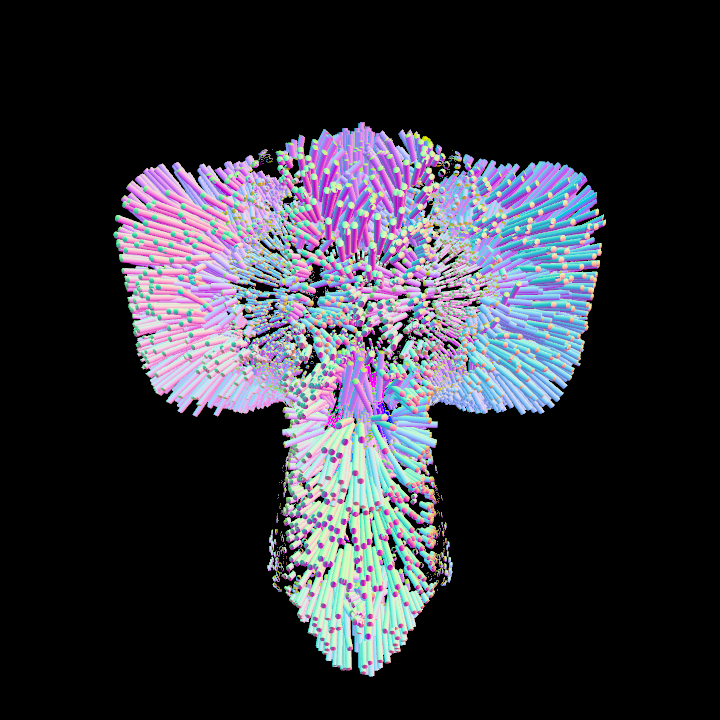
DemoNonUniformMeshNoise01
The program demonstrates the loading of a 3D model, estimating its normals, sampling points based on non-uniform distribution, and rendering points as spheres.
Key functionalities include:
- Loading a 3D model from an OBJ file.
- Estimating per-vertex normals for the mesh.
- Generating and rendering a sphere mesh for sampled points.
- Using a lighting direction vector to bias the point sampling distribution.
- Extending the program with an orbital camera for interactive navigation.
- Applying shading to simulate lighting effects based on vertex normals.
The rendering of spheres is performed by iterating over the sampled points and isolating each in the transformation matrix.
This setup allows customization for complex rendering pipelines.