orx-mesh-generators
3D-mesh generating functions and DSL.
Simple meshes
// To create simple meshes
val sphere = sphereMesh(32, 32, 4.0)
val box = boxMesh(2.0, 4.0, 2.0)
val cylinder = cylinderMesh(radius = 0.5, length = 1.0, center = true)
val dodecahedron = dodecahedronMesh(0.5)
val plane = planeMesh(Vector3.ZERO, Vector3.UNIT_X, Vector3.UNIT_Y)
val disk = capMesh(sides = 15, radius = 0.5)
val tube = revolveMesh(sides = 15, length = 1.0)

// To draw the generated meshes
drawer.vertexBuffer(dodecahedron, DrawPrimitive.TRIANGLES)
Complex triangular mesh generation
orx-mesh-generators comes with buildTriangleMesh, which
implements a DSL
to construct 3D shapes.
To create shapes we can call methods like box(), sphere(),
cylinder(), dodecahedron(), plane(), revolve(),
taperedCylinder(), hemisphere() and cap().
// Create a rotated box
val mesh = buildTriangleMesh {
    rotate(Vector3.UNIT_Z, 45.0)
    box()
}
We can also use methods like translate() and rotate() to create
more complex compositions. The color property sets the color of
the next mesh.
// Create a ring of boxes of various colors
val mesh = buildTriangleMesh {
    repeat(12) {
        // Take a small step
        translate(2.0, 0.0, 0.0)
        // Turn 30 degrees
        rotate(Vector3.UNIT_Y, 30.0)
        // Set a color
        color = rgb(it / 11.0, 1.0, 1.0 - it / 11.0)
        // Add a colored box
        box(1.0, 1.0, 1.0)
    }
}
isolated { ... } can be used to encapsulate transformations and
avoid them accumulating to unpredictable values.
val mesh = buildTriangleMesh {
    repeat(10) { x ->
        repeat(10) { y ->
            isolated {
                translate(x * 1.0, y * 1.0, 0.0)
                sphere(8, 8, 0.1)
            }
        }
    }
}
Other available methods are:
grid(): creates a tri-dimensional grid of meshes.extrudeShape(): gives depth to 2DShape.twist(): post-processing effect to twist a mesh around an axis.extrudeContourSteps(): uses Parallel Transport Frames to extrude a contour along a 3D path.
The demo folder contains examples using these methods.
Check out the source code to learn about function arguments.
Demos
decal/DemoDecal01
Demonstrate decal generator as an object slicer
@see 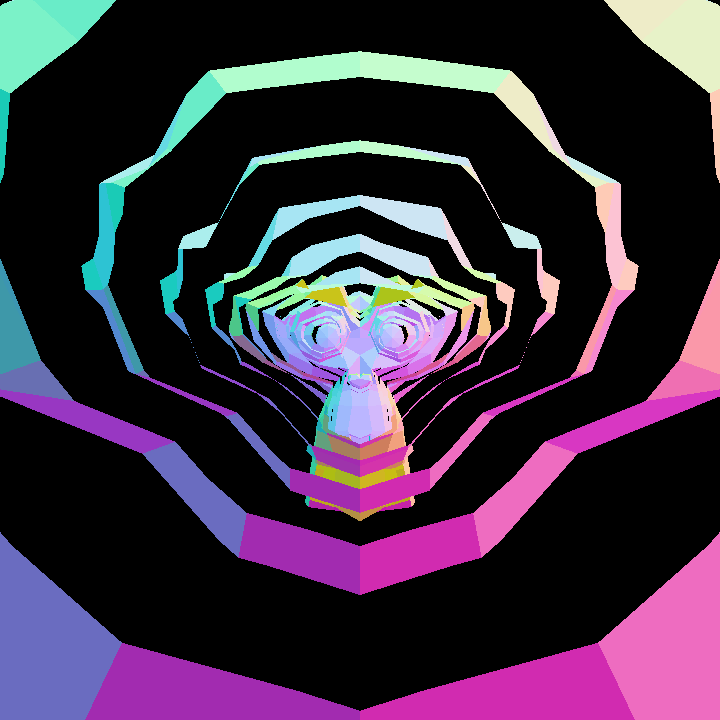
decal/DemoDecal02
Demonstrate decal generation and rendering
@see 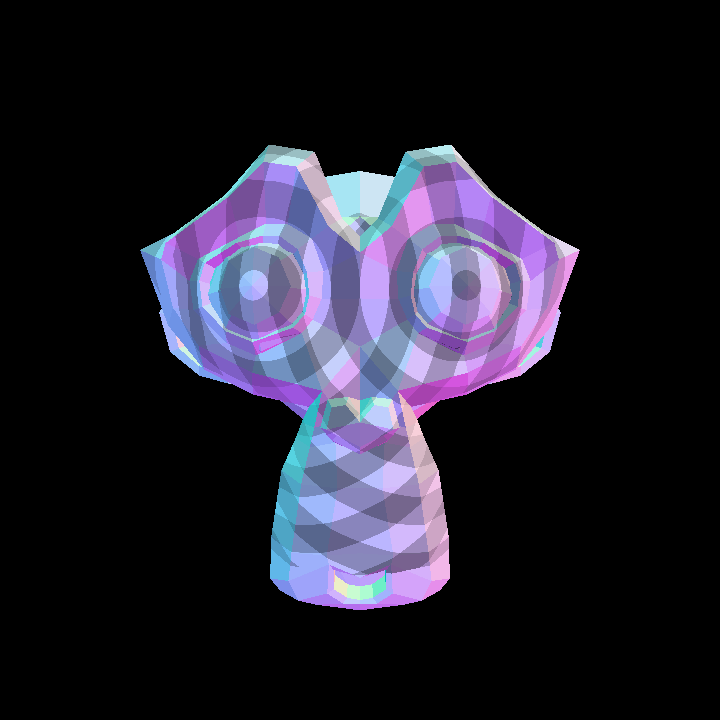
DemoAll
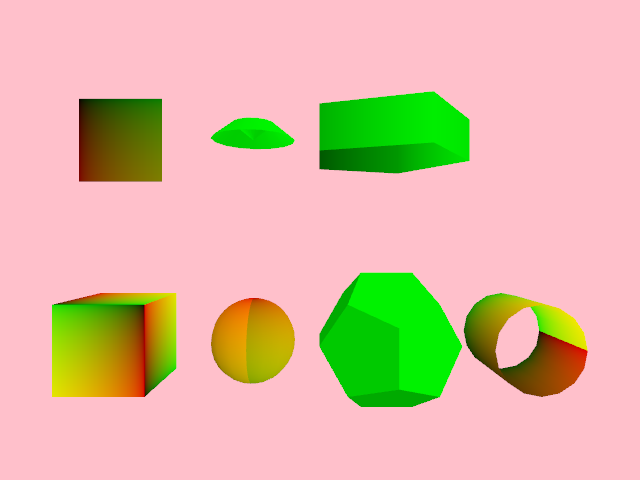
DemoBox
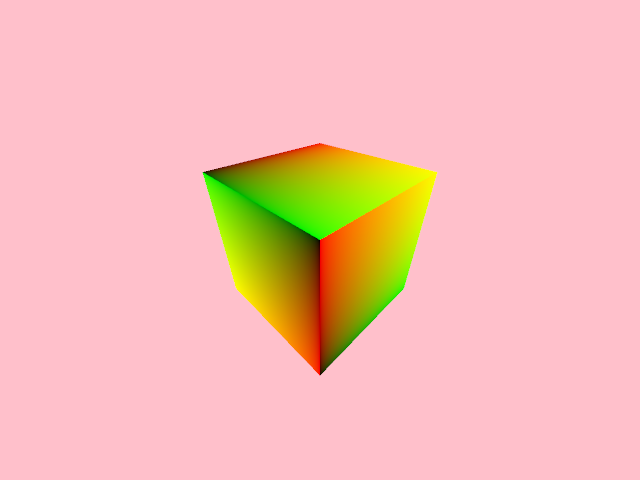
DemoComplex01
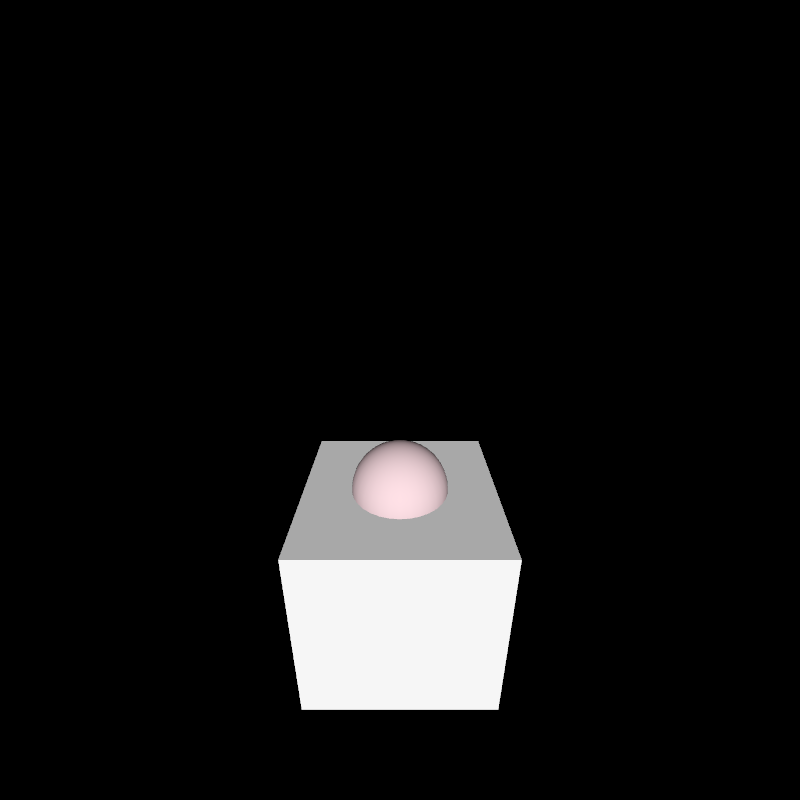
DemoComplex02
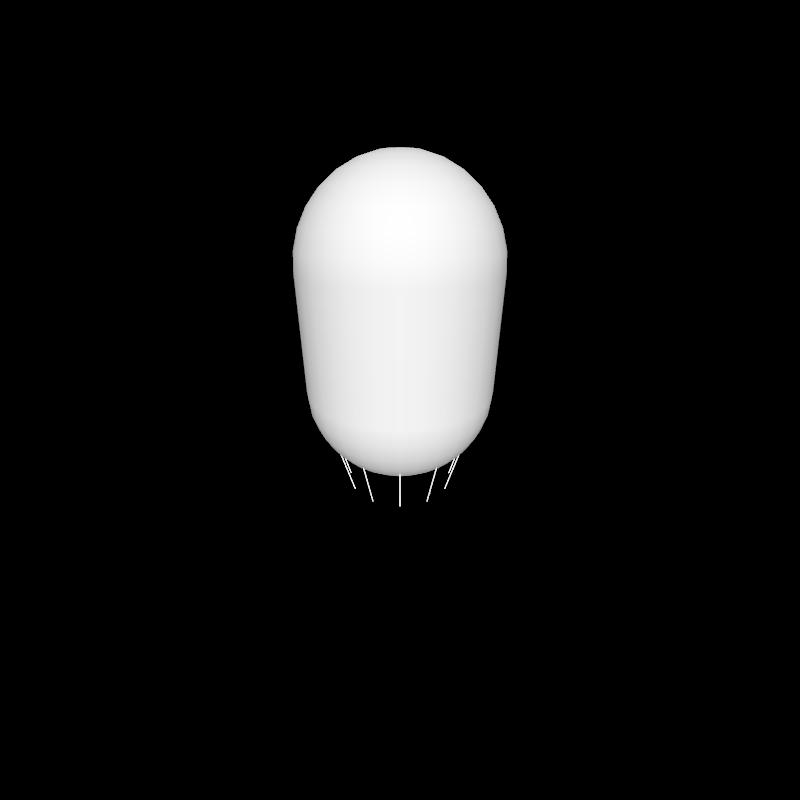
DemoComplex03
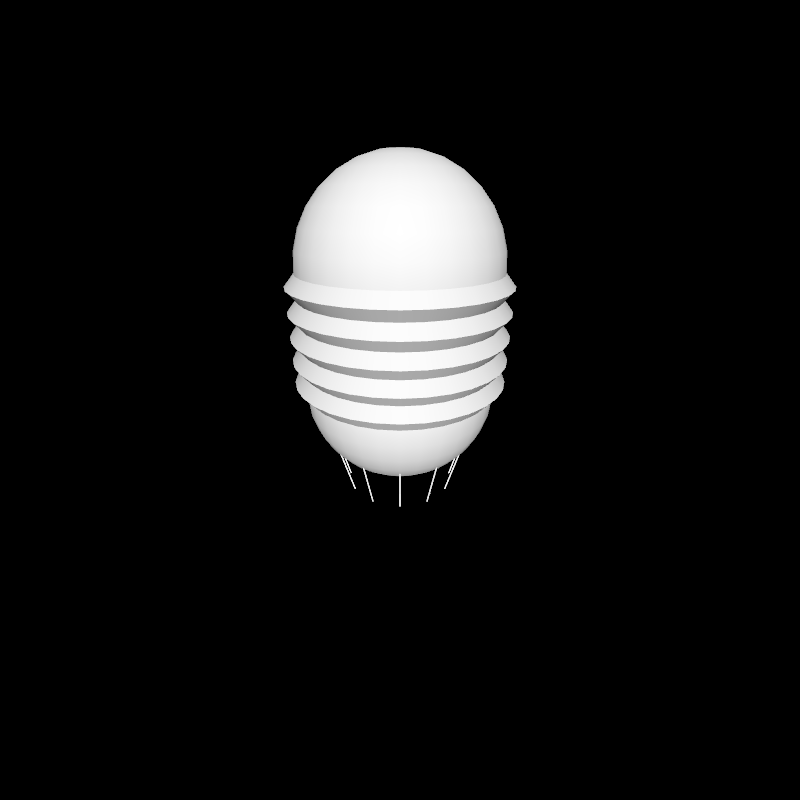
DemoComplex04
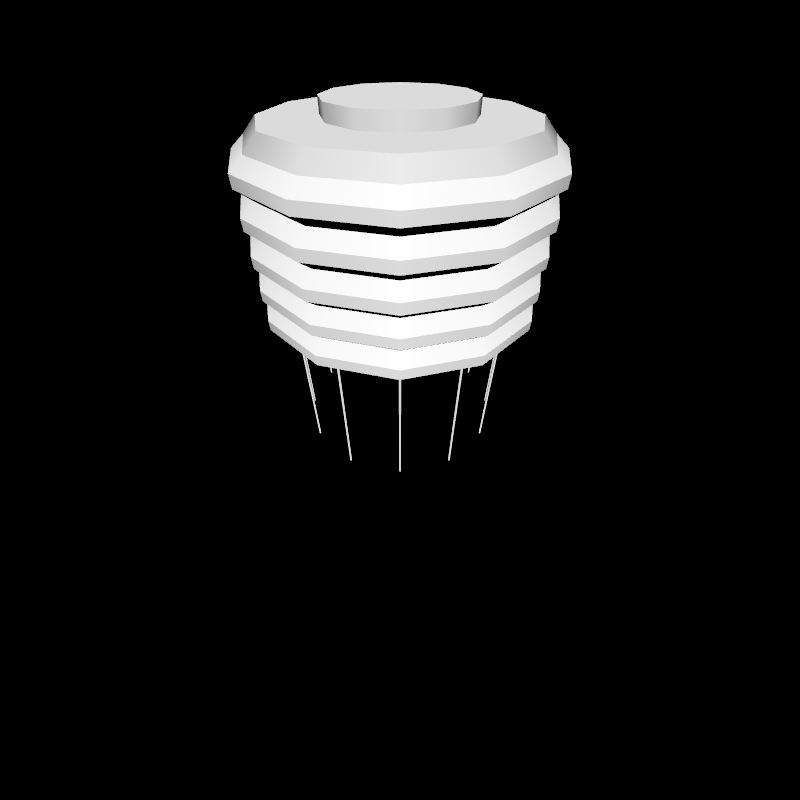
DemoComplex05
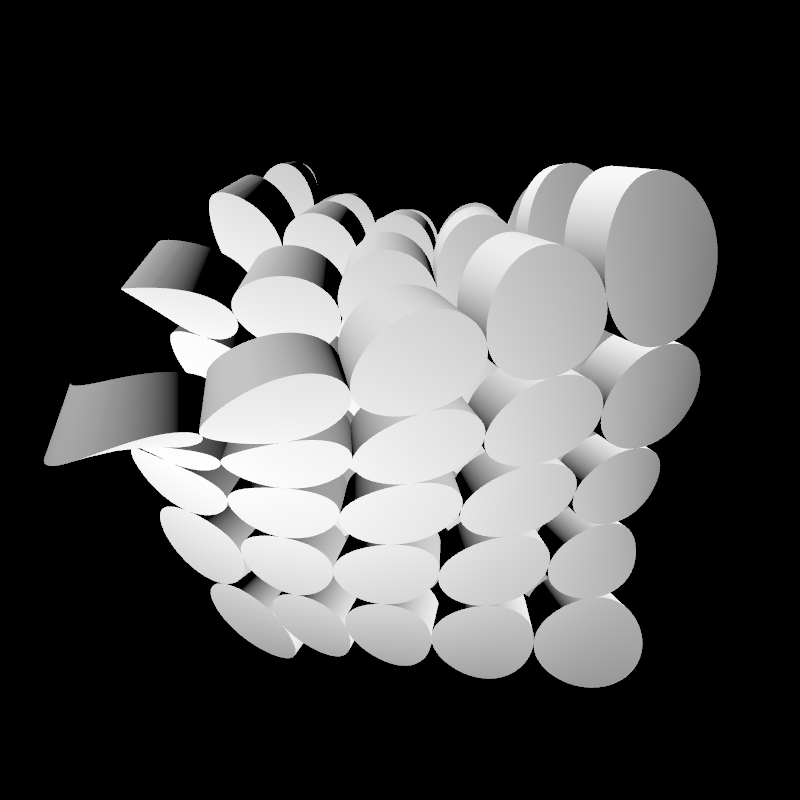
DemoComplex06
Generates a grid of grids of boxes. Interactive orbital camera.
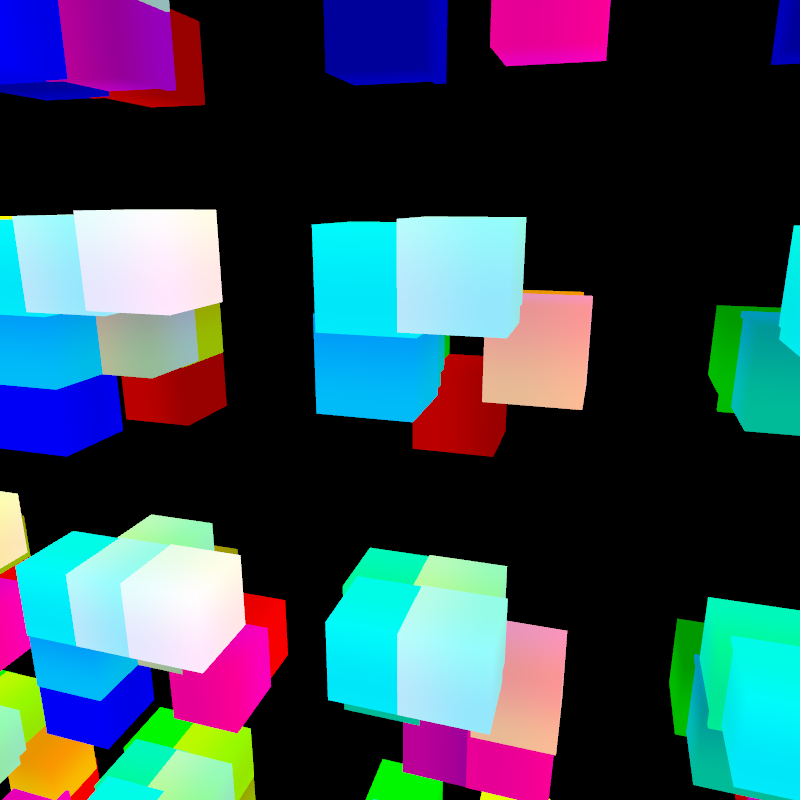
DemoExtrude01
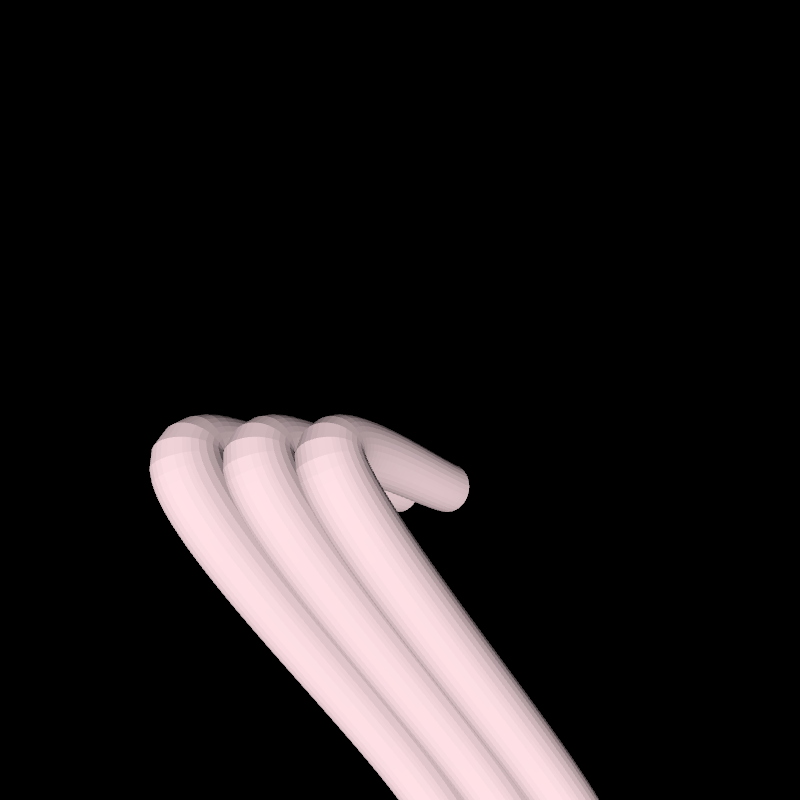
DemoExtrude02
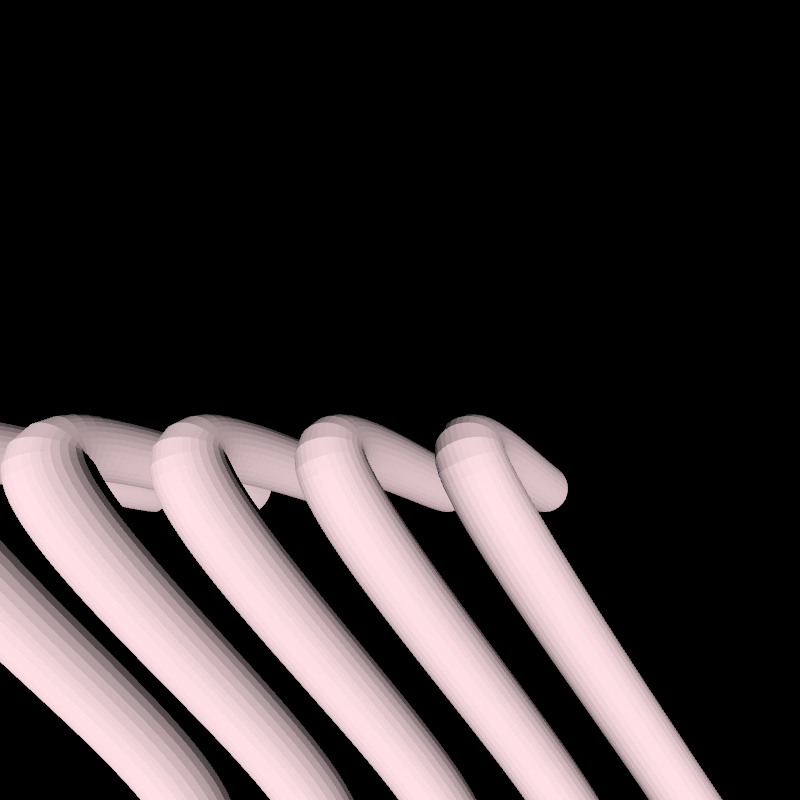
DemoExtrude03
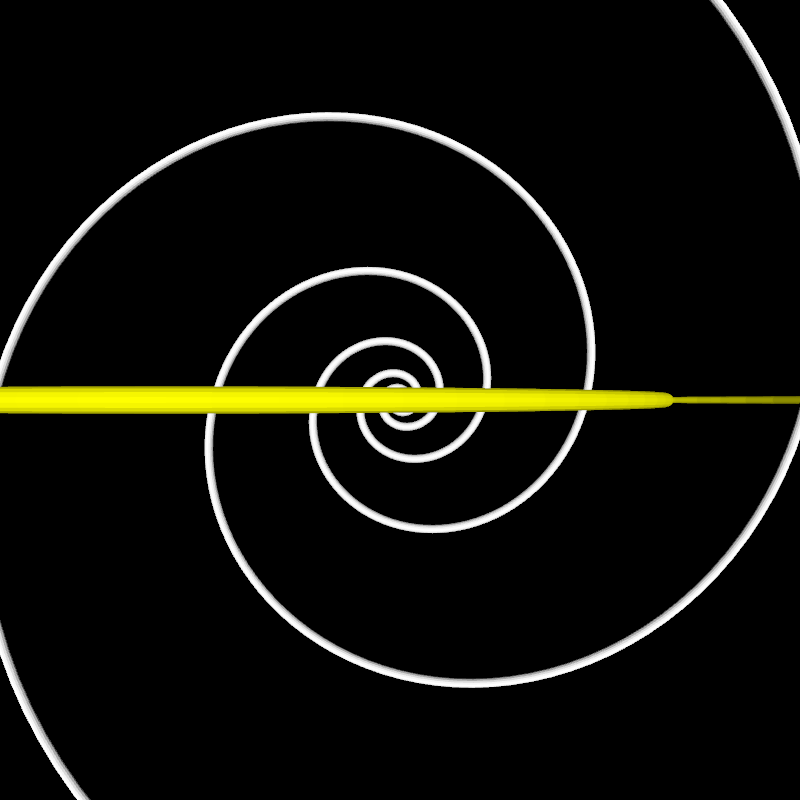
DemoExtrude04
Extruded Bézier tubes grown on a morphing Bézier surface.
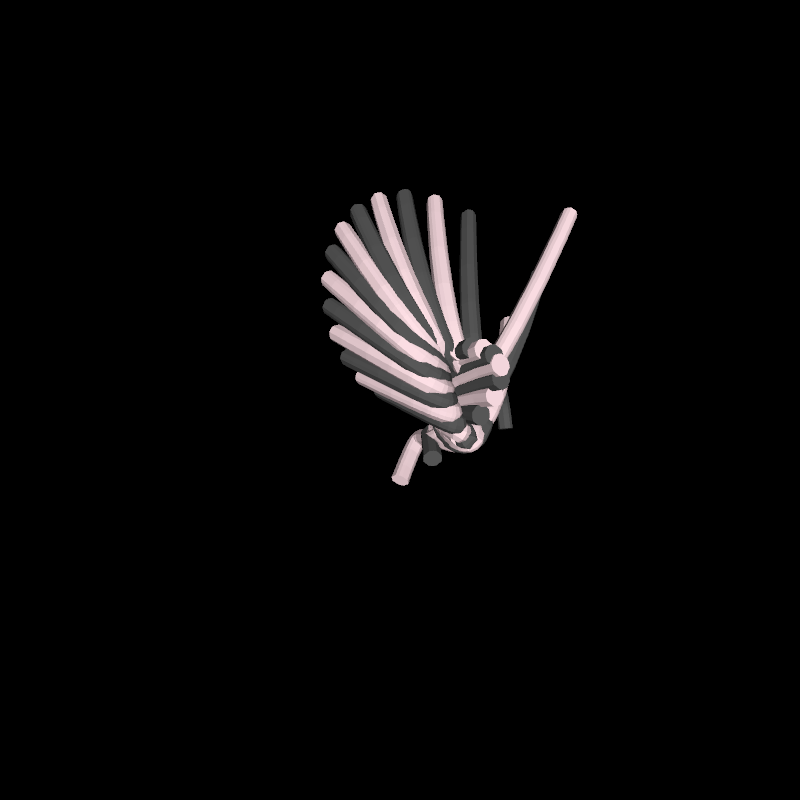
DemoExtrude05
Extruded Bézier tubes grown on a morphing Bézier surface.
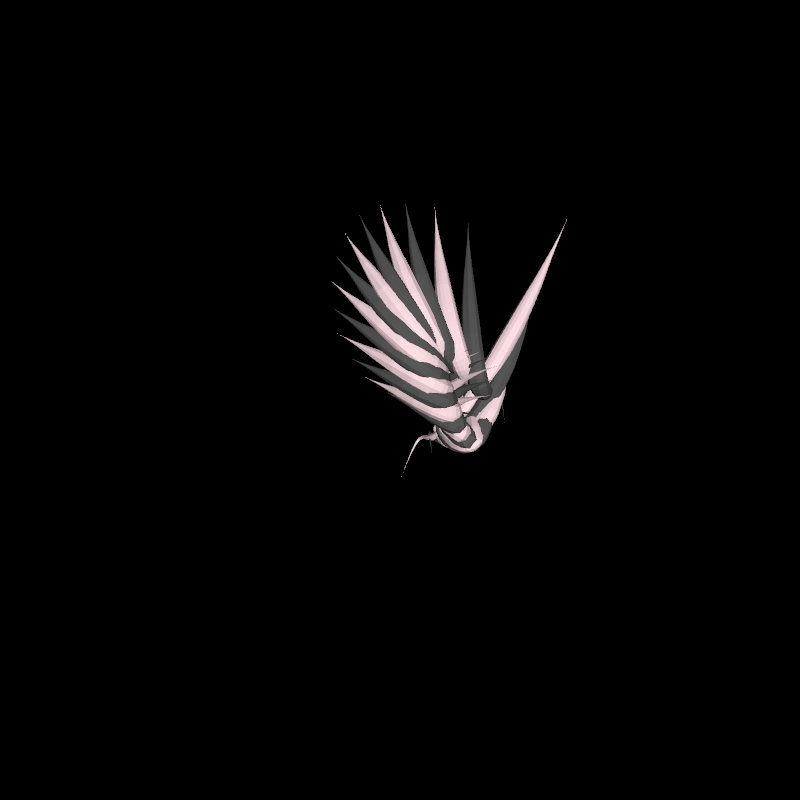
DemoExtrude06
Demo extrudeContourStepsMorphed which allows to create a mesh with a morphing cross-section based on the t value along a Path3D. In other words, a tube in which the cross-section does not need to be constant, but can be scaled, rotated and displaced along its curvy axis.
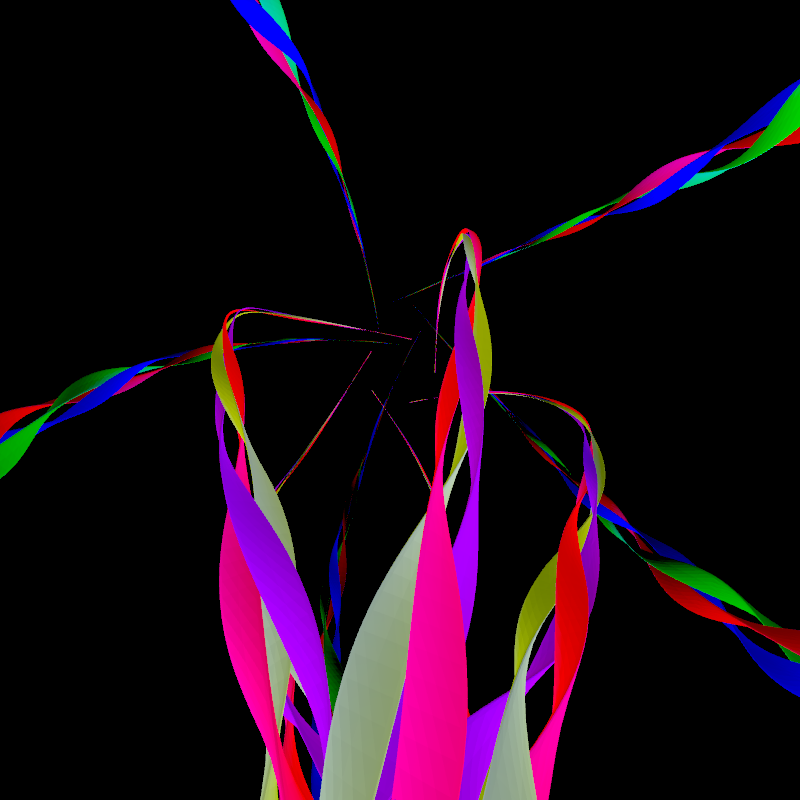
tangents/DemoTangents01