orx-obj-loader
Simple loader and saver for Wavefront .obj 3D mesh files.
Usage
Loading directly into a vertex buffer can be done through loadOBJasVertexBuffer.
val vertexBuffer = loadOBJasVertexBuffer("data/someObject.obj")
The loaded vertex buffer can be drawn like this:
drawer.vertexBuffer(vertexBuffer, DrawPrimitive.TRIANGLES)
To save a vertex buffer as an .obj file:
vertexBuffer.saveOBJ("my/path/exported.obj")
Demos
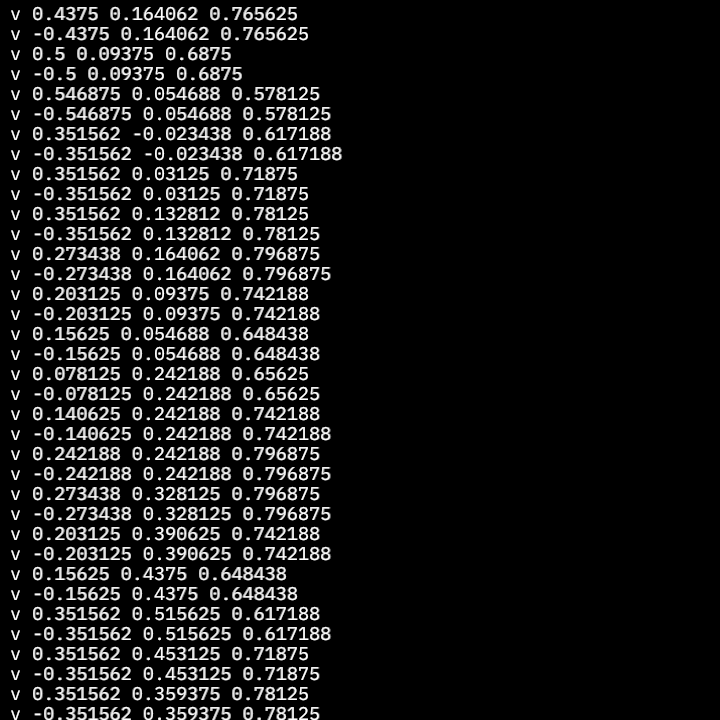
DemoObjCompoundRW01
This program loads an OBJ mesh as a CompoundMeshData and demonstrates how to convert it to a OBJ String representation, then draws the beginning of this String on the program window.
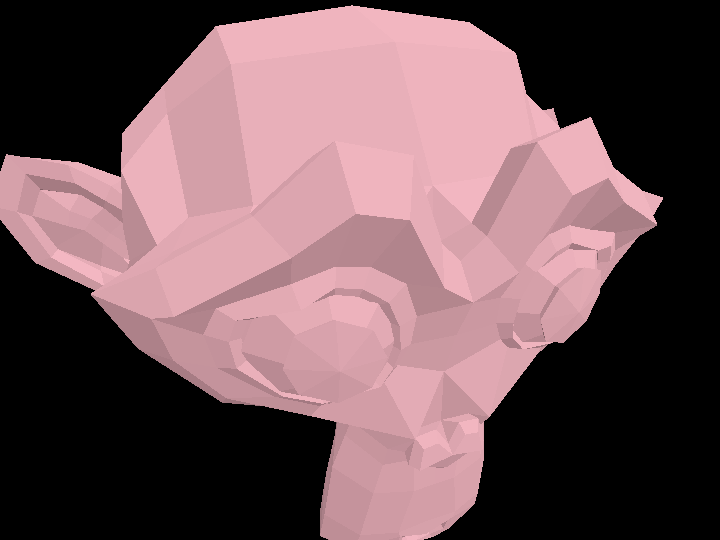
DemoObjLoader01
Demonstrates how to load a .obj file as a VertexBuffer.
The loadOBJasVertexBuffer() function expects the path to the .obj file as an argument.
DemoObjSaver01
Demonstrates how to save a VertexBuffer as an .obj file using the
VertexBuffer.saveOBJ() method.
The program loads an existing OBJ file, then saves it with a new file name.

DemoObjSaver02
Demonstrates saving a VertexBuffer generated via code as an OBJ file.
This file can be loaded in a 3D modelling / rendering program.

DemoWireframe01
Demonstrates two approaches for loading an OBJ file: as a VertexBuffer and as CompoundMeshData.
A CompoundMeshData object contains vertices, texture coordinates, colors, normals, tangents, and bitangents,
alongside their associated face indices, grouped into meshes.
In this demo CompoundMeshData.wireframe() is called to generate a wireframe representation of the loaded mesh.
When rendering the wireframe, a shade style is used to displace the lines slightly towards the camera, to ensure the lines do not end up occluded by the mesh rendered as triangles.
Finally, the sub method is called on the Path3D instances to draw only parts of the wireframe, creating
an animated effect.