
64 lines
2.1 KiB
Markdown
64 lines
2.1 KiB
Markdown
# orx-view-box
|
|
|
|
To create independent views inside one program window.
|
|
|
|
<!-- __demos__ -->
|
|
## Demos
|
|
### DemoProxyProgram01
|
|
|
|
Demonstrates how to use a proxy program inside a [viewBox],
|
|
how the main program can access its variables and methods,
|
|
and execute its `extend` block by calling its `draw()` method.
|
|
|
|
|
|
|
|
[source code](src/jvmDemo/kotlin/DemoProxyProgram01.kt)
|
|
|
|
### DemoProxyProgram02
|
|
|
|
Demonstrates how to use two proxy programs and
|
|
toggle between them by clicking the mouse.
|
|
|
|
programA draws a circle and can be moved by pressing the
|
|
arrow keys.
|
|
|
|
programB draws a ring located at the current mouse
|
|
position.
|
|
|
|
Note that programA keeps listening to the key events
|
|
even if programB is currently displayed.
|
|
|
|

|
|
|
|
[source code](src/jvmDemo/kotlin/DemoProxyProgram02.kt)
|
|
|
|
### DemoUpdate01
|
|
|
|
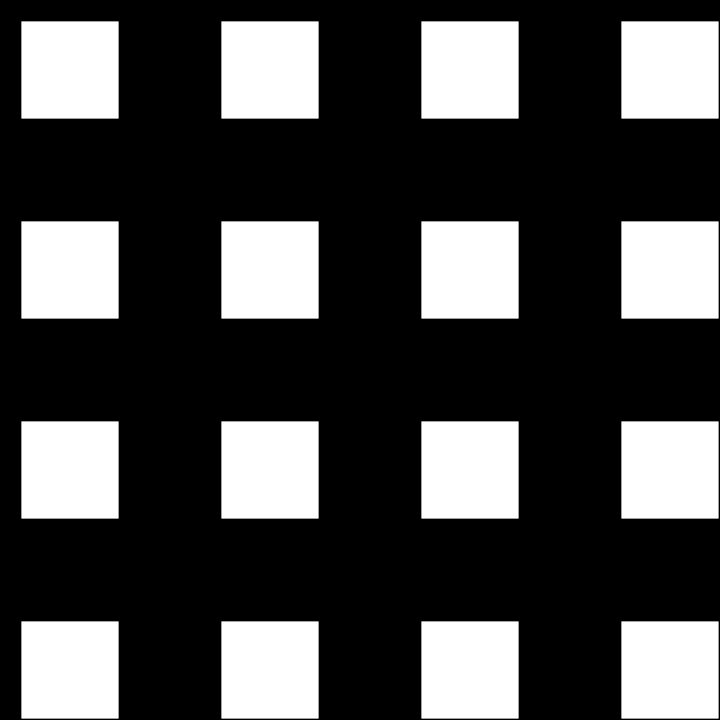
Demonstrates how to create a viewBox with an interactive 2D camera and
|
|
display it multiple times.
|
|
|
|
Instead of calling the viewBox's `.draw()` method multiple times,
|
|
we call its `.update()` method once, then draw its `.result`
|
|
repeatedly, in a grid of 4 columns and 4 rows.
|
|
|
|
The camera's initial rotation and scaling are specified as a transformation matrix.
|
|
To control the camera use the mouse wheel and buttons on the top-left view.
|
|
|
|
|
|
|
|
[source code](src/jvmDemo/kotlin/DemoUpdate01.kt)
|
|
|
|
### DemoViewBox01
|
|
|
|
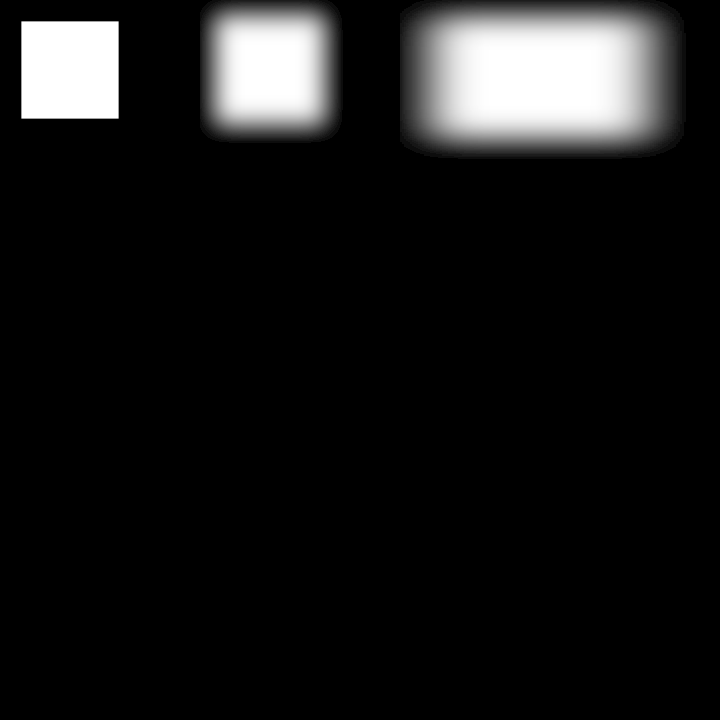
Demonstrates how to draw multiple view boxes. The first two feature
|
|
interactive 2D cameras, the third one uses an Orbital 3D camera.
|
|
All three can be controlled with the mouse wheel and buttons.
|
|
|
|
The `shouldDraw` viewBox variable is used to avoid re-rendering the view
|
|
unnecessarily when the camera has not changed.
|
|
|
|
|
|
|
|
|
|
[source code](src/jvmDemo/kotlin/DemoViewBox01.kt)
|