
83 lines
2.8 KiB
Markdown
83 lines
2.8 KiB
Markdown
# orx-composition
|
|
|
|
Shape composition library
|
|
|
|
One can think of a Composition as a vector design made out of primitives
|
|
like ShapeContour, Shape, or LineSegment, each having its fill color,
|
|
stroke color and stroke weight.
|
|
|
|
Compositions can be loaded from SVG files and then queried or altered via code.
|
|
|
|
Composition can also be generated from scratch, typically using `drawComposition { ... }`, then saved as an SVG file.
|
|
|
|
Read about Composition [in the guide](https://guide.openrndr.org/drawing/drawingSVG.html).
|
|
|
|
_The code in `orx-composition` was previously found under `openrndr-draw` in the `openrndr` repository._
|
|
|
|
<!-- __demos__ -->
|
|
## Demos
|
|
### DemoCompositionDrawer01
|
|
|
|
Demonstrates how to
|
|
|
|
- Create a Composition
|
|
- Draw it on the program window
|
|
- Save it to an SVG file
|
|
- Print the SVG content as text
|
|
|
|

|
|
|
|
[source code](src/jvmDemo/kotlin/DemoCompositionDrawer01.kt)
|
|
|
|
### DemoCompositionDrawer02
|
|
|
|
Demonstrates how to draw a Composition and how to use
|
|
`ClipMode.REVERSE_DIFFERENCE` to clip shapes.
|
|
|
|
The first shape clips part of the second one away,
|
|
producing a shape that seems to be behind the first one.
|
|
|
|
Without clipping, the second circle would cover part of the first one.
|
|
|
|

|
|
|
|
[source code](src/jvmDemo/kotlin/DemoCompositionDrawer02.kt)
|
|
|
|
### DemoCompositionDrawer03
|
|
|
|
Draws a composition using 3 circles and `ClipMode.REVERSE_DIFFERENCE`.
|
|
|
|
A println() demonstrates that the result contains 3 shapes:
|
|
a complete circle, a moon-like shape, and a shape with two small black areas.
|
|
|
|
One way to verify this is by saving the design as an SVG file and opening
|
|
it in vector editing software.
|
|
|
|
|
|

|
|
|
|
[source code](src/jvmDemo/kotlin/DemoCompositionDrawer03.kt)
|
|
|
|
### DemoCompositionDrawer04
|
|
|
|
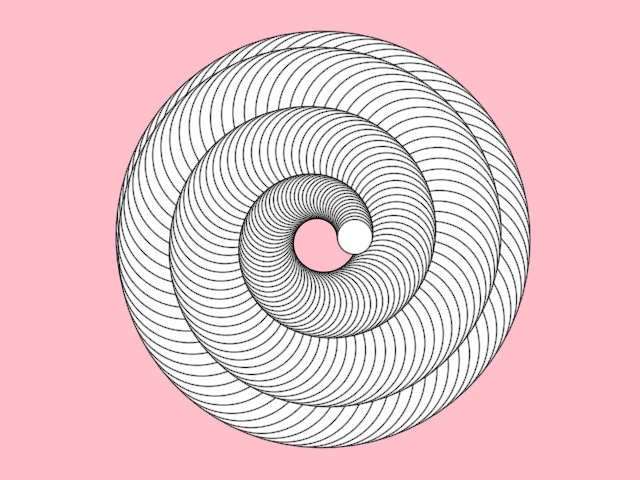
Demonstrates how to add content to and how to clear an existing Composition.
|
|
|
|
A number of circles are added when the program starts.
|
|
Dragging the mouse button adds more circles.
|
|
Right-clicking the mouse clears the Composition.
|
|
|
|
|
|
|
|
[source code](src/jvmDemo/kotlin/DemoCompositionDrawer04.kt)
|
|
|
|
### DemoCompositionDrawer05
|
|
|
|
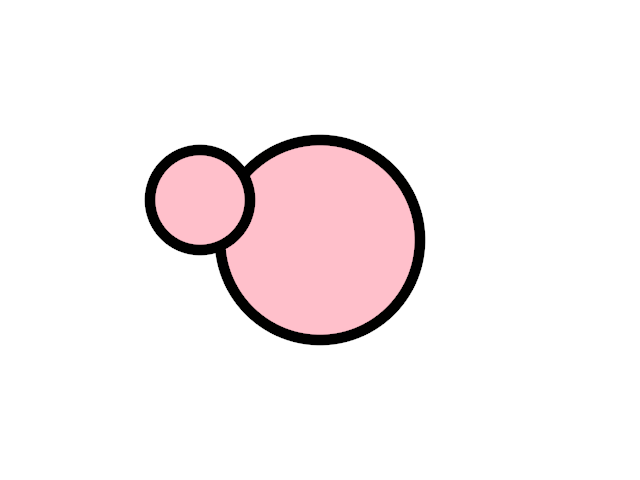
Demonstrates how to
|
|
|
|
- Create a Composition with a group
|
|
- Add XML attributes so the group appears as a layer in Inkscape
|
|
|
|
|
|
|
|
[source code](src/jvmDemo/kotlin/DemoCompositionDrawer05.kt)
|