
327 lines
10 KiB
Markdown
327 lines
10 KiB
Markdown
# orx-mesh-generators
|
|
|
|
3D-mesh generating functions and DSL.
|
|
|
|
## Simple meshes
|
|
|
|
```kotlin
|
|
// To create simple meshes
|
|
val sphere = sphereMesh(32, 32, 4.0)
|
|
val box = boxMesh(2.0, 4.0, 2.0)
|
|
val cylinder = cylinderMesh(radius = 0.5, length = 1.0, center = true)
|
|
val dodecahedron = dodecahedronMesh(0.5)
|
|
val plane = planeMesh(Vector3.ZERO, Vector3.UNIT_X, Vector3.UNIT_Y)
|
|
val disk = capMesh(sides = 15, radius = 0.5)
|
|
val tube = revolveMesh(sides = 15, length = 1.0)
|
|
|
|
// To draw the generated meshes
|
|
drawer.vertexBuffer(dodecahedron, DrawPrimitive.TRIANGLES)
|
|
```
|
|
|
|
## Complex triangular mesh generation
|
|
|
|
`orx-mesh-generators` comes with `buildTriangleMesh`, which
|
|
implements a [DSL](https://en.wikipedia.org/wiki/Domain-specific_language)
|
|
to construct 3D shapes.
|
|
|
|
To create shapes we can call methods like `box()`, `sphere()`,
|
|
`cylinder()`, `dodecahedron()`, `plane()`, `revolve()`,
|
|
`taperedCylinder()`, `hemisphere()` and `cap()`.
|
|
|
|
```kotlin
|
|
// Create a rotated box
|
|
val mesh = buildTriangleMesh {
|
|
rotate(Vector3.UNIT_Z, 45.0)
|
|
box()
|
|
}
|
|
```
|
|
|
|
We can also use methods like `translate()` and `rotate()` to create
|
|
more complex compositions. The `color` property sets the color of
|
|
the next mesh.
|
|
|
|
```kotlin
|
|
// Create a ring of boxes of various colors
|
|
val mesh = buildTriangleMesh {
|
|
repeat(12) {
|
|
// Take a small step
|
|
translate(2.0, 0.0, 0.0)
|
|
// Turn 30 degrees
|
|
rotate(Vector3.UNIT_Y, 30.0)
|
|
// Set a color
|
|
color = rgb(it / 11.0, 1.0, 1.0 - it / 11.0)
|
|
// Add a colored box
|
|
box(1.0, 1.0, 1.0)
|
|
}
|
|
}
|
|
```
|
|
|
|
`isolated { ... }` can be used to encapsulate transformations and
|
|
avoid them accumulating to unpredictable values.
|
|
|
|
```kotlin
|
|
val mesh = buildTriangleMesh {
|
|
repeat(10) { x ->
|
|
repeat(10) { y ->
|
|
isolated {
|
|
translate(x * 1.0, y * 1.0, 0.0)
|
|
sphere(8, 8, 0.1)
|
|
}
|
|
}
|
|
}
|
|
}
|
|
```
|
|
|
|
Other available methods are:
|
|
|
|
- `grid()`: creates a tri-dimensional grid of meshes.
|
|
- `extrudeShape()`: gives depth to 2D `Shape`.
|
|
- `twist()`: post-processing effect to twist a mesh around an axis.
|
|
- `extrudeContourSteps()`: uses Parallel Transport Frames to extrude a contour along a 3D path.
|
|
|
|
The [demo folder](src/jvmDemo/kotlin) contains examples using these methods.
|
|
|
|
Check out the [source code](src/commonMain/kotlin) to learn about function arguments.
|
|
|
|
<!-- __demos__ -->
|
|
## Demos
|
|
### decal/DemoDecal01
|
|
|
|
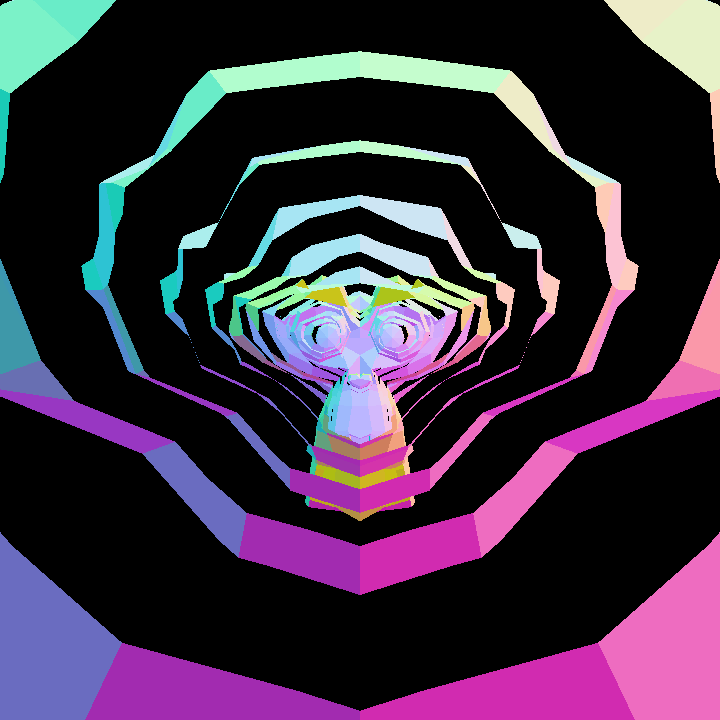
Demonstrate decal generator as an object slicer
|
|
|
|
|
|
|
|
|
|
[source code](src/jvmDemo/kotlin/decal/DemoDecal01.kt)
|
|
|
|
### decal/DemoDecal02
|
|
|
|
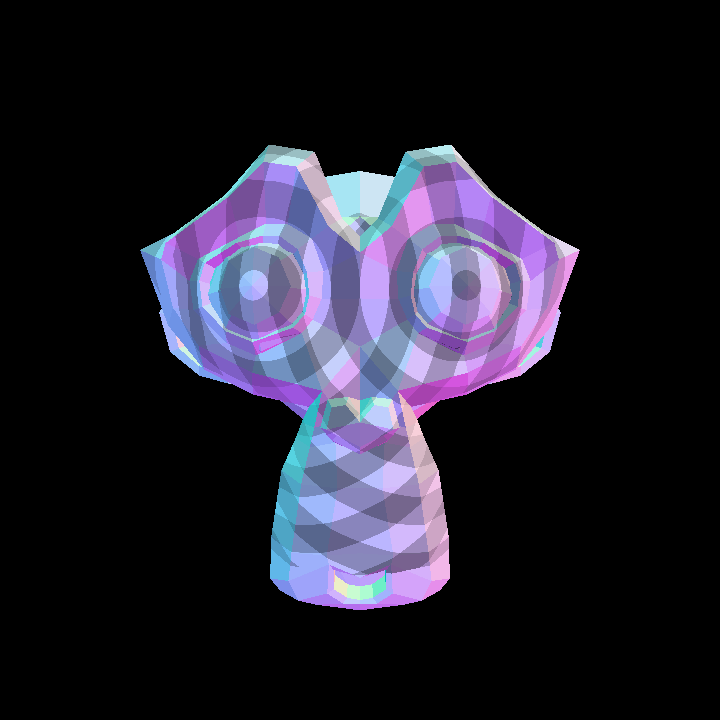
Demonstrate decal generation and rendering
|
|
|
|
|
|
|
|
|
|
[source code](src/jvmDemo/kotlin/decal/DemoDecal02.kt)
|
|
|
|
### DemoAll
|
|
|
|
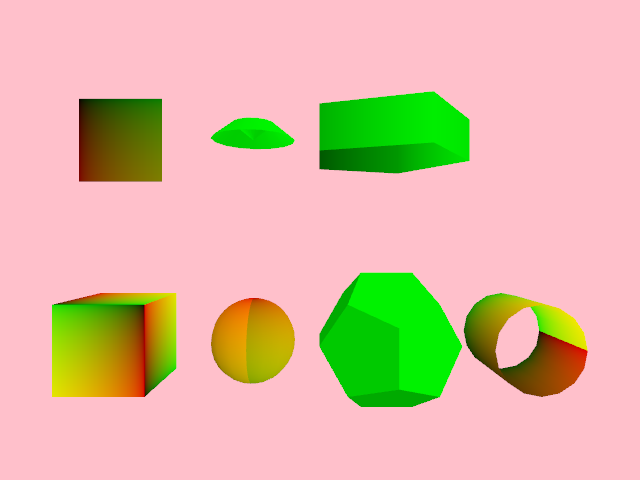
Demonstrates how to create various types of 3D meshes:
|
|
box, sphere, dodecahedron, cylinder, plane, cap and resolve.
|
|
|
|
Two textures are used: one generative with gradients, and the second
|
|
one is an image loaded from disk. The horizontal mouse position is used
|
|
to select which of the two textures to use.
|
|
|
|
The meshes are positioned in space using a 2D mesh, and displayed
|
|
rotating on the X and Y axes at different speeds.
|
|
|
|
|
|
|
|
[source code](src/jvmDemo/kotlin/DemoAll.kt)
|
|
|
|
### DemoBox
|
|
|
|
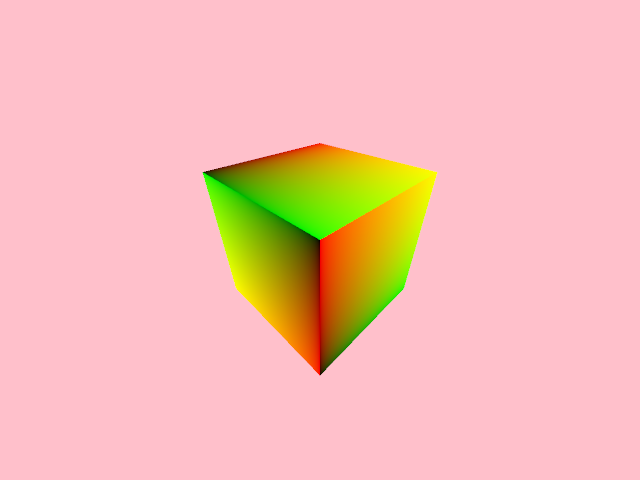
Demonstrates how to create a 3D mesh box by specifying its width, height and depth.
|
|
|
|
The `box` is a `VertexBuffer` and contains texture coordinates which can be
|
|
used to apply a texture to its faces.
|
|
|
|
After creating the box, the program creates a texture with a gradient.
|
|
In it, the red component increases along the x-axis and the green component
|
|
along the y-axis.
|
|
|
|
The scene is rendered with an interactive `Orbital` 3D camera.
|
|
|
|
A shade style is used to apply the texture to the box.
|
|
|
|
|
|
|
|
|
|
[source code](src/jvmDemo/kotlin/DemoBox.kt)
|
|
|
|
### DemoComplex01
|
|
|
|
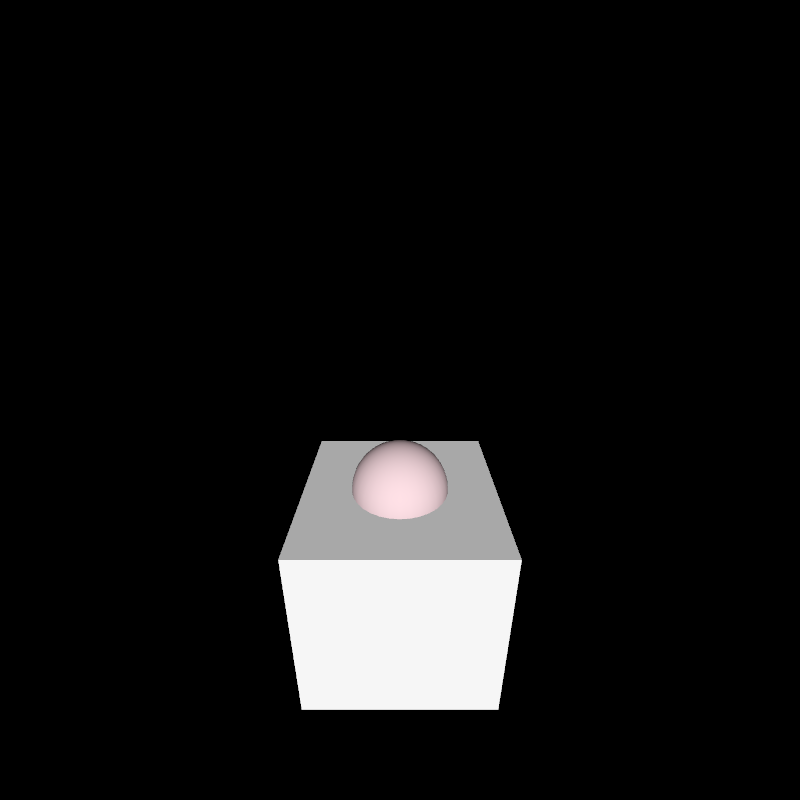
Demonstrates how to use `buildTriangleMesh` to construct composite 3D meshes.
|
|
|
|
A DSL allows specifying the color and transformations of each mesh, in this case,
|
|
of a sphere and a box.
|
|
|
|
An interactive 3D Orbital camera is defined, specifying the location of its `eye` and
|
|
`lookAt` properties.
|
|
|
|
A minimal shade style is used to simulate a uni-directional light pointing along the view Z axis.
|
|
|
|
|
|
|
|
[source code](src/jvmDemo/kotlin/DemoComplex01.kt)
|
|
|
|
### DemoComplex02
|
|
|
|
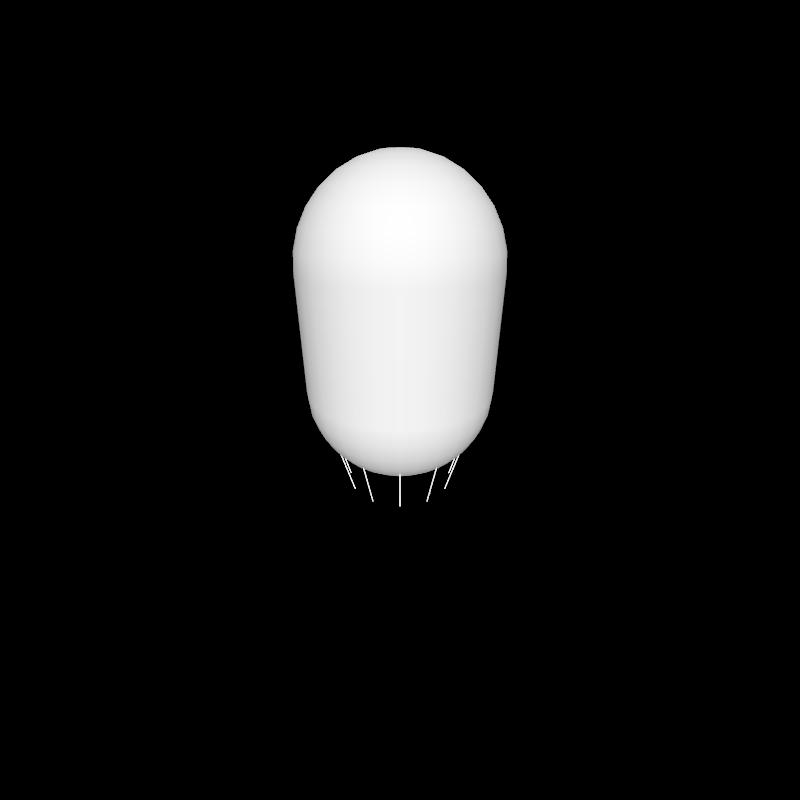
Demonstrates the creation of a 3D mesh composed of two hemispheres, a cylinder and 12 legs.
|
|
|
|
|
|
|
|
[source code](src/jvmDemo/kotlin/DemoComplex02.kt)
|
|
|
|
### DemoComplex03
|
|
|
|
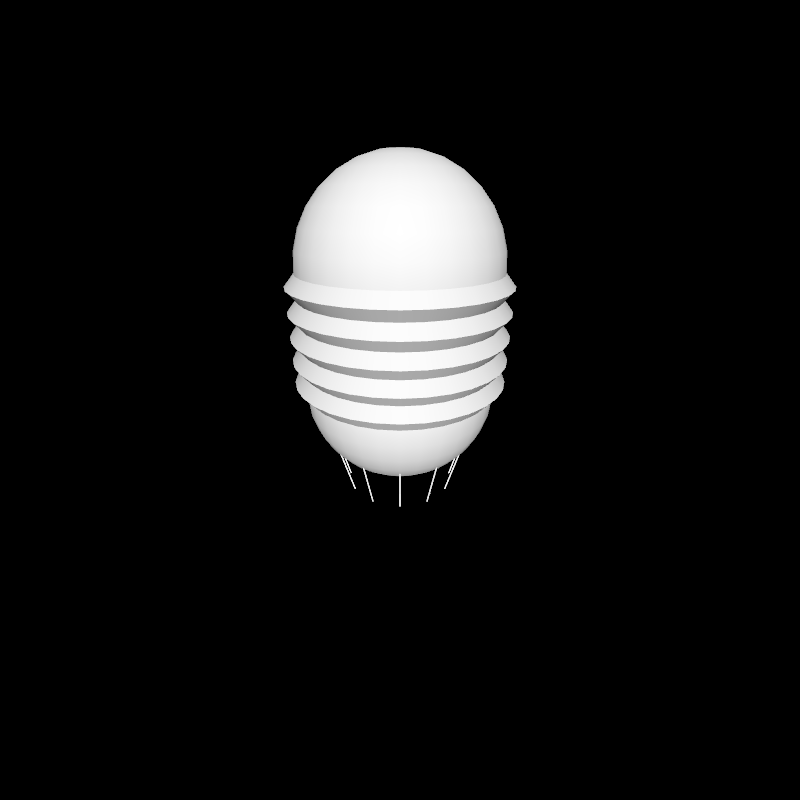
Demonstrates the creation of a 3D mesh composed of two hemispheres, a cylinder and 12 legs.
|
|
Additionally, the body of the shape features 5 ridges on the sides
|
|
of the cylinder.
|
|
|
|
The code reveals DSL keywords under `buildTriangleMesh`
|
|
affecting transformation matrices, for instance `isolated`, `translate` and `rotate`,
|
|
and mesh generating keywords like
|
|
`hemisphere`, `taperedCylinder` and `cylinder`.
|
|
|
|
|
|
|
|
[source code](src/jvmDemo/kotlin/DemoComplex03.kt)
|
|
|
|
### DemoComplex04
|
|
|
|
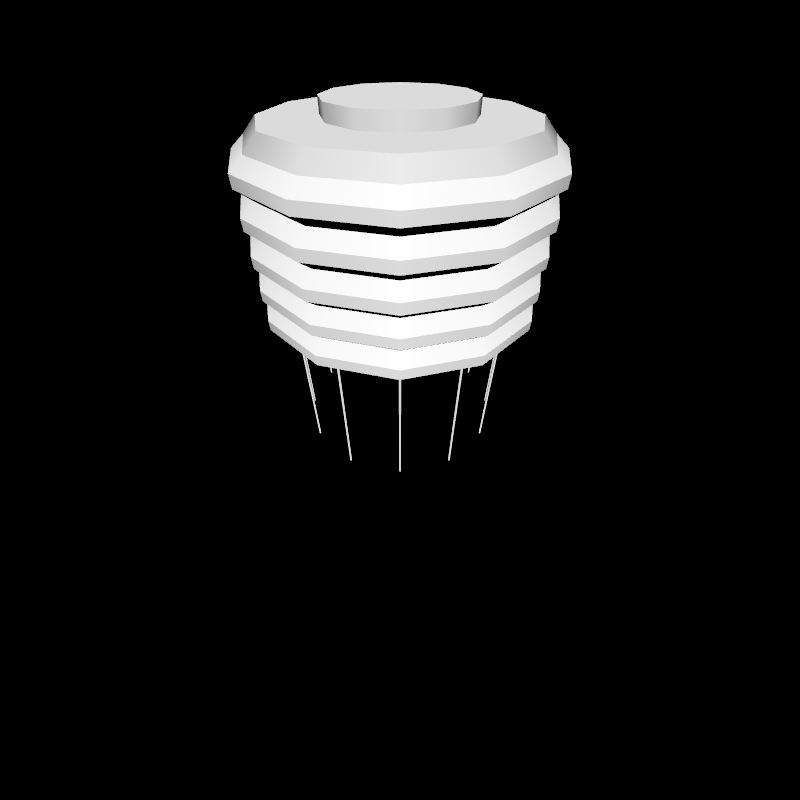
Demonstrates the use of `buildTriangleMesh` to create
|
|
a composite 3D mesh and introduces a new mesh generating keyword:
|
|
`cap`.
|
|
|
|
|
|
|
|
[source code](src/jvmDemo/kotlin/DemoComplex04.kt)
|
|
|
|
### DemoComplex05
|
|
|
|
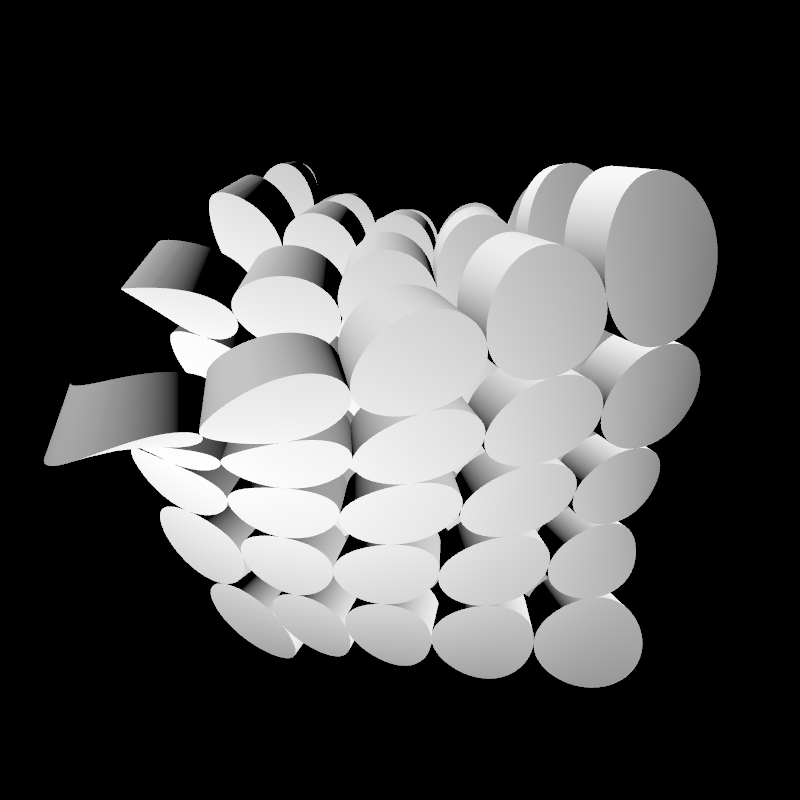
Demonstrates how to create a 3D grid of extruded shapes
|
|
(short cylinders), then applies three 3D twists to the
|
|
composition to deform it.
|
|
|
|
|
|
|
|
|
|
[source code](src/jvmDemo/kotlin/DemoComplex05.kt)
|
|
|
|
### DemoComplex06
|
|
|
|
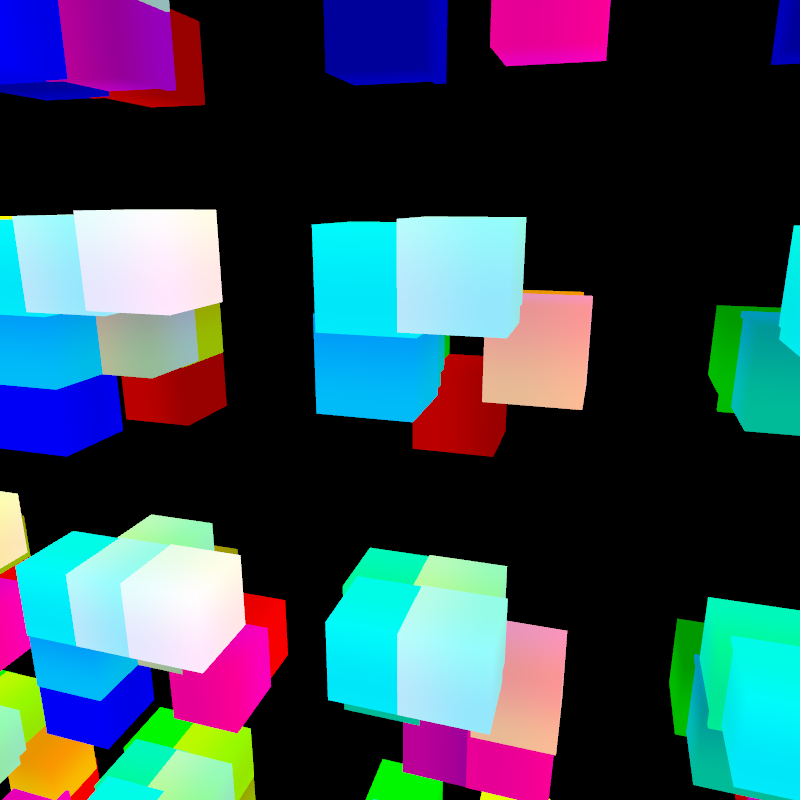
Generates a grid of grids of 3D boxes using `buildTriangleMesh` and
|
|
renders them using an interactive orbital camera.
|
|
|
|
The cubes ar colorized using a shade style that sets colors based
|
|
on vertex positions in space, converting XYZ coordinates into RGB colors.
|
|
|
|
|
|
|
|
|
|
[source code](src/jvmDemo/kotlin/DemoComplex06.kt)
|
|
|
|
### DemoExtrude01
|
|
|
|
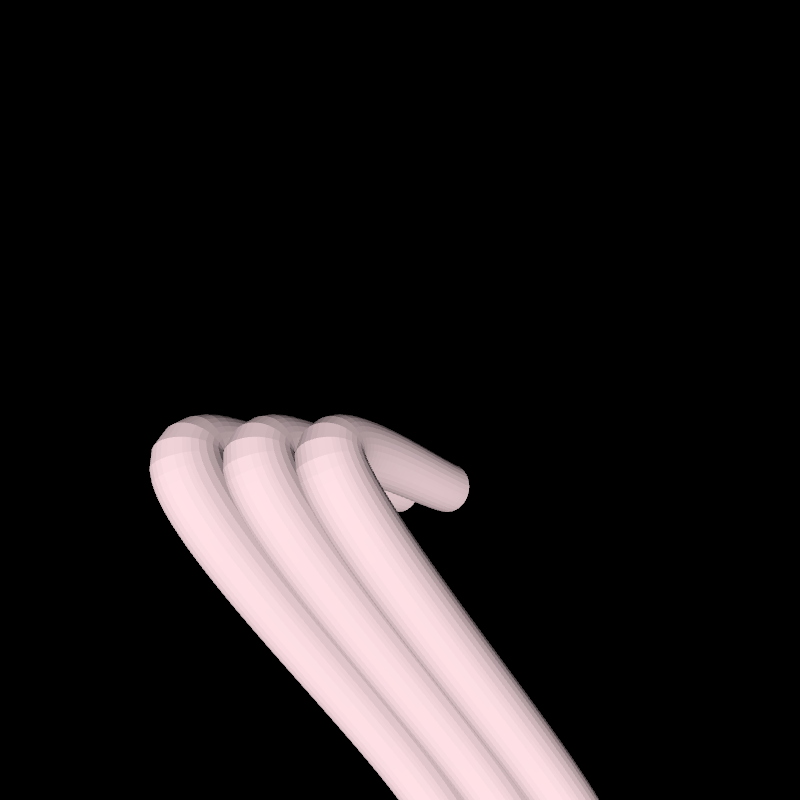
Demonstrates how to create curved tubes by extruding
|
|
a circular contour along a 3D catmullRom-path
|
|
using [buildTriangleMesh] and [extrudeContourSteps].
|
|
|
|
The result is a [org.openrndr.draw.VertexBuffer] which can be rendered with
|
|
`drawer.vertexBuffer()`.
|
|
An [Orbital] camera makes the scene interactive. A minimal `shadeStyle` is used
|
|
to simulate a directional light.
|
|
|
|
|
|
|
|
[source code](src/jvmDemo/kotlin/DemoExtrude01.kt)
|
|
|
|
### DemoExtrude02
|
|
|
|
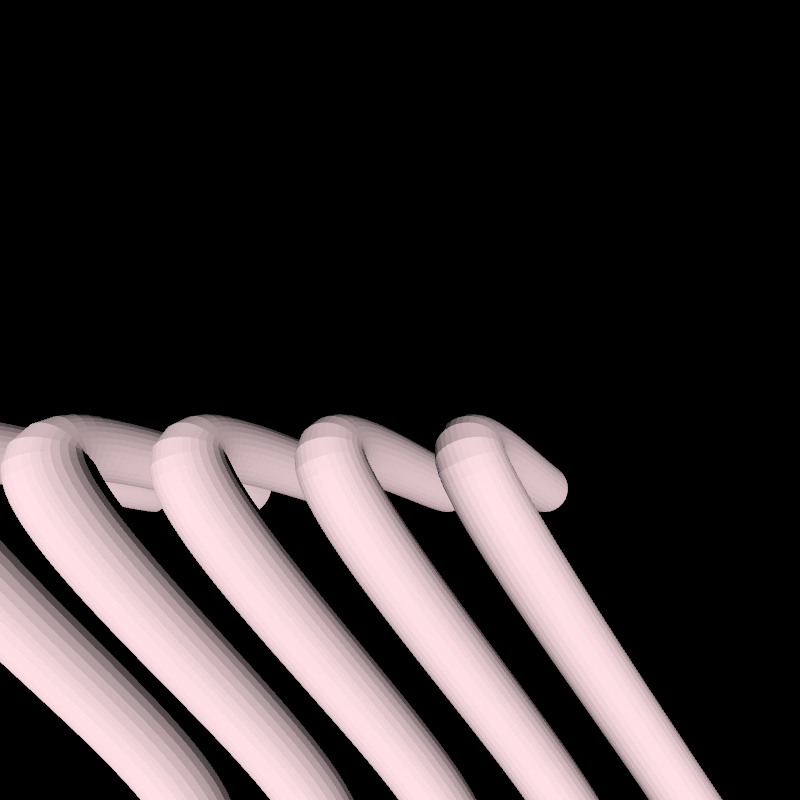
Demonstrates how to create hollow tubes with thickness by extruding
|
|
a circular [Shape] built out of two concentric circular contours.
|
|
Note that the inner contour is reversed.
|
|
|
|
The result is a [org.openrndr.draw.VertexBuffer] which can be rendered with
|
|
`drawer.vertexBuffer()`.
|
|
An [Orbital] camera makes the scene interactive. A minimal `shadeStyle` is used
|
|
to simulate a directional light.
|
|
|
|
|
|
|
|
[source code](src/jvmDemo/kotlin/DemoExtrude02.kt)
|
|
|
|
### DemoExtrude03
|
|
|
|
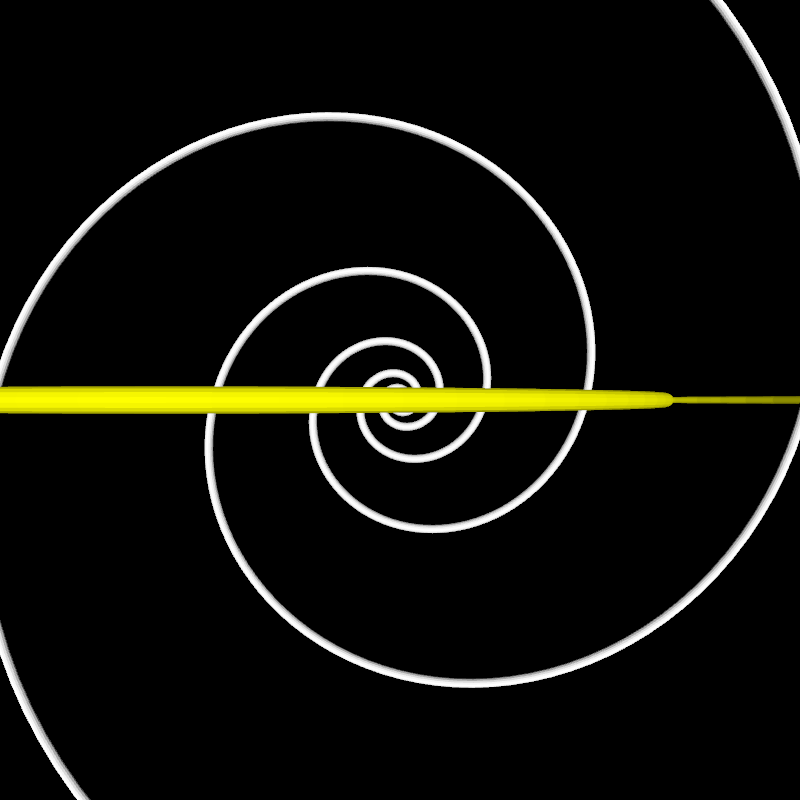
Demonstration creating two intersecting spirals
|
|
using [buildTriangleMesh] and [extrudeContourAdaptive].
|
|
This approach generates as many vertices as needed
|
|
based on the provided tolerance.
|
|
|
|
The result is a [org.openrndr.draw.VertexBuffer] which can be rendered with
|
|
`drawer.vertexBuffer()`.
|
|
|
|
The [Orbital] camera slowly rotates on its own while
|
|
still being interactive.
|
|
A minimal `shadeStyle` is used to simulate a directional light.
|
|
|
|
|
|
|
|
[source code](src/jvmDemo/kotlin/DemoExtrude03.kt)
|
|
|
|
### DemoExtrude04
|
|
|
|
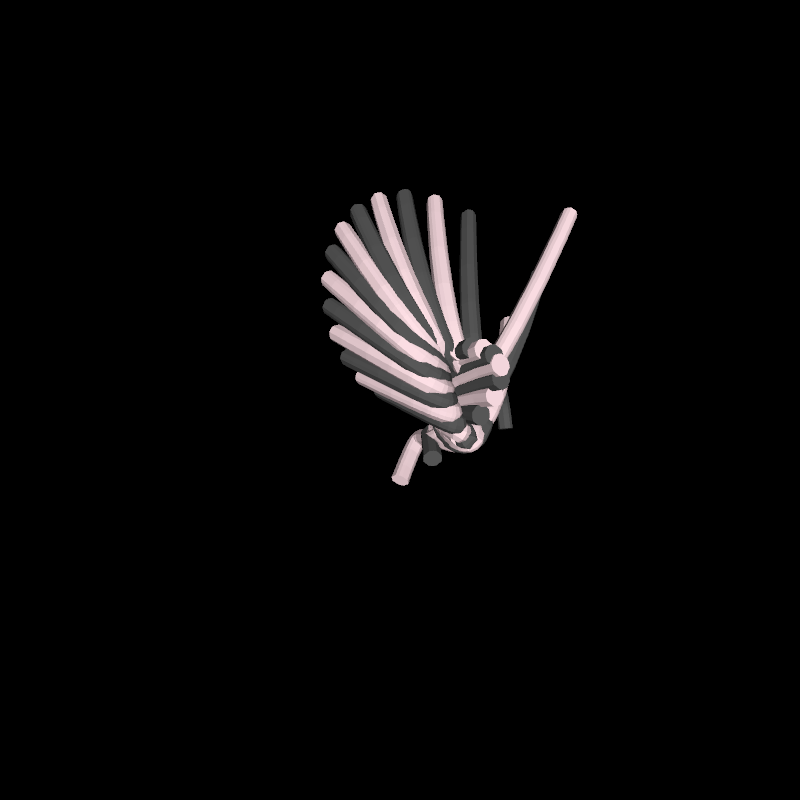
A series of 3D Bézier tubes grown on an animated,
|
|
morphing, invisible Bézier surface.
|
|
|
|
As if we were drawing a series of parallel lines
|
|
on a piece of paper, then twisting and bending
|
|
that paper over time.
|
|
|
|
Demonstrates how to destroy a [org.openrndr.draw.VertexBuffer]
|
|
on every animation frame to avoid filling out the memory.
|
|
|
|
|
|
|
|
|
|
[source code](src/jvmDemo/kotlin/DemoExtrude04.kt)
|
|
|
|
### DemoExtrude05
|
|
|
|
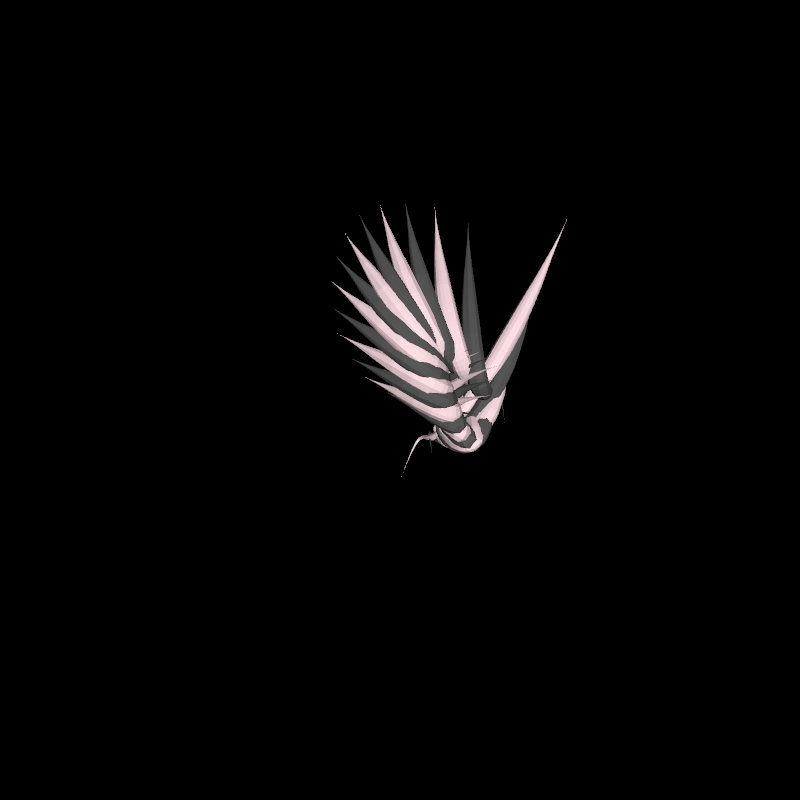
A series of 3D Bézier tubes grown on an animated,
|
|
morphing, invisible Bézier surface.
|
|
|
|
This variation uses [extrudeContourStepsScaled] to
|
|
apply a varying scaling to the cross-sections,
|
|
making the ends shrink to a hairline.
|
|
|
|
Calls `destroy` on the [org.openrndr.draw.VertexBuffer]
|
|
on every animation frame to free the used memory.
|
|
|
|
|
|
|
|
|
|
[source code](src/jvmDemo/kotlin/DemoExtrude05.kt)
|
|
|
|
### DemoExtrude06
|
|
|
|
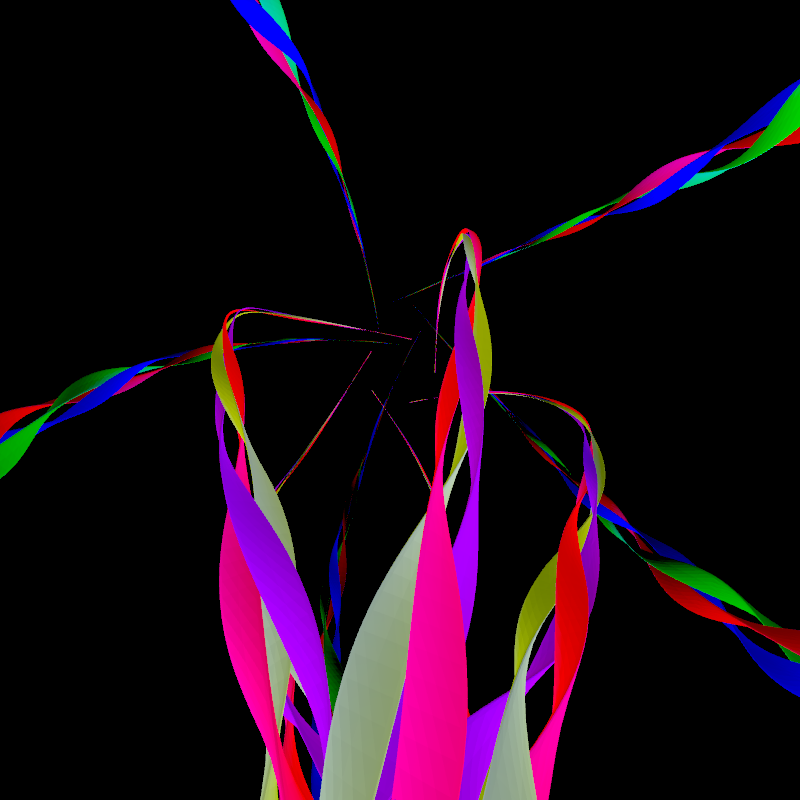
Demo [extrudeContourStepsMorphed] which allows creating a mesh with an animated, morphing cross-section
|
|
based on the t value along a [Path3D]. In other words, a tube in which the cross-section does not need
|
|
to be constant, but can be scaled, rotated and displaced along its curved axis.
|
|
|
|
Loads a texture and applies a repeat-wrapping mode to it.
|
|
The texture can be enabled in the GLSL code inside
|
|
the shadeStyle.
|
|
|
|
The mesh is rendered 5 times rotated around axis Z
|
|
for a radial-symmetry effect.
|
|
|
|
|
|
|
|
[source code](src/jvmDemo/kotlin/DemoExtrude06.kt)
|
|
|
|
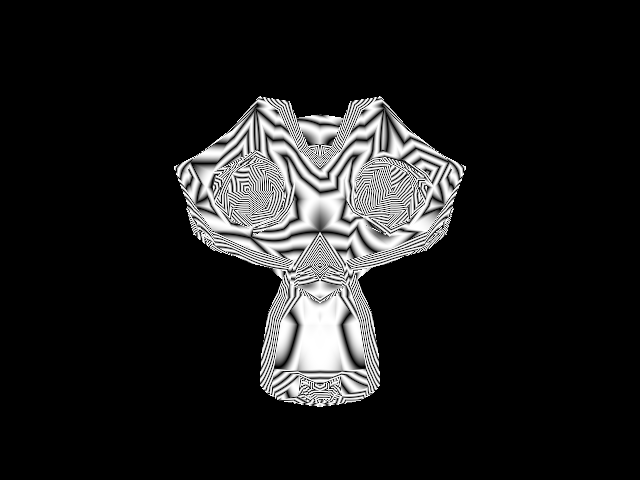
### tangents/DemoTangents01
|
|
|
|
Tangent and bitangent vectors are used in shader programs for tangent space normal mapping / lighting
|
|
and certain forms of displacement mapping.
|
|
|
|
This demo shows:
|
|
- how to create a triangulated `MeshData`.
|
|
- how to estimate the tangents of this MeshData.
|
|
- How to use the tangent and bitangent attributes in GLSL code.
|
|
|
|
|
|
|
|
[source code](src/jvmDemo/kotlin/tangents/DemoTangents01.kt)
|