
740 lines
28 KiB
Markdown
740 lines
28 KiB
Markdown
# orx-shapes
|
|
|
|
Collection of 2D shape generators and modifiers.
|
|
|
|
<!-- __demos__ -->
|
|
## Demos
|
|
### adjust/DemoAdjustContour01
|
|
|
|
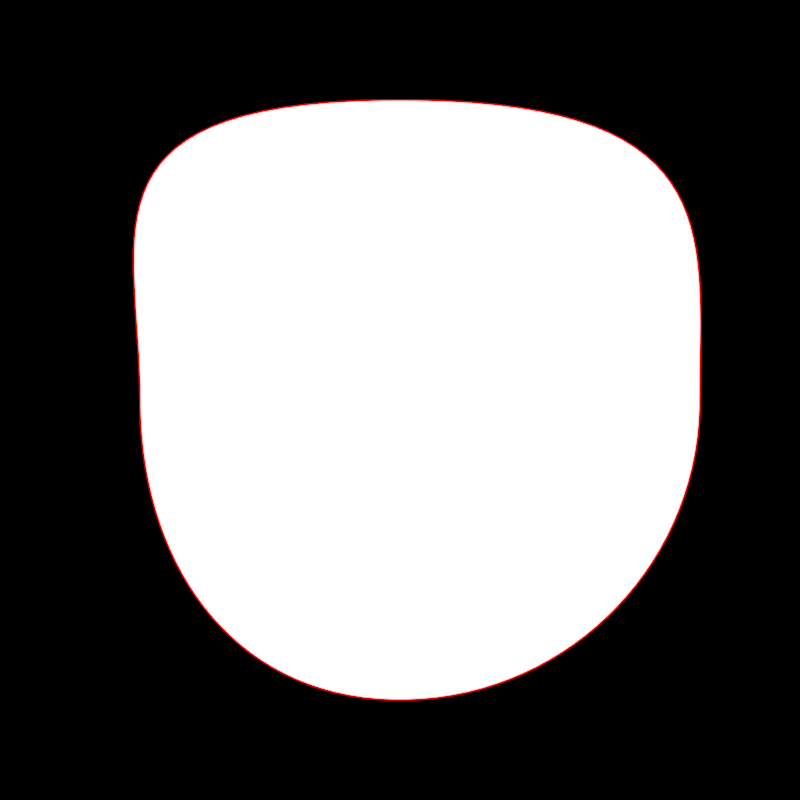
Demonstrates how to use `adjustContour` to select and modify three vertices
|
|
in a circular contour. In OPENRNDR circles contain 4 cubic bézier
|
|
segments connecting 4 vertices.
|
|
|
|
On every animation frame the circular contour is created and transformed
|
|
using sines, cosines and the variable `seconds` for an animated effect.
|
|
|
|
|
|
|
|
[source code](src/jvmDemo/kotlin/adjust/DemoAdjustContour01.kt)
|
|
|
|
### adjust/DemoAdjustContour02
|
|
|
|
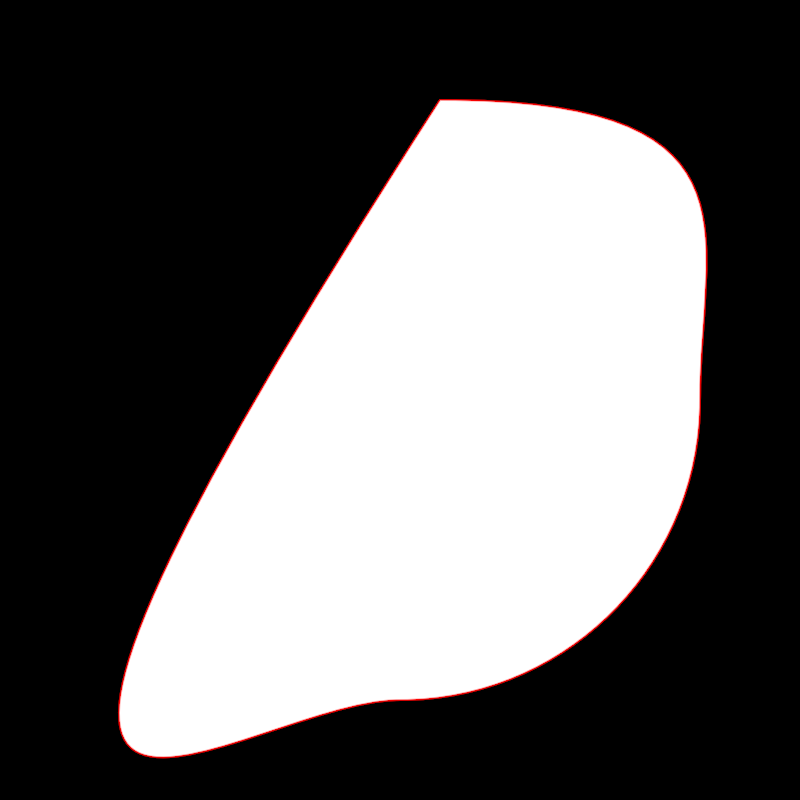
Demonstrates how to use `adjustContour` to select and remove vertex 0
|
|
from a circular contour, then select and animate the position and scale the new vertex 0.
|
|
|
|
|
|
|
|
[source code](src/jvmDemo/kotlin/adjust/DemoAdjustContour02.kt)
|
|
|
|
### adjust/DemoAdjustContour03
|
|
|
|
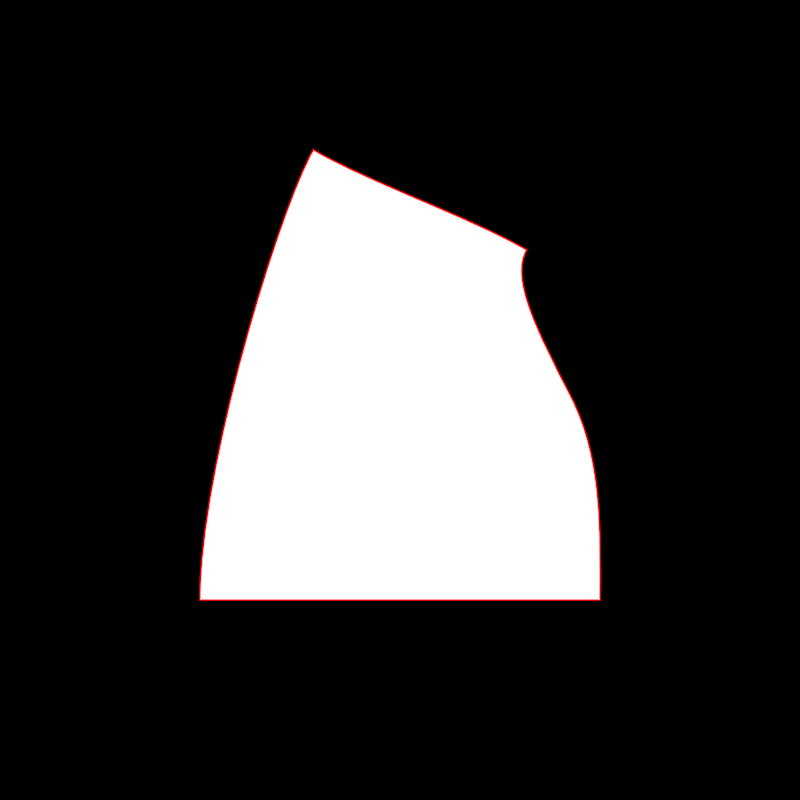
Demonstrates how to select and alter the edges of a rectangle.
|
|
|
|
The rectangle is a scaled-down version window bounds.
|
|
|
|
By default, the edges of a rectangular contour are linear, so the `edge.toCubic()` method
|
|
is called to make it possible to bend them.
|
|
|
|
Then various edges are selected one by one and transformed over time using operations like
|
|
scale, rotate, splitAt and moveBy.
|
|
|
|
|
|
|
|
|
|
[source code](src/jvmDemo/kotlin/adjust/DemoAdjustContour03.kt)
|
|
|
|
### adjust/DemoAdjustContour04
|
|
|
|
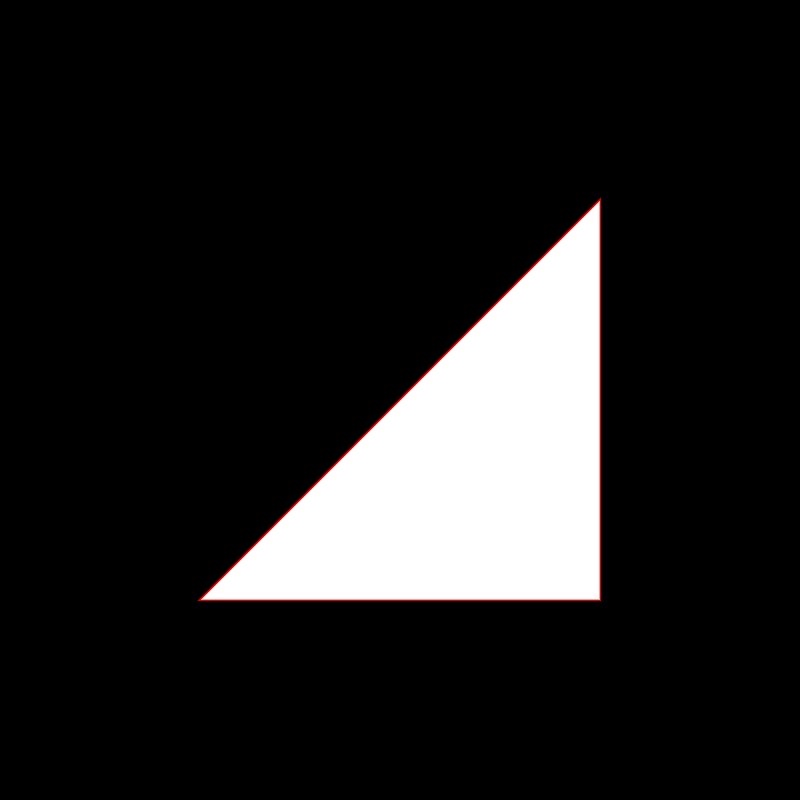
Demonstrates an `adjustContour` animated effect where edge 0 of a contour
|
|
is replaced by a point sampled on that edge. The specific edge point oscillates between
|
|
0.0 (at the start of the segment) and 1.0 (at the end) using a cosine and the `seconds` variable.
|
|
|
|
The base contour used for the effect alternates every second
|
|
between a rectangular and a circular contour.
|
|
|
|
|
|
|
|
|
|
[source code](src/jvmDemo/kotlin/adjust/DemoAdjustContour04.kt)
|
|
|
|
### adjust/DemoAdjustContour05
|
|
|
|
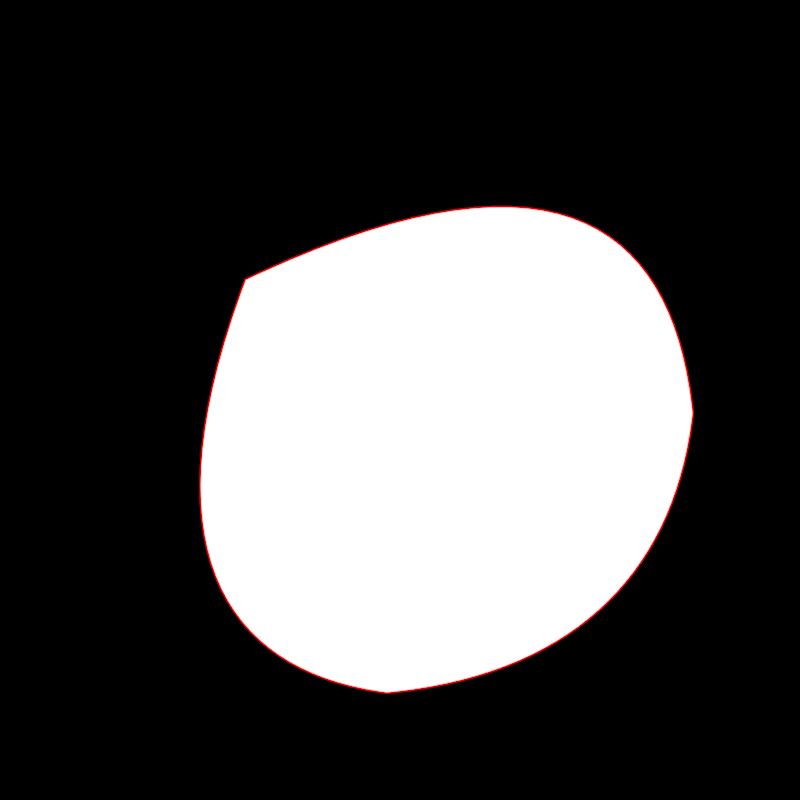
Demonstrates animated modifications to a circular contour using `adjustContour`.
|
|
|
|
The application creates a circular contour and dynamically alters its edges
|
|
based on the current time in seconds. Each edge of the contour is selected
|
|
and transformed through a series of operations:
|
|
|
|
- The currently active edge (based on time modulo 4) is replaced with a point at 0.5.
|
|
- All other edges are reshaped by reducing their length dynamically, with the reduction
|
|
calculated using a cosine function involving the current time in seconds.
|
|
|
|
The resulting contour is then drawn with a red stroke color.
|
|
|
|
|
|
|
|
[source code](src/jvmDemo/kotlin/adjust/DemoAdjustContour05.kt)
|
|
|
|
### adjust/DemoAdjustContour06
|
|
|
|
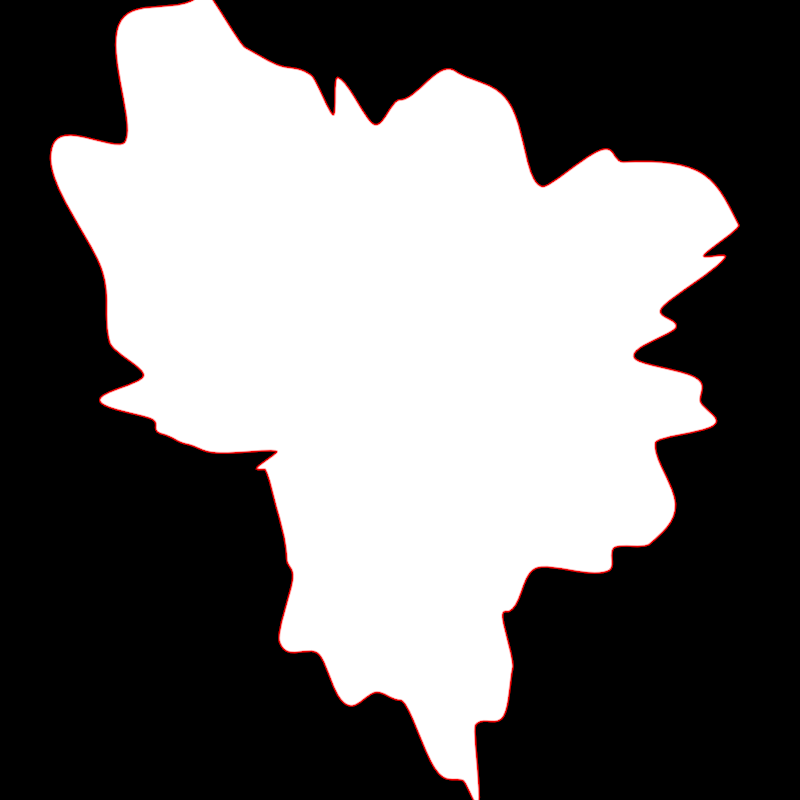
Demonstrates the use of `adjustContour`
|
|
to create an animated effect where edges are split, vertices are selected,
|
|
and transformations such as scaling are applied.
|
|
|
|
The program creates a circular contour which is modified on each animation frame.
|
|
|
|
- Edges of the circular contour are split dynamically based on a time-based cosine function.
|
|
- Newly created vertices are selected and scaled around the center of the contour
|
|
using time-dependent transformations.
|
|
|
|
The selection of vertices happens automatically thanks to
|
|
`parameters.clearSelectedVertices` and `parameters.selectInsertedVertices`
|
|
|
|
The modified animated contour is finally drawn.
|
|
|
|
|
|
|
|
[source code](src/jvmDemo/kotlin/adjust/DemoAdjustContour06.kt)
|
|
|
|
### adjust/DemoAdjustContour07
|
|
|
|
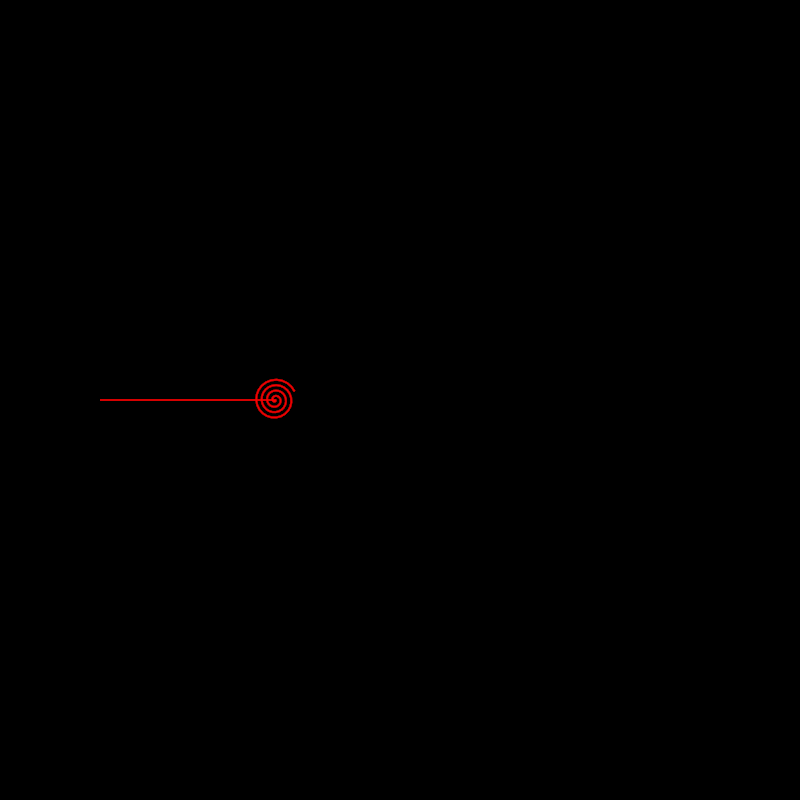
Demonstrates how to create and manipulate a contour dynamically using the `adjustContour` function.
|
|
|
|
The program initializes a simple linear contour and applies transformations to it on each animation frame:
|
|
- The only edge of the contour is split into many equal parts.
|
|
- A value between 0 and 1 is calculated based on the cosine of the current time in seconds.
|
|
- That value is used to calculate an anchor point and to select all vertices to its right
|
|
- The selected vertices are rotated around an anchor, as if rolling a straight line into a spiral.
|
|
|
|
|
|
|
|
[source code](src/jvmDemo/kotlin/adjust/DemoAdjustContour07.kt)
|
|
|
|
### adjust/DemoAdjustContour08
|
|
|
|
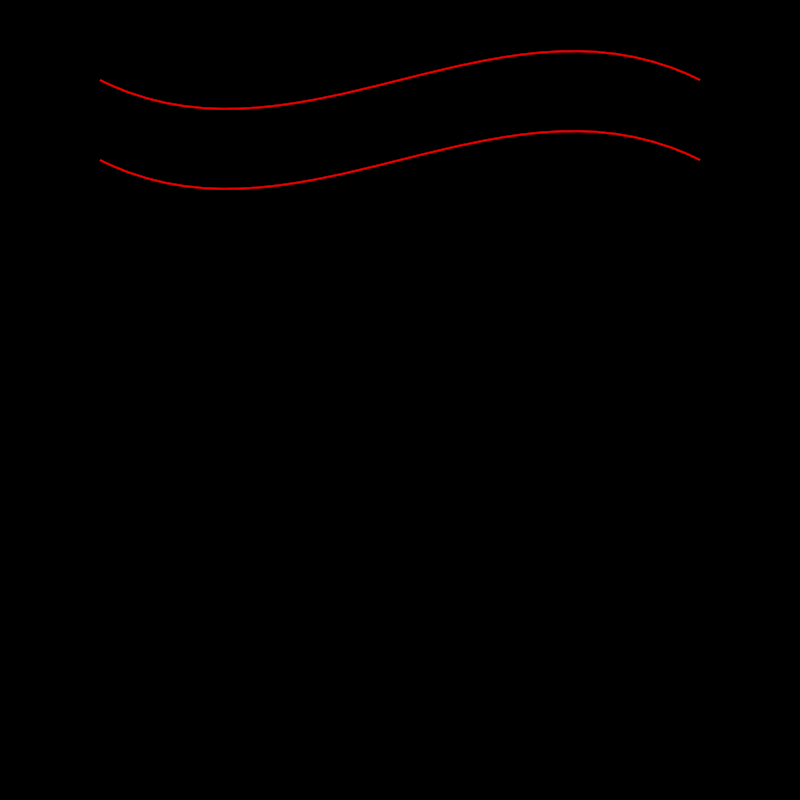
Demonstrates how to adjust and manipulate the vertices and edges of a contour.
|
|
|
|
This method shows two approaches for transforming contours:
|
|
|
|
1. Adjusting vertices directly by selecting specific vertices in a contour and modifying their control points.
|
|
2. Adjusting edges of a contour by transforming their control points.
|
|
|
|
For each approach, a red line is drawn representing the transformed contour.
|
|
|
|
|
|
|
|
[source code](src/jvmDemo/kotlin/adjust/DemoAdjustContour08.kt)
|
|
|
|
### adjust/DemoAdjustContour09
|
|
|
|
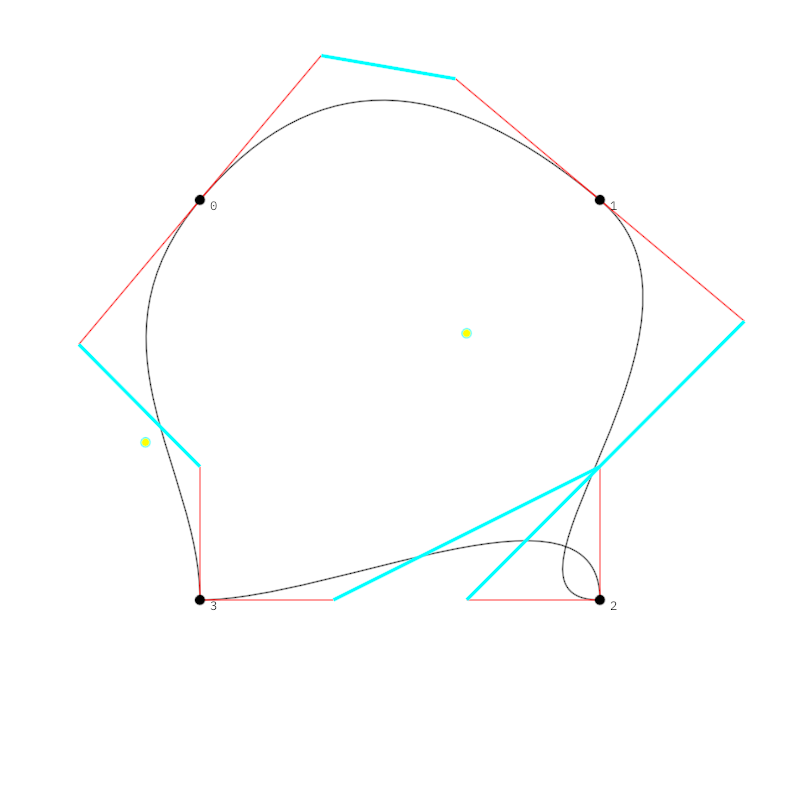
Demonstrates how to manipulate a contour by adjusting and transforming its vertices
|
|
and edges, and subsequently visualizing the result using different drawing styles.
|
|
|
|
The program creates a rectangular contour derived by shrinking the bounds of the drawing area.
|
|
It then applies multiple transformations to selected vertices. These transformations include:
|
|
|
|
- Averaging tangents for selected vertices
|
|
- Scaling and rotating vertex positions based on the horizontal mouse position
|
|
- Switching tangents for specific vertices
|
|
|
|
The resulting contour is drawn in black. Additionally:
|
|
|
|
- Control line segments are visualized in red, connecting segment endpoints to control points.
|
|
- Vertices are numbered and highlighted with black-filled circles.
|
|
- Tunni lines, which represent optimized control line placements, are visualized in cyan.
|
|
- Tunni points, marking the Tunni line's control, are emphasized with yellow-filled circles.
|
|
|
|
|
|
|
|
|
|
[source code](src/jvmDemo/kotlin/adjust/DemoAdjustContour09.kt)
|
|
|
|
### adjust/DemoAdjustContourContinue01
|
|
|
|
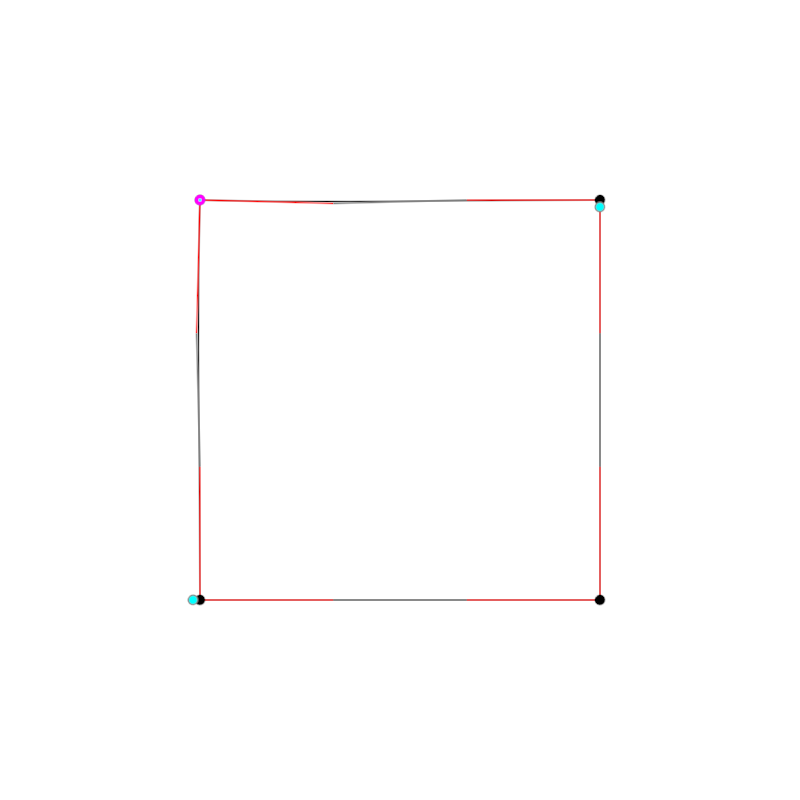
Demonstrates how to adjust and animate contour segments and vertices.
|
|
|
|
The method initially creates a contour by offsetting the edges of the window's bounds. A process is
|
|
defined to sequence through various transformations on the contour, such as selecting edges, selecting
|
|
vertices, rotating points, or modifying segment attributes based on mathematical transformations.
|
|
|
|
The adjusted contour and its modified segments and vertices are iterated through a sequence
|
|
and updated in real time. Rendering involves visualizing the contour, its control points, the
|
|
Tunni lines, Tunni points, as well as the selected segments and points with distinct styles
|
|
for better visualization.
|
|
|
|
The complex animation sequence is implemented using coroutines. Two loops in the code alternate
|
|
between rotating vertices and adjusting Tunni lines while the `extend` function takes care of
|
|
rendering the composition in its current state.
|
|
|
|
The core elements to study to in this demo are `adjustContourSequence` and `launch`.
|
|
|
|
|
|
|
|
[source code](src/jvmDemo/kotlin/adjust/DemoAdjustContourContinue01.kt)
|
|
|
|
### alphashape/DemoAlphaShape01
|
|
|
|
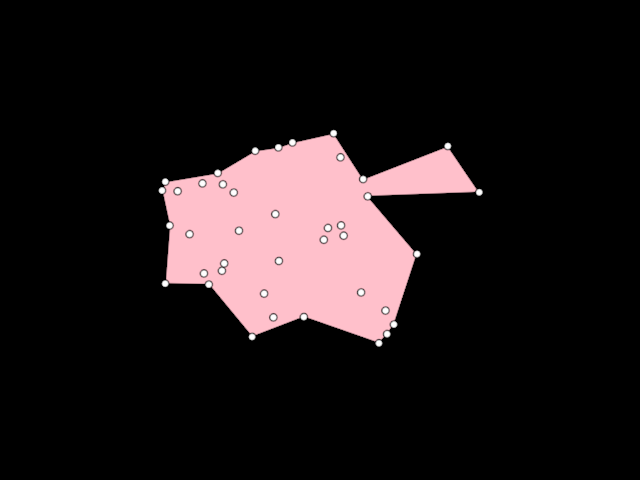
Demonstrates the use of [AlphaShape] to create a [org.openrndr.shape.ShapeContour] out
|
|
of a collection of random [Vector2] points. Unlike the convex hull, an Alpha shape can be concave.
|
|
|
|
More details in [WikiPedia](https://en.wikipedia.org/wiki/Alpha_shape)
|
|
|
|
|
|
|
|
[source code](src/jvmDemo/kotlin/alphashape/DemoAlphaShape01.kt)
|
|
|
|
### alphashape/DemoAlphaShape02
|
|
|
|
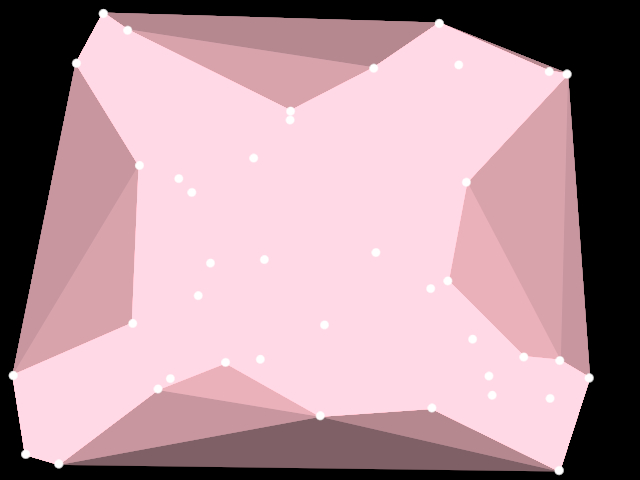
Demonstrates the use of [AlphaShape] to create ten
|
|
[org.openrndr.shape.ShapeContour] instances out of a collection of random [Vector2] points.
|
|
|
|
The same points are used for each contour, but an increased alpha parameter
|
|
is passed to the AlphaShape algorithm. Higher values return more convex shapes
|
|
= shapes with a larger surface.
|
|
|
|
The list of shapes is reversed to draw the smaller contours on top, otherwise only
|
|
the last one would be visible.
|
|
|
|
An instance of [Random] with a fixed seed is used to ensure the resulting
|
|
random shape is always the same.
|
|
|
|
|
|
|
|
[source code](src/jvmDemo/kotlin/alphashape/DemoAlphaShape02.kt)
|
|
|
|
### arrangement/DemoArrangement01
|
|
|
|
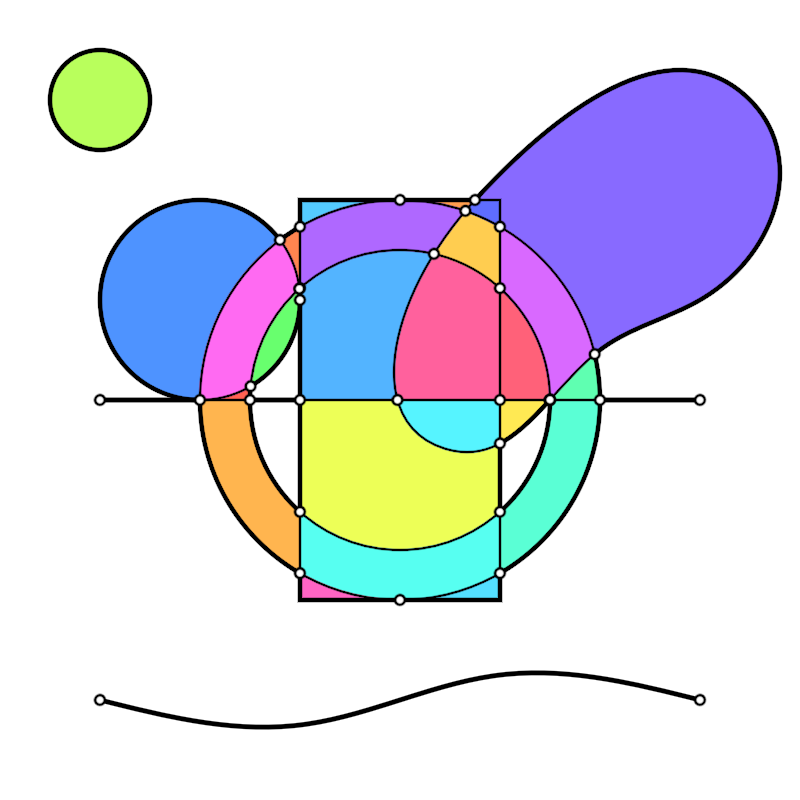
Demonstrates the use of Arrangement to create a 2D arrangement of shapes.
|
|
|
|
The Arrangement constructor takes as arguments instances of [org.openrndr.shape.ShapeProvider]s.
|
|
|
|
Once constructed, we can request `originFaces`, `edges`, `vertices`, `boundaries` and `holes`,
|
|
to render or manipulate them further as needed.
|
|
|
|
|
|
|
|
[source code](src/jvmDemo/kotlin/arrangement/DemoArrangement01.kt)
|
|
|
|
### arrangement/DemoArrangement02
|
|
|
|
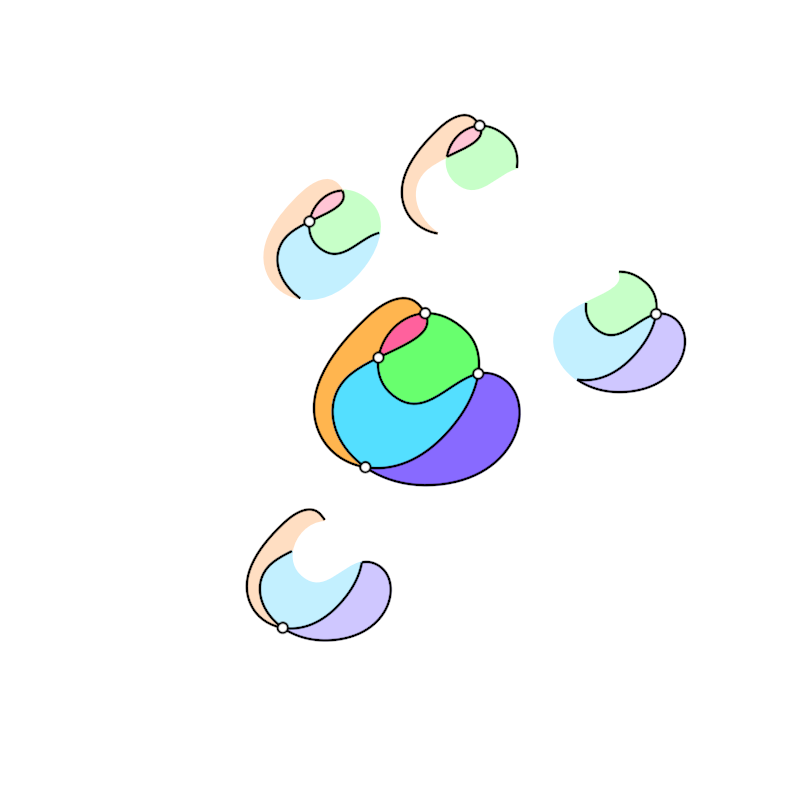
Demonstrates the use of Arrangement to create a 2D arrangement of shapes using a self-intersecting curve.
|
|
|
|
For self-intersections we need to pass the same curve twice as arguments to Arrangement.
|
|
The specific curve used results in 4 intersection points.
|
|
|
|
This demo shows how we can query and visualize the neighborhoods of those 4 vertices.
|
|
|
|
|
|
|
|
[source code](src/jvmDemo/kotlin/arrangement/DemoArrangement02.kt)
|
|
|
|
### arrangement/DemoArrangement04
|
|
|
|
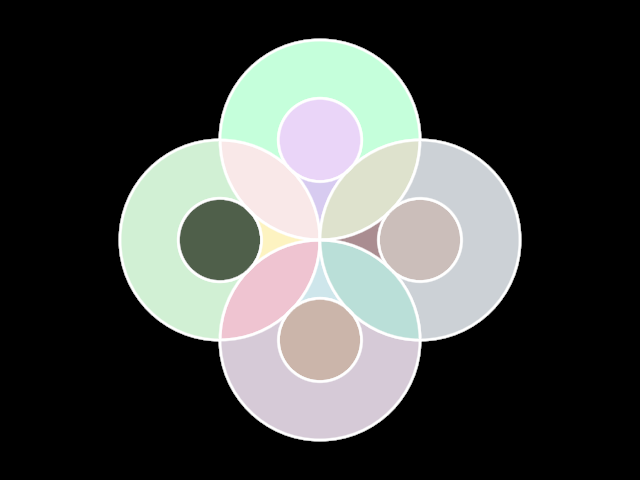
Demonstrates using the `boundedFaces` collection available in Arrangements.
|
|
|
|
`boundedFaces` elements have a `contour` property, while `unboundedFaces` do not.
|
|
|
|
In this example, `faces` contains 25 items: 24 `bounded` and 1 `unbounded` faces.
|
|
|
|
|
|
|
|
[source code](src/jvmDemo/kotlin/arrangement/DemoArrangement04.kt)
|
|
|
|
### bezierpatch/DemoBezierPatch01
|
|
|
|
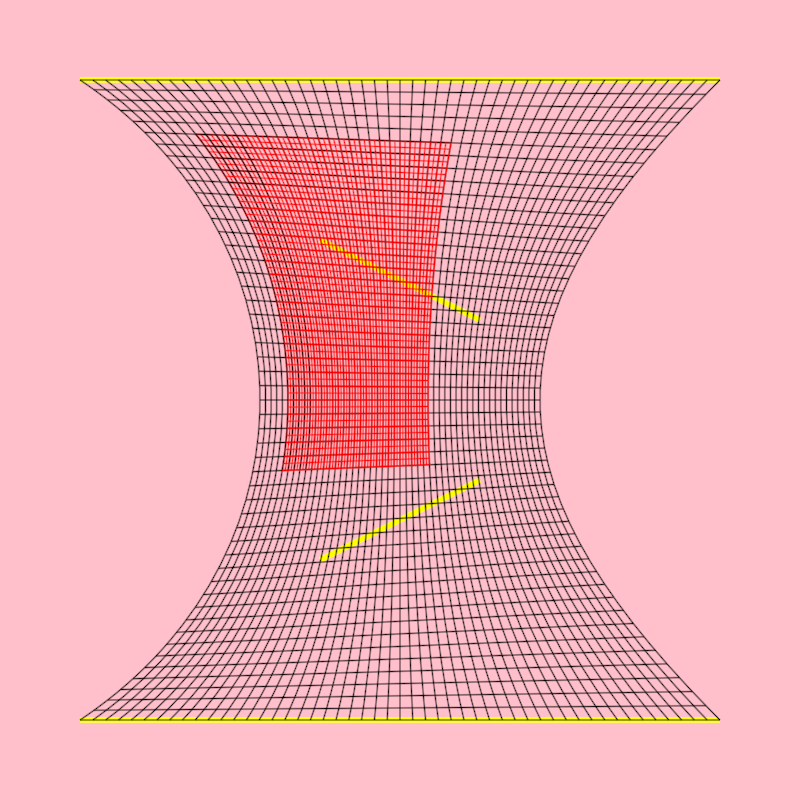
Shows how to
|
|
- create a [bezierPatch] out of 4 [LineSegment]
|
|
- create a sub-patch out of a [bezierPatch]
|
|
- create horizontal and vertical [ShapeContour]s out of [bezierPatch]es
|
|
|
|
The created contours are horizontal and vertical in "bezier-patch space" but
|
|
are rendered deformed following the shape of the bezier patch.
|
|
|
|
|
|
|
|
[source code](src/jvmDemo/kotlin/bezierpatch/DemoBezierPatch01.kt)
|
|
|
|
### bezierpatch/DemoBezierPatch02
|
|
|
|
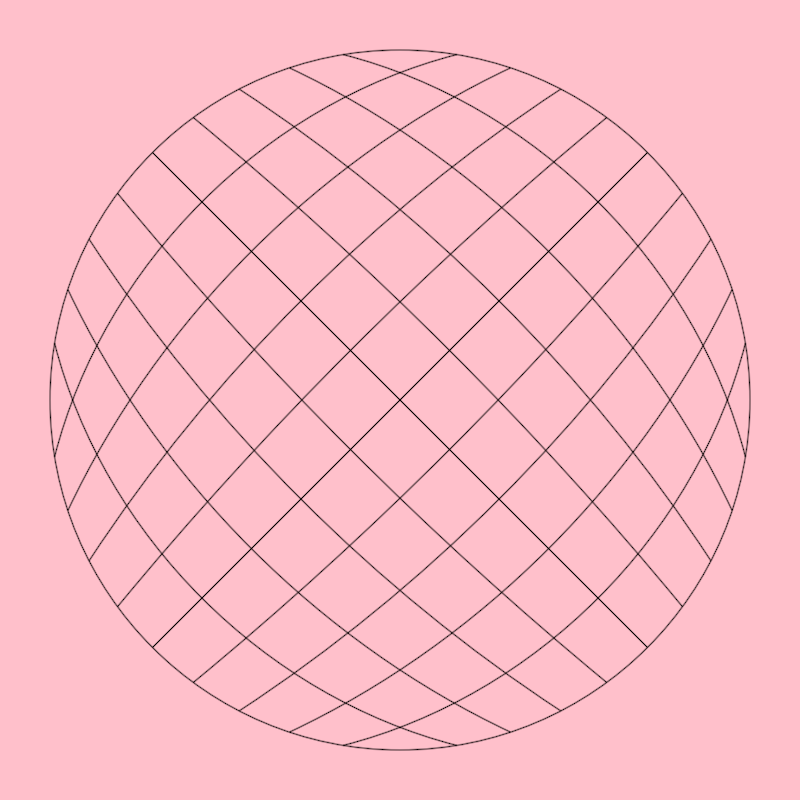
Shows how to create a [bezierPatch] out of a
|
|
closed [ShapeContour] with 4 curved segments.
|
|
|
|
Calling [Circle.contour] is one way of producing
|
|
such a contour with vertices at the cardinal points
|
|
but one can manually create any other 4-segment closed contour
|
|
to use in bezier patches.
|
|
|
|
|
|
|
|
[source code](src/jvmDemo/kotlin/bezierpatch/DemoBezierPatch02.kt)
|
|
|
|
### bezierpatch/DemoBezierPatch03
|
|
|
|
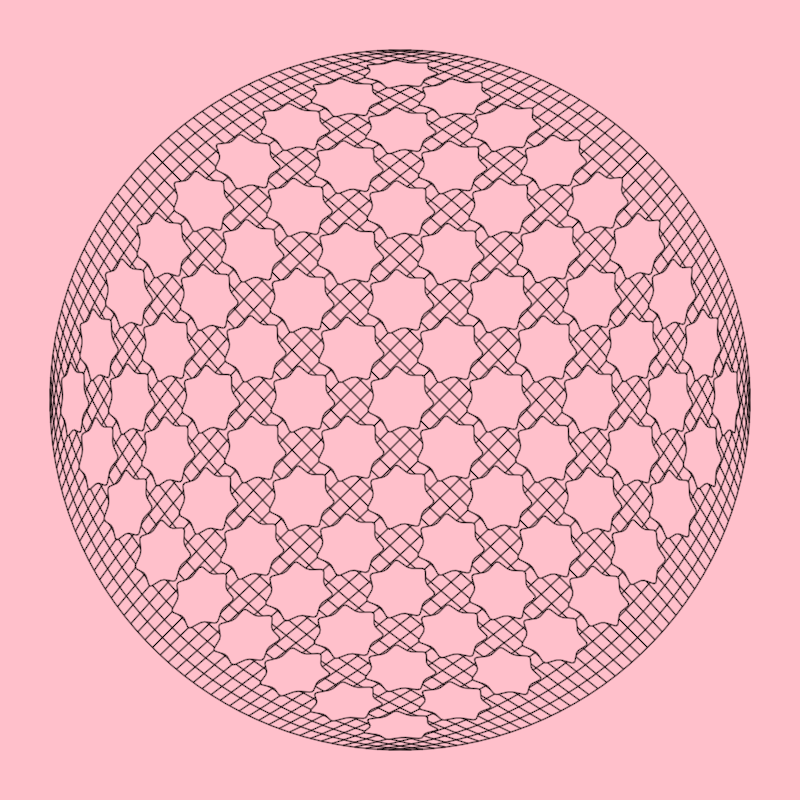
Shows how to distort [ShapeContour]s using a [bezierPatch]
|
|
|
|
In this case the contours are regular stars and the bezier patch
|
|
is created using a circular contour with the required 4 segments.
|
|
|
|
|
|
|
|
[source code](src/jvmDemo/kotlin/bezierpatch/DemoBezierPatch03.kt)
|
|
|
|
### bezierpatch/DemoBezierPatch04
|
|
|
|
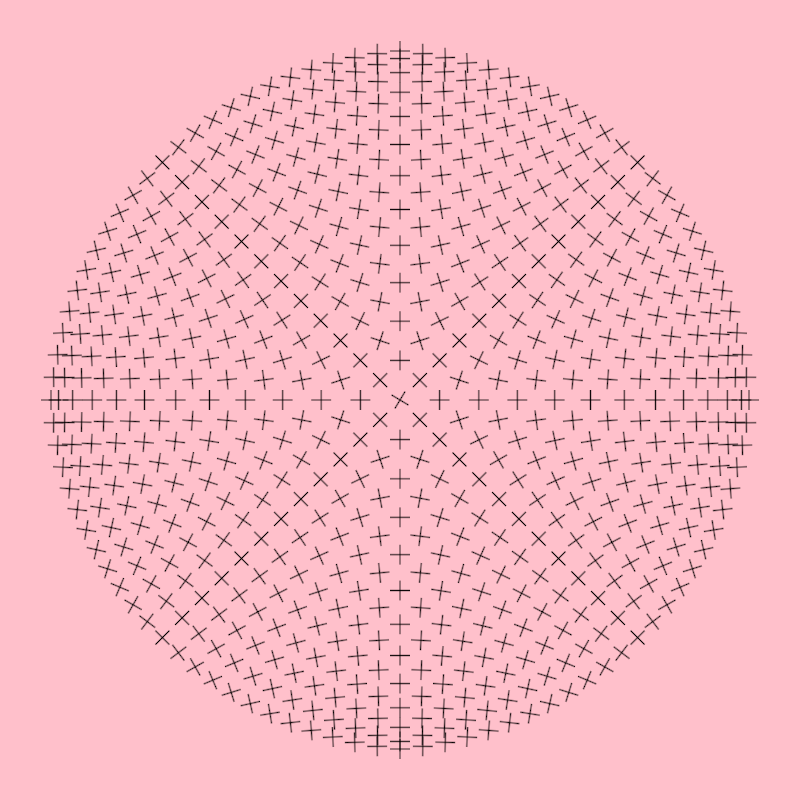
Shows how to get positions and gradient values of those positions
|
|
from a [bezierPatch]
|
|
|
|
You can think of bezierPatch.position() as requesting points
|
|
in a wavy flag (the bezier patch) using normalized uv coordinates.
|
|
|
|
|
|
|
|
[source code](src/jvmDemo/kotlin/bezierpatch/DemoBezierPatch04.kt)
|
|
|
|
### bezierpatch/DemoBezierPatch05
|
|
|
|
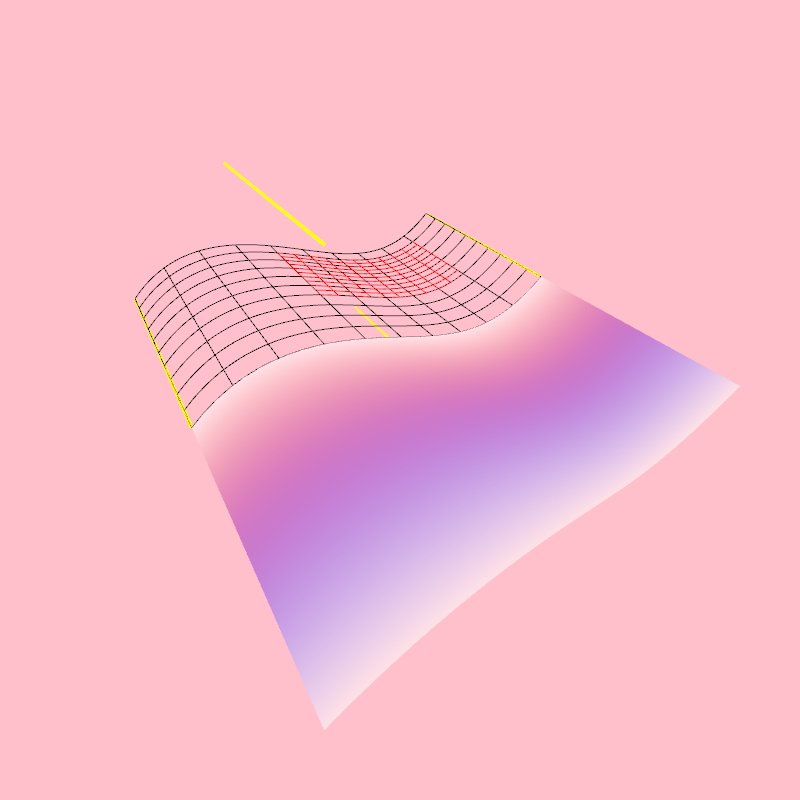
Shows how to
|
|
- create a [bezierPatch] out of 4 [Segment3D]
|
|
- create a sub-patch out of a [bezierPatch]
|
|
- create horizontal and vertical [Path3D]s out of [bezierPatch]es
|
|
- add colors to a [bezierPatch]
|
|
- draw a [bezierPatch] surface
|
|
|
|
The created contours are horizontal and vertical in "bezier-patch space" but
|
|
are rendered deformed following the shape of the bezier patch.
|
|
|
|
|
|
|
|
[source code](src/jvmDemo/kotlin/bezierpatch/DemoBezierPatch05.kt)
|
|
|
|
### bezierpatch/DemoBezierPatch06
|
|
|
|
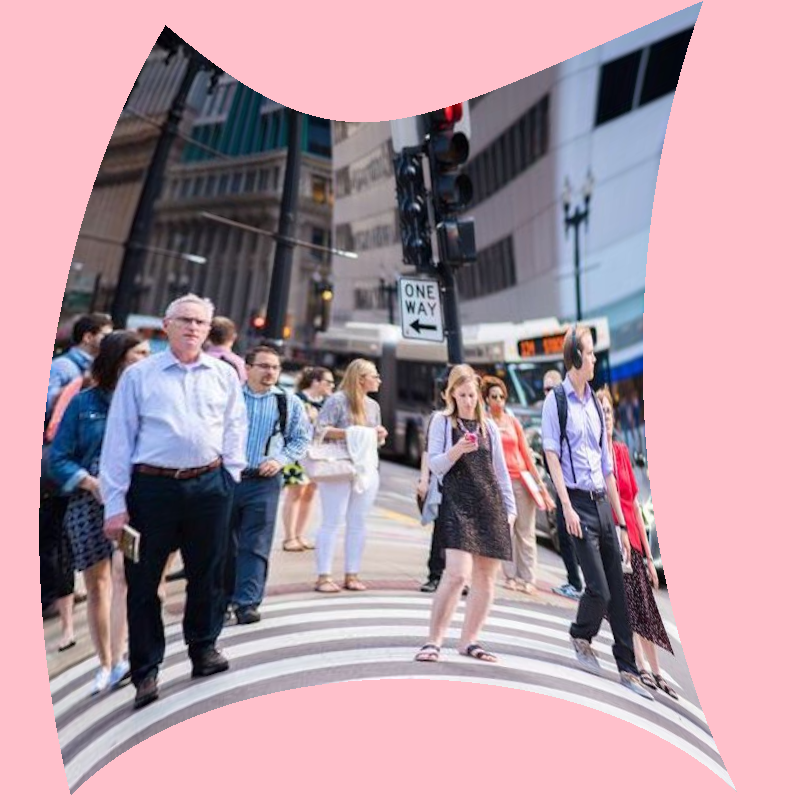
Shows how to
|
|
- create a [bezierPatch] out of 4 curved Segment2D instances
|
|
- apply an image texture to the patch using a shadeStyle
|
|
|
|
|
|
|
|
|
|
[source code](src/jvmDemo/kotlin/bezierpatch/DemoBezierPatch06.kt)
|
|
|
|
### bezierpatch/DemoBezierPatchDrawer01
|
|
|
|
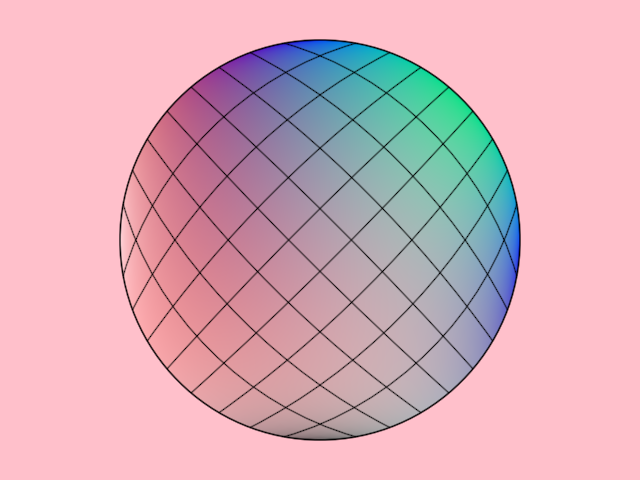
Demonstrates how to draw a bezier patch and its corresponding contours.
|
|
The bezier patch is generated from a circular shape and is assigned colors
|
|
for each control point. The patch is subdivided into horizontal and vertical
|
|
contours, which are rendered to visualize the structure of the bezier patch.
|
|
|
|
The bezier patch constructor expects a contour with 4 segments, for example
|
|
a rectangular contour or a circle, which in OPENRNDR is made out of 4 segments.
|
|
|
|
|
|
|
|
[source code](src/jvmDemo/kotlin/bezierpatch/DemoBezierPatchDrawer01.kt)
|
|
|
|
### bezierpatch/DemoBezierPatchDrawer02
|
|
|
|
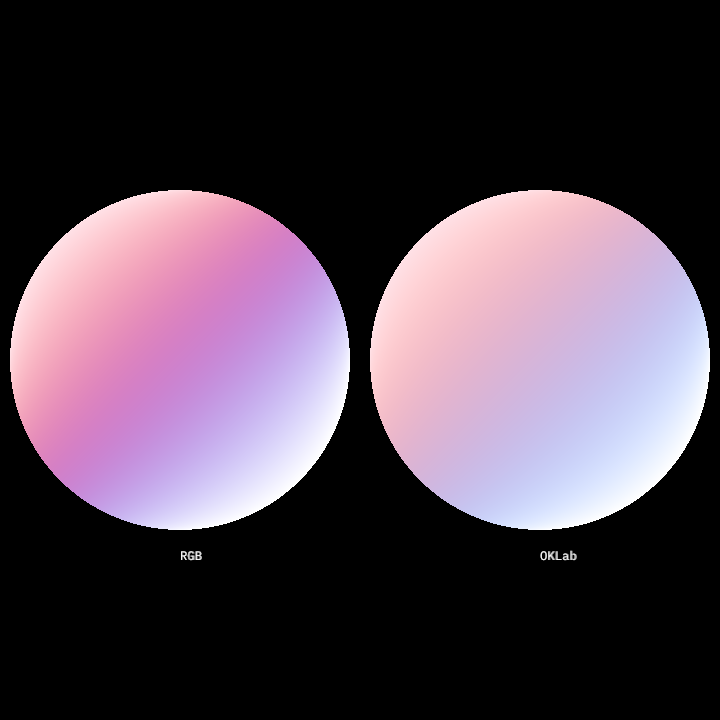
Demonstrates how to use bezier patches with specified colors and displays text labels for
|
|
the color space used in each. This method:
|
|
|
|
- Creates two bezier patches with different color spaces (RGB and OKLab).
|
|
- Draws these bezier patches using the drawer.
|
|
- Renders text labels to differentiate the color spaces used.
|
|
|
|
The bezier patches are created from closed circular contours and colored by specifying
|
|
a grid of colors matching the patch's vertices.
|
|
|
|
|
|
|
|
[source code](src/jvmDemo/kotlin/bezierpatch/DemoBezierPatchDrawer02.kt)
|
|
|
|
### bezierpatch/DemoBezierPatchDrawer03
|
|
|
|
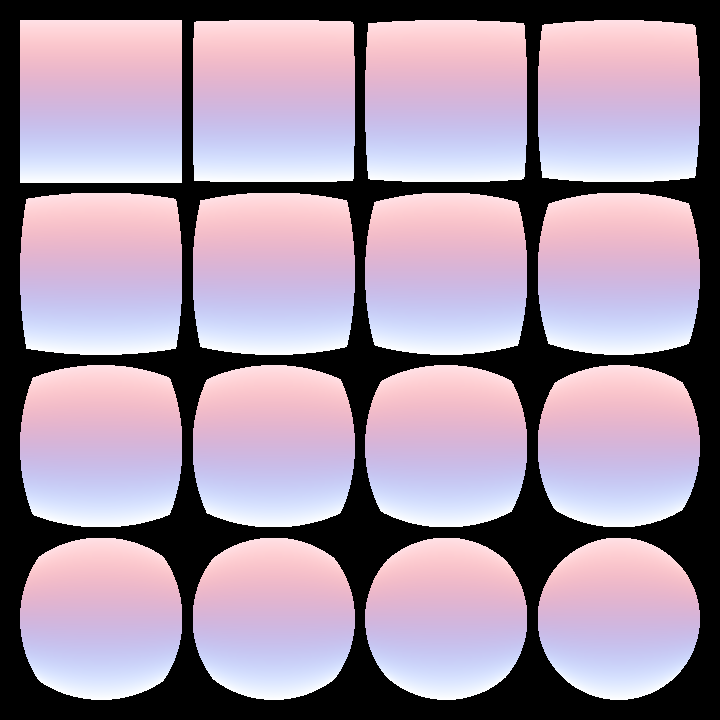
Demonstrates how to render a grid of bezier patches that morph between a rectangle and
|
|
a rotated circle contour.
|
|
These shapes are transformed into bezier patches, and their colors are interpolated through a blend
|
|
factor calculated for each cell in the grid.
|
|
|
|
The grid layout contains 4 columns and 4 rows with margins and gutters.
|
|
Each cell's center serves as the drawing position for a blended bezier patch.
|
|
|
|
|
|
|
|
[source code](src/jvmDemo/kotlin/bezierpatch/DemoBezierPatchDrawer03.kt)
|
|
|
|
### bezierpatch/DemoBezierPatchDrawer04
|
|
|
|
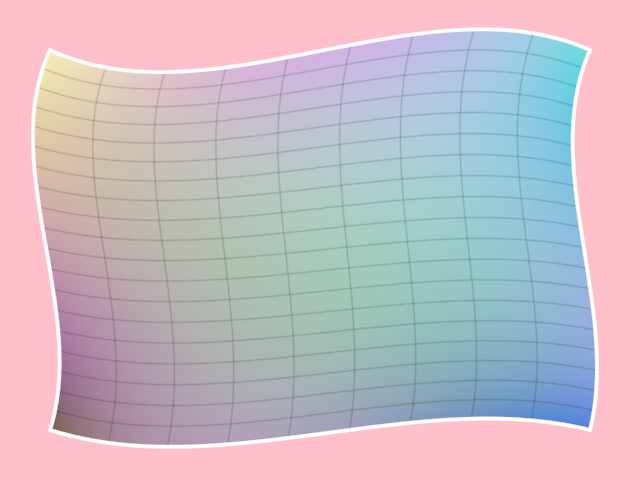
Demonstrates how to create and render a bezier patch with randomized control points
|
|
and colors. The bezier patch is derived from a scaled-down copy of the
|
|
drawer bounds, converted to a contour and deformed using `adjustContour`.
|
|
|
|
The bezier patch uses 16 randomly generated colors chunked into 4 lists with 4 colors each.
|
|
|
|
|
|
|
|
|
|
[source code](src/jvmDemo/kotlin/bezierpatch/DemoBezierPatchDrawer04.kt)
|
|
|
|
### bezierpatch/DemoBezierPatches01
|
|
|
|
Shows how to create a [bezierPatch] out of a
|
|
closed [ShapeContour] with 4 curved segments.
|
|
|
|
Calling [Circle.contour] is one way of producing
|
|
such a contour with vertices at the cardinal points
|
|
but one can manually create any other 4-segment closed contour
|
|
to use in bezier patches.
|
|
|
|

|
|
|
|
[source code](src/jvmDemo/kotlin/bezierpatch/DemoBezierPatches01.kt)
|
|
|
|
### blend/DemoContourBlend01
|
|
|
|
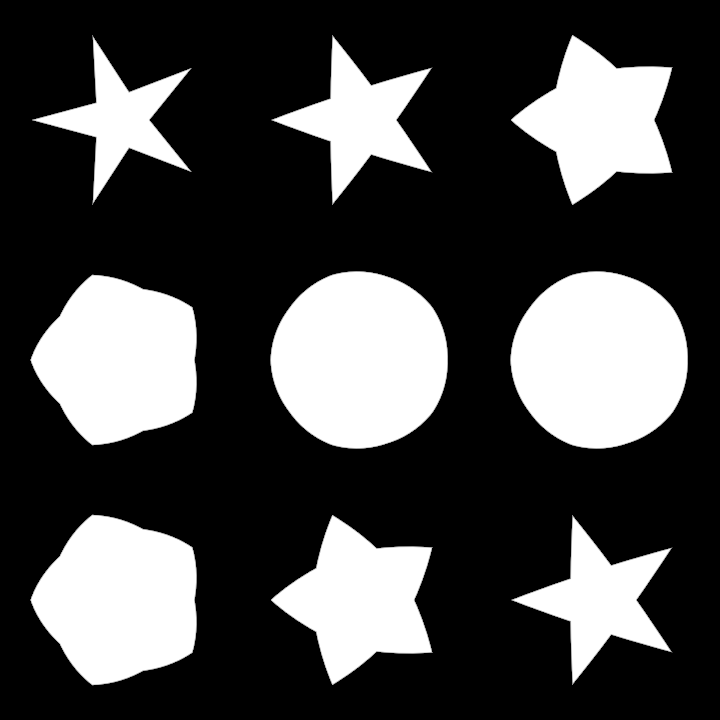
Animated demonstration of uniform contour blending. Once a `ContourBlend` between two
|
|
contours is created, it can be queried using the `.mix()` method to get a contour interpolated
|
|
between the first one (when the blend argument is 0.0) and the second one (when the argument
|
|
is 1.0)
|
|
|
|
|
|
|
|
[source code](src/jvmDemo/kotlin/blend/DemoContourBlend01.kt)
|
|
|
|
### blend/DemoContourBlend02
|
|
|
|
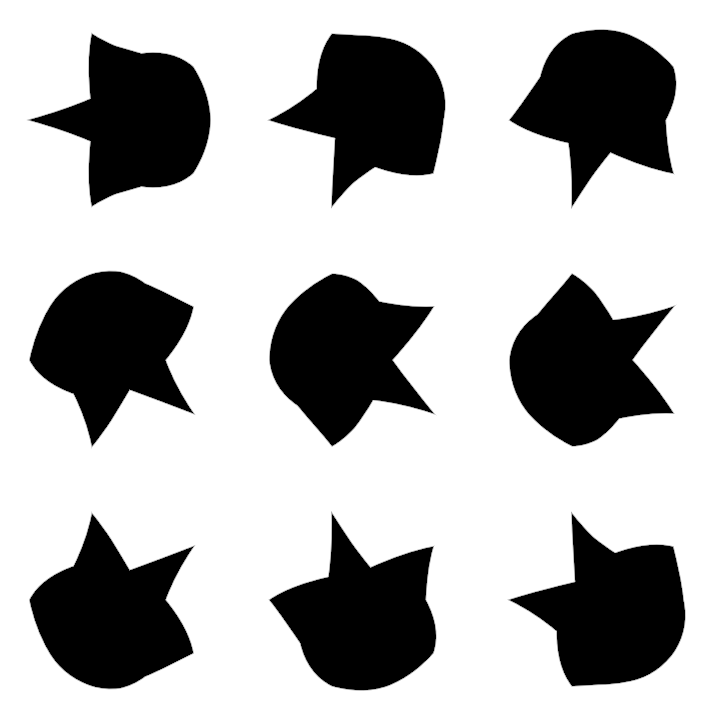
Demonstration of non-uniform contour blending
|
|
|
|
The `mix` method of a `ContourBlend` does not only accept a Double, but also a function.
|
|
This function should take one Double argument, which specifies the normalized `t` value between
|
|
the start and the end of the contour, and should return a normalized value indicating the
|
|
morphing state between the first contour and the second contour, for that specific t value.
|
|
|
|
This allows us, for instance, to morph one part of the shape first, then have other parts follow.
|
|
|
|
This demo shows a grid of 9 contours which are part circle and part 5-point start.
|
|
|
|
|
|
|
|
[source code](src/jvmDemo/kotlin/blend/DemoContourBlend02.kt)
|
|
|
|
### frames/DemoFrames01
|
|
|
|
|
|
|
|
|
|
|
|
[source code](src/jvmDemo/kotlin/frames/DemoFrames01.kt)
|
|
|
|
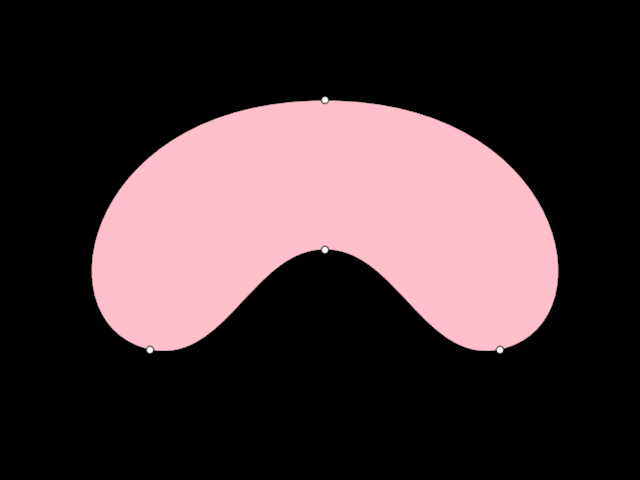
### hobbycurve/DemoHobbyCurve01
|
|
|
|
|
|
|
|
|
|
|
|
[source code](src/jvmDemo/kotlin/hobbycurve/DemoHobbyCurve01.kt)
|
|
|
|
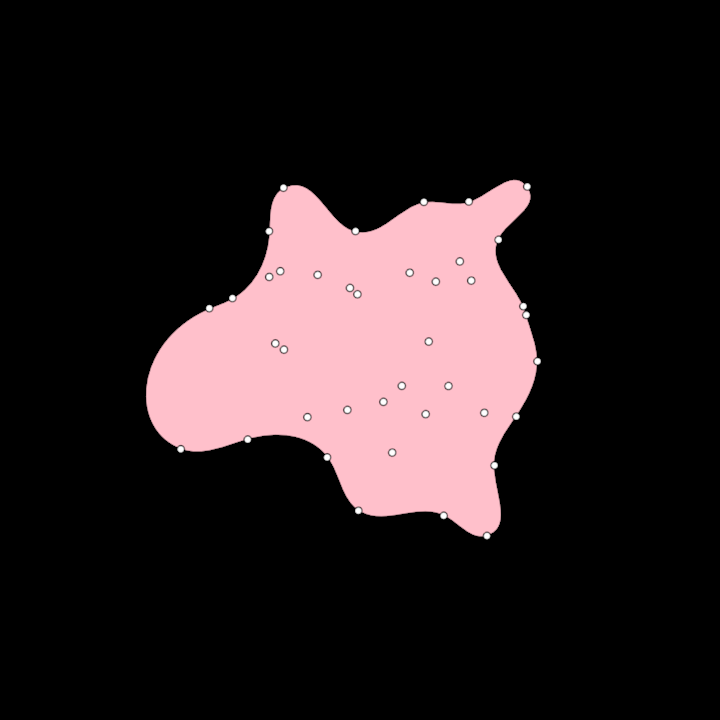
### hobbycurve/DemoHobbyCurve02
|
|
|
|
|
|
|
|
|
|
|
|
[source code](src/jvmDemo/kotlin/hobbycurve/DemoHobbyCurve02.kt)
|
|
|
|
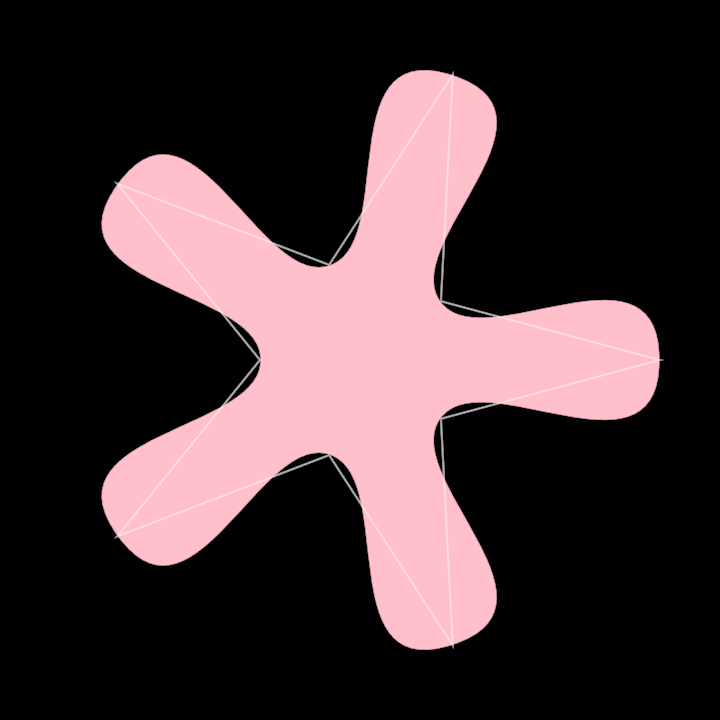
### hobbycurve/DemoHobbyCurve03
|
|
|
|
|
|
|
|
|
|
|
|
[source code](src/jvmDemo/kotlin/hobbycurve/DemoHobbyCurve03.kt)
|
|
|
|
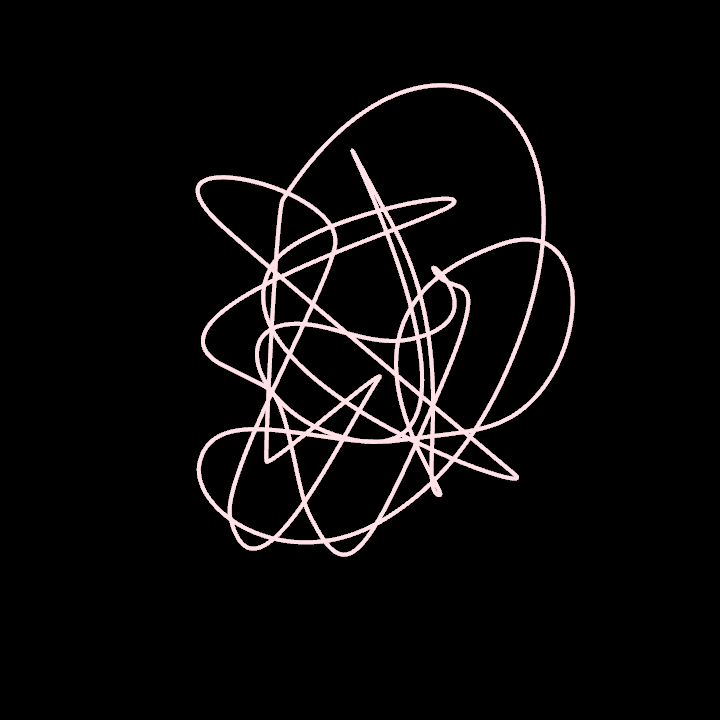
### hobbycurve/DemoHobbyCurve3D01
|
|
|
|
|
|
|
|
|
|
|
|
[source code](src/jvmDemo/kotlin/hobbycurve/DemoHobbyCurve3D01.kt)
|
|
|
|
### operators/DemoRoundCorners01
|
|
|
|
|
|
|
|

|
|
|
|
[source code](src/jvmDemo/kotlin/operators/DemoRoundCorners01.kt)
|
|
|
|
### operators/DemoRoundCorners02
|
|
|
|
|
|
|
|
|
|
|
|
[source code](src/jvmDemo/kotlin/operators/DemoRoundCorners02.kt)
|
|
|
|
### ordering/DemoHilbertOrder01
|
|
|
|
|
|
|
|
|
|
|
|
[source code](src/jvmDemo/kotlin/ordering/DemoHilbertOrder01.kt)
|
|
|
|
### ordering/DemoHilbertOrder02
|
|
|
|
|
|
|
|
|
|
|
|
[source code](src/jvmDemo/kotlin/ordering/DemoHilbertOrder02.kt)
|
|
|
|
### path3d/DemoPath3DProjection
|
|
|
|
|
|
|
|

|
|
|
|
[source code](src/jvmDemo/kotlin/path3d/DemoPath3DProjection.kt)
|
|
|
|
### primitives/DemoArc01
|
|
|
|
|
|
|
|
|
|
|
|
[source code](src/jvmDemo/kotlin/primitives/DemoArc01.kt)
|
|
|
|
### primitives/DemoCircleInversion01
|
|
|
|
|
|
|
|

|
|
|
|
[source code](src/jvmDemo/kotlin/primitives/DemoCircleInversion01.kt)
|
|
|
|
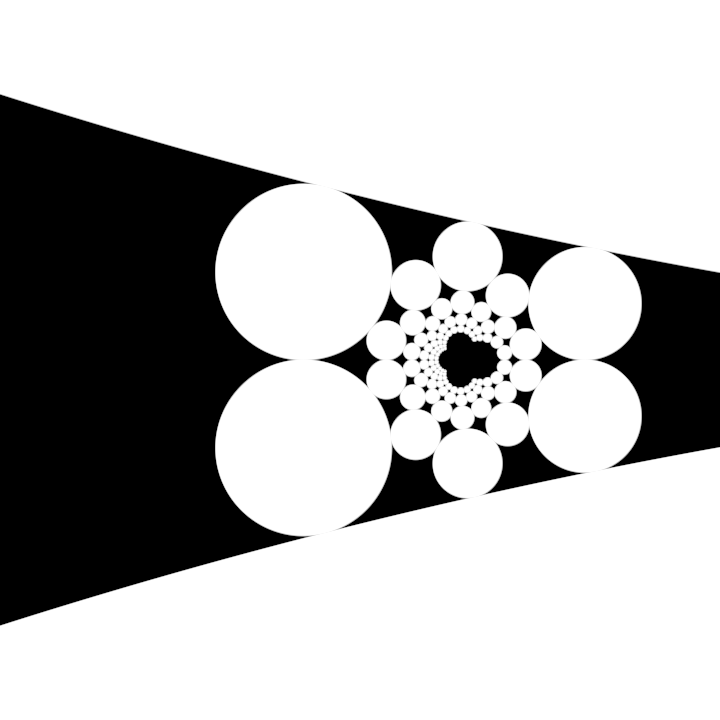
### primitives/DemoCircleInversion02
|
|
|
|
|
|
|
|
|
|
|
|
[source code](src/jvmDemo/kotlin/primitives/DemoCircleInversion02.kt)
|
|
|
|
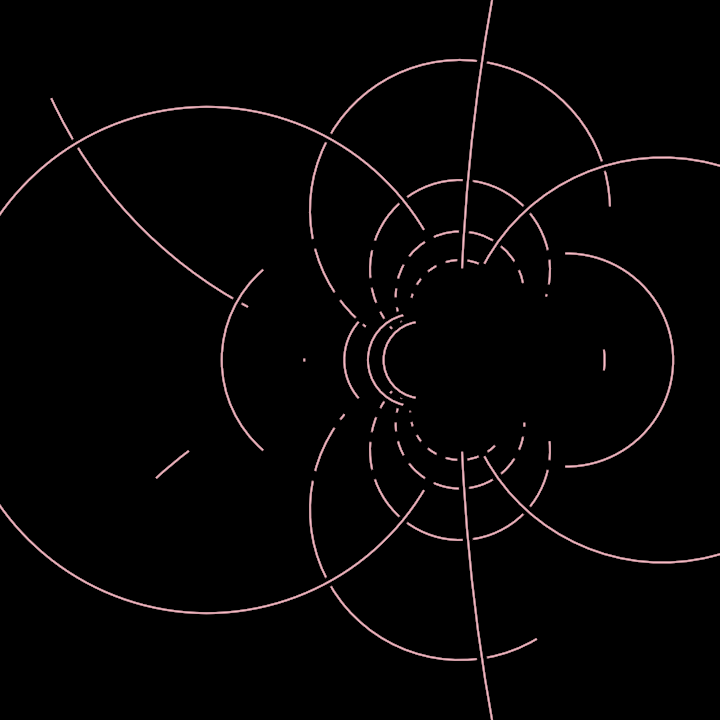
### primitives/DemoCircleInversion03
|
|
|
|
|
|
|
|
|
|
|
|
[source code](src/jvmDemo/kotlin/primitives/DemoCircleInversion03.kt)
|
|
|
|
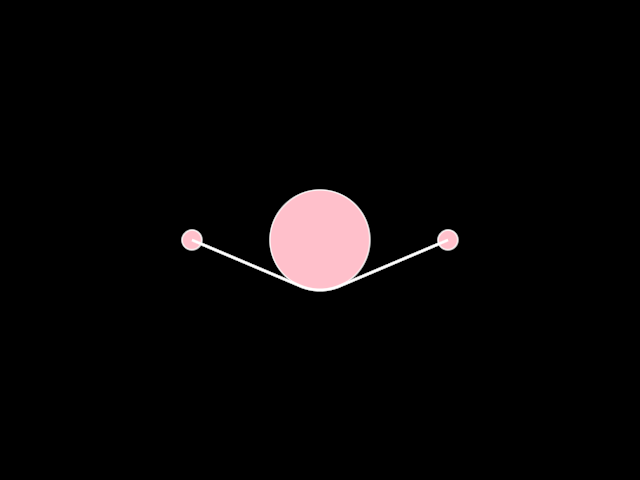
### primitives/DemoNet01
|
|
|
|
|
|
|
|
|
|
|
|
[source code](src/jvmDemo/kotlin/primitives/DemoNet01.kt)
|
|
|
|
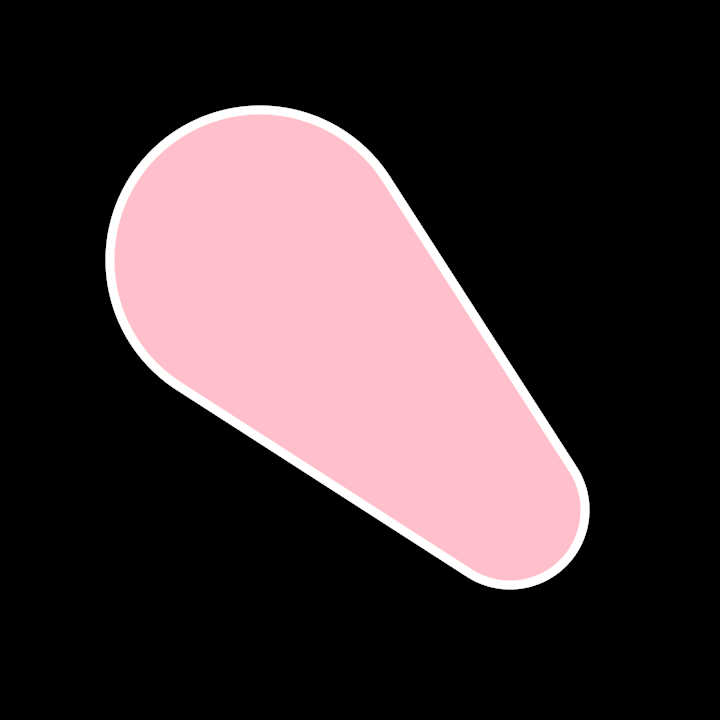
### primitives/DemoPulley01
|
|
|
|
|
|
|
|
|
|
|
|
[source code](src/jvmDemo/kotlin/primitives/DemoPulley01.kt)
|
|
|
|
### primitives/DemoRectangleDistribute01
|
|
|
|
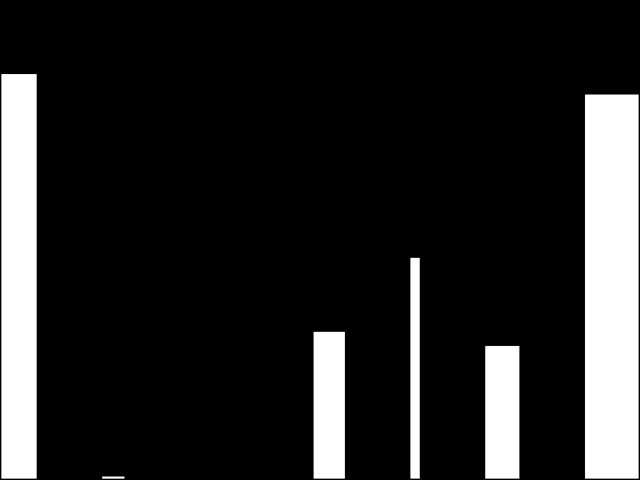
of rectangles, which are generated and manipulated based on time and random parameters. The application
|
|
follows these steps:
|
|
|
|
1. Initializes a random generator seeded with the elapsed seconds since the start of the program.
|
|
2. Creates a sequence of rectangles using the `uniformSub` function to generate random sub-rectangles
|
|
within the bounding rectangle of the canvas.
|
|
3. Distributes the generated rectangles horizontally within the canvas using the `distributeHorizontally` method.
|
|
4. Aligns the rectangles vertically according to their position in relation to the bounding rectangle
|
|
and a dynamic anchor point derived from the cosine of elapsed time.
|
|
5. Renders the rectangles on the canvas in the output window.
|
|
|
|
|
|
|
|
[source code](src/jvmDemo/kotlin/primitives/DemoRectangleDistribute01.kt)
|
|
|
|
### primitives/DemoRectangleFitHorizontally
|
|
|
|
|
|
|
|
|
|
|
|
[source code](src/jvmDemo/kotlin/primitives/DemoRectangleFitHorizontally.kt)
|
|
|
|
### primitives/DemoRectangleGrid01
|
|
|
|
|
|
|
|
|
|
|
|
[source code](src/jvmDemo/kotlin/primitives/DemoRectangleGrid01.kt)
|
|
|
|
### primitives/DemoRectangleGrid02
|
|
|
|
|
|
|
|
|
|
|
|
[source code](src/jvmDemo/kotlin/primitives/DemoRectangleGrid02.kt)
|
|
|
|
### primitives/DemoRectangleGrid03
|
|
|
|
|
|
|
|
|
|
|
|
[source code](src/jvmDemo/kotlin/primitives/DemoRectangleGrid03.kt)
|
|
|
|
### primitives/DemoRectangleIntersection01
|
|
|
|
Demonstrate rectangle-rectangle intersection
|
|
|
|
|
|

|
|
|
|
[source code](src/jvmDemo/kotlin/primitives/DemoRectangleIntersection01.kt)
|
|
|
|
### primitives/DemoRectangleIrregularGrid
|
|
|
|
|
|
|
|
|
|
|
|
[source code](src/jvmDemo/kotlin/primitives/DemoRectangleIrregularGrid.kt)
|
|
|
|
### primitives/DemoRectanglePlace01
|
|
|
|
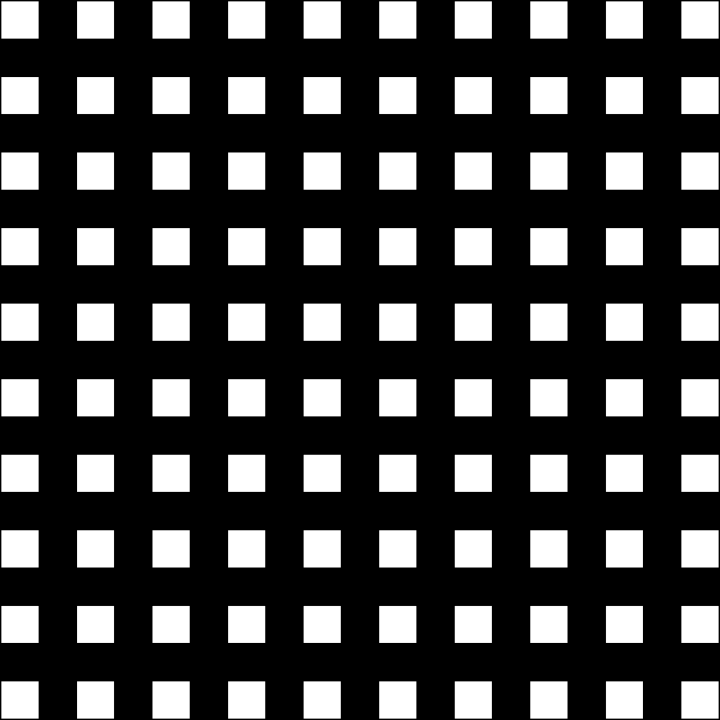
Demo for rendering a 10x10 grid of rectangles within the bounds
|
|
of the canvas. Each rectangle's position is calculated relative to its anchors, filling the entire
|
|
canvas with evenly placed items.
|
|
|
|
The rectangles are drawn using the default white color. The `place` function is applied to each
|
|
rectangle to position them dynamically based on their relative anchor points within the bounding area.
|
|
|
|
This serves as a demonstration of positioning and rendering shapes in a structured grid layout.
|
|
|
|
|
|
|
|
[source code](src/jvmDemo/kotlin/primitives/DemoRectanglePlace01.kt)
|
|
|
|
### primitives/DemoRegularPolygon
|
|
|
|
|
|
|
|
|
|
|
|
[source code](src/jvmDemo/kotlin/primitives/DemoRegularPolygon.kt)
|
|
|
|
### primitives/DemoRegularStar01
|
|
|
|
|
|
|
|
|
|
|
|
[source code](src/jvmDemo/kotlin/primitives/DemoRegularStar01.kt)
|
|
|
|
### primitives/DemoRegularStar02
|
|
|
|
|
|
|
|

|
|
|
|
[source code](src/jvmDemo/kotlin/primitives/DemoRegularStar02.kt)
|
|
|
|
### primitives/DemoRoundedRectangle
|
|
|
|
|
|
|
|
|
|
|
|
[source code](src/jvmDemo/kotlin/primitives/DemoRoundedRectangle.kt)
|
|
|
|
### primitives/DemoSplit01
|
|
|
|
|
|
|
|
|
|
|
|
[source code](src/jvmDemo/kotlin/primitives/DemoSplit01.kt)
|
|
|
|
### primitives/DemoTear01
|
|
|
|
|
|
|
|
|
|
|
|
[source code](src/jvmDemo/kotlin/primitives/DemoTear01.kt)
|
|
|
|
### rectify/DemoRectifiedContour01
|
|
|
|
|
|
|
|
|
|
|
|
[source code](src/jvmDemo/kotlin/rectify/DemoRectifiedContour01.kt)
|
|
|
|
### rectify/DemoRectifiedContour02
|
|
|
|
|
|
|
|
|
|
|
|
[source code](src/jvmDemo/kotlin/rectify/DemoRectifiedContour02.kt)
|
|
|
|
### rectify/DemoRectifiedContour03
|
|
|
|
|
|
|
|
|
|
|
|
[source code](src/jvmDemo/kotlin/rectify/DemoRectifiedContour03.kt)
|
|
|
|
### rectify/DemoRectifiedContour04
|
|
|
|
|
|
|
|
|
|
|
|
[source code](src/jvmDemo/kotlin/rectify/DemoRectifiedContour04.kt)
|
|
|
|
### rectify/DemoRectifiedPath3D01
|
|
|
|
|
|
|
|
|
|
|
|
[source code](src/jvmDemo/kotlin/rectify/DemoRectifiedPath3D01.kt)
|
|
|
|
### text/DemoText01
|
|
|
|
|
|
|
|
|
|
|
|
[source code](src/jvmDemo/kotlin/text/DemoText01.kt)
|
|
|
|
### tunni/DemoTunniAdjuster01
|
|
|
|
|
|
|
|

|
|
|
|
[source code](src/jvmDemo/kotlin/tunni/DemoTunniAdjuster01.kt)
|
|
|
|
### tunni/DemoTunniPoint01
|
|
|
|
|
|
|
|

|
|
|
|
[source code](src/jvmDemo/kotlin/tunni/DemoTunniPoint01.kt)
|