
19 KiB
orx-shapes
Collection of 2D shape generators and modifiers.
Demos
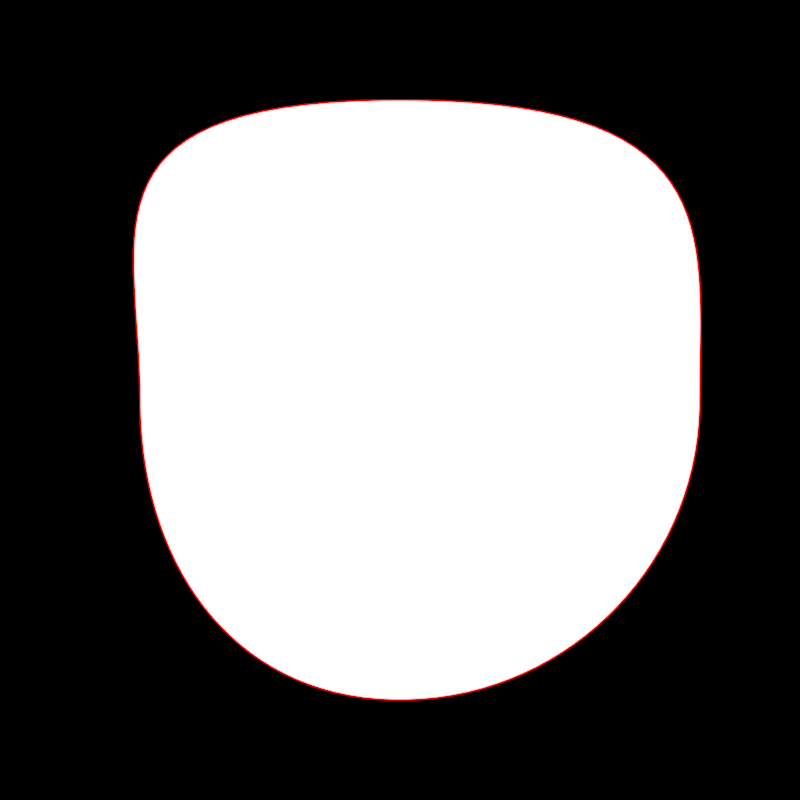
adjust/DemoAdjustContour01
Demonstrates how to use adjustContour to select and modify three vertices
in a circular contour. In OPENRNDR circles contain 4 cubic bézier
segments connecting 4 vertices.
On every animation frame the circular contour is created and transformed
using sines, cosines and the variable seconds for an animated effect.
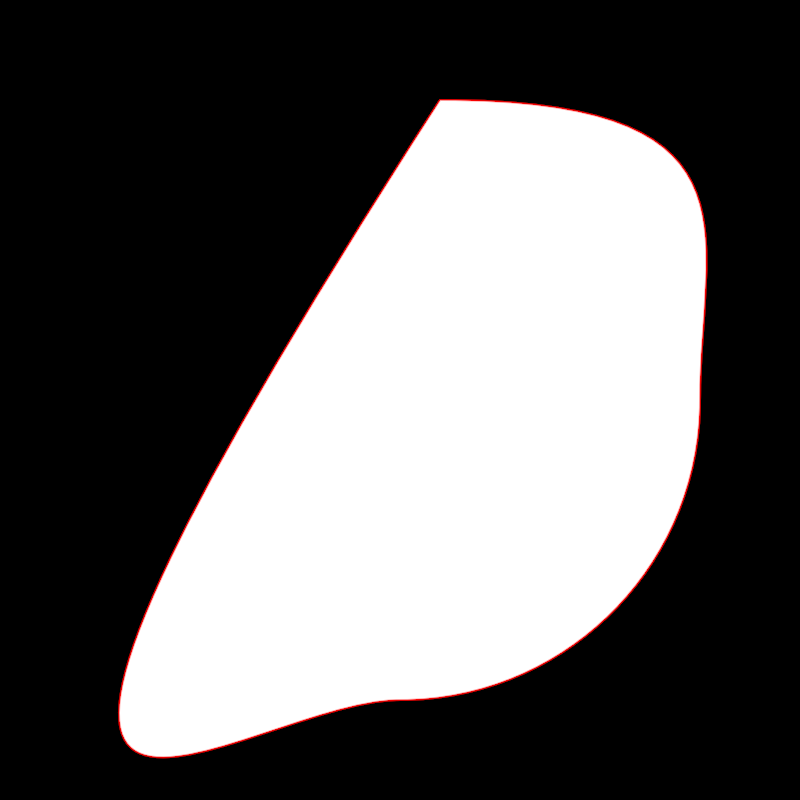
adjust/DemoAdjustContour02
Demonstrates how to use adjustContour to select and remove vertex 0
from a circular contour, then select and animate the position and scale the new vertex 0.
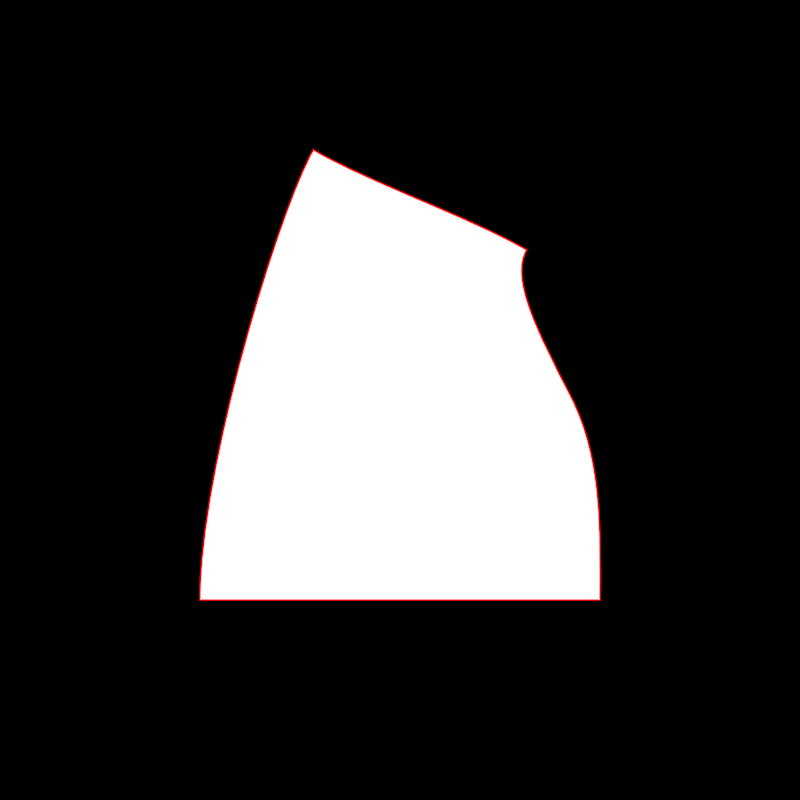
adjust/DemoAdjustContour03
Demonstrates how to select and alter the edges of a rectangle.
The rectangle is a scaled-down version window bounds.
By default, the edges of a rectangular contour are linear, so the edge.toCubic() method
is called to make it possible to bend them.
Then various edges are selected one by one and transformed over time using operations like scale, rotate, splitAt and moveBy.
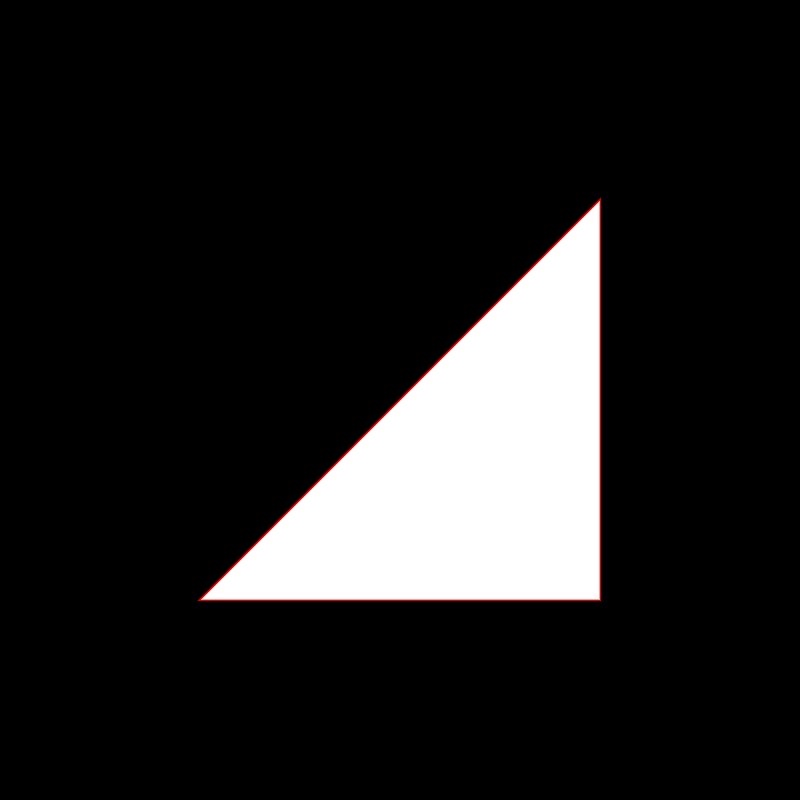
adjust/DemoAdjustContour04
Demonstrates an adjustContour animated effect where edge 0 of a contour
is replaced by a point sampled on that edge. The specific edge point oscillates between
0.0 (at the start) and 1.0 (at the end) using a cosine and the seconds variable.
The base contour used for the effect alternates every second between a rectangular and a circular contour.
adjust/DemoAdjustContour05
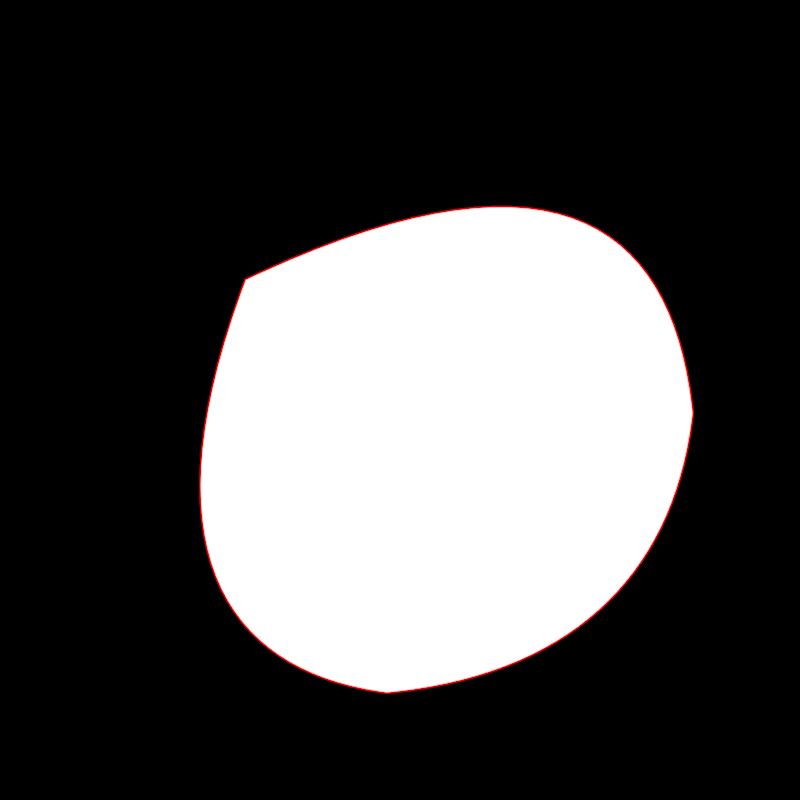
adjust/DemoAdjustContour06
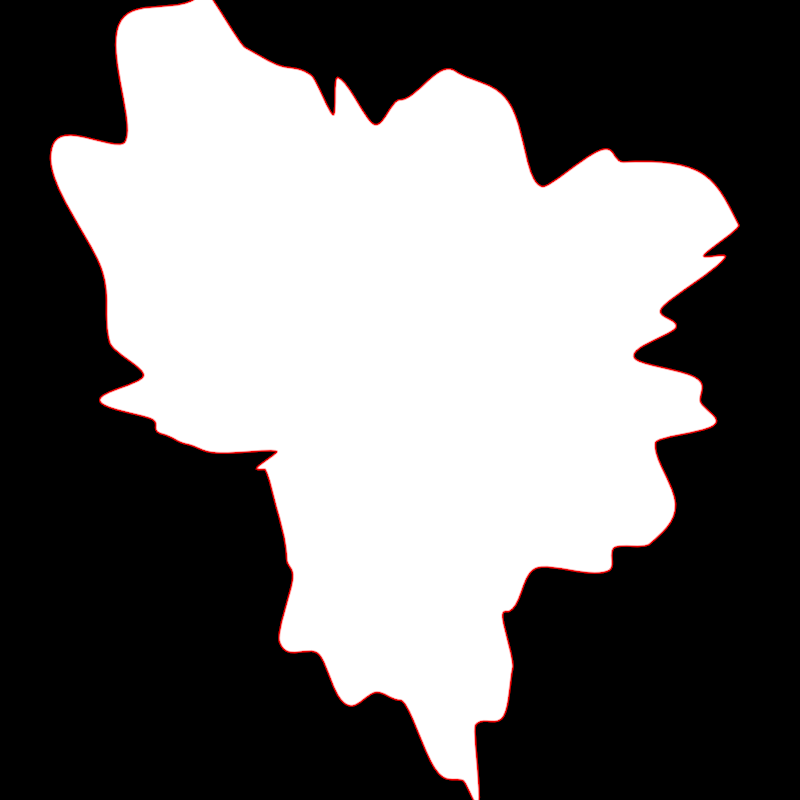
adjust/DemoAdjustContour07
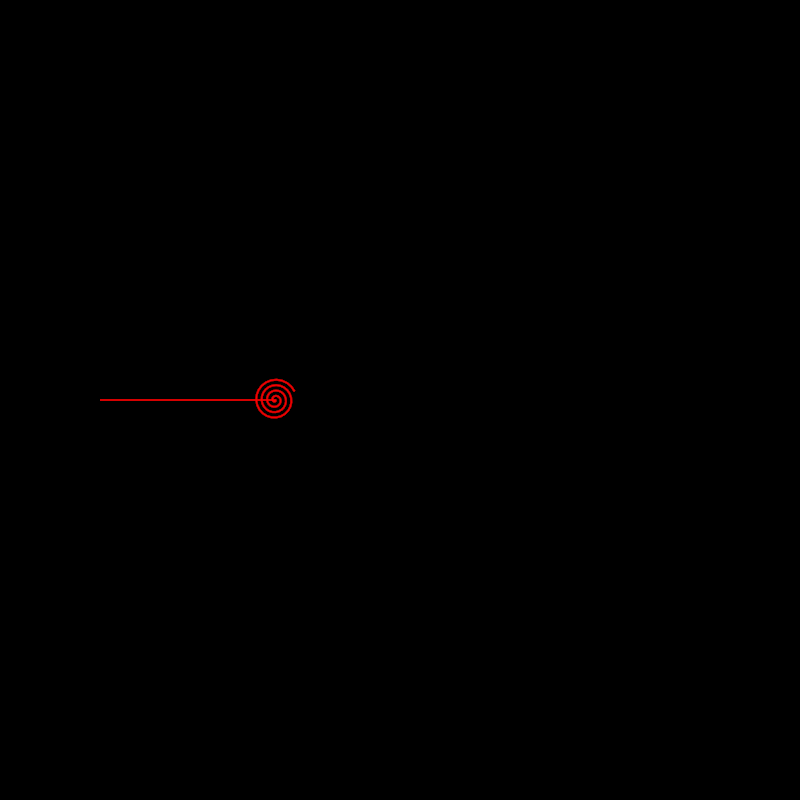
adjust/DemoAdjustContour08
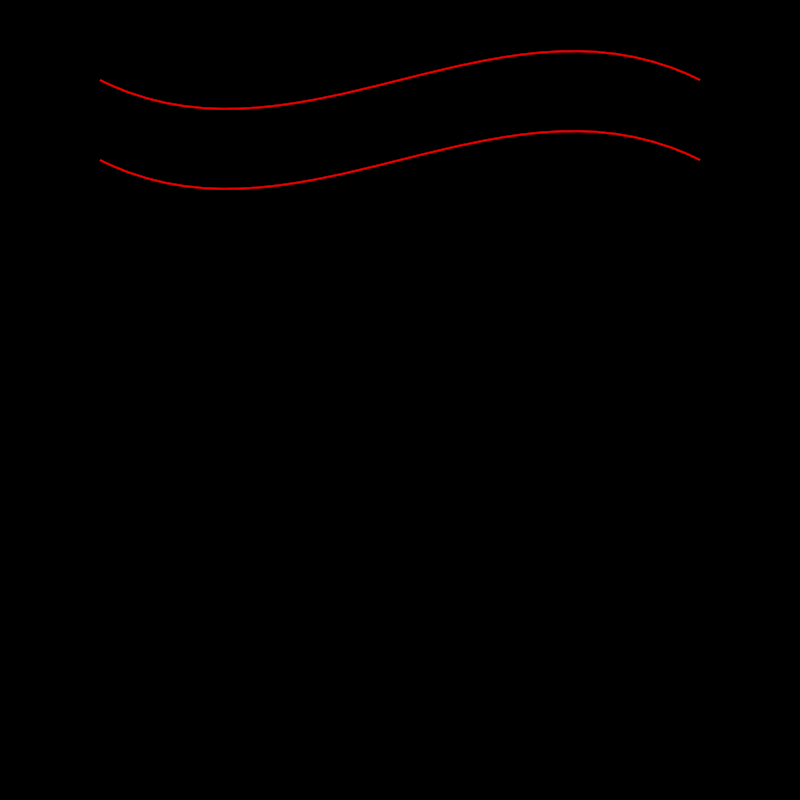
adjust/DemoAdjustContour09
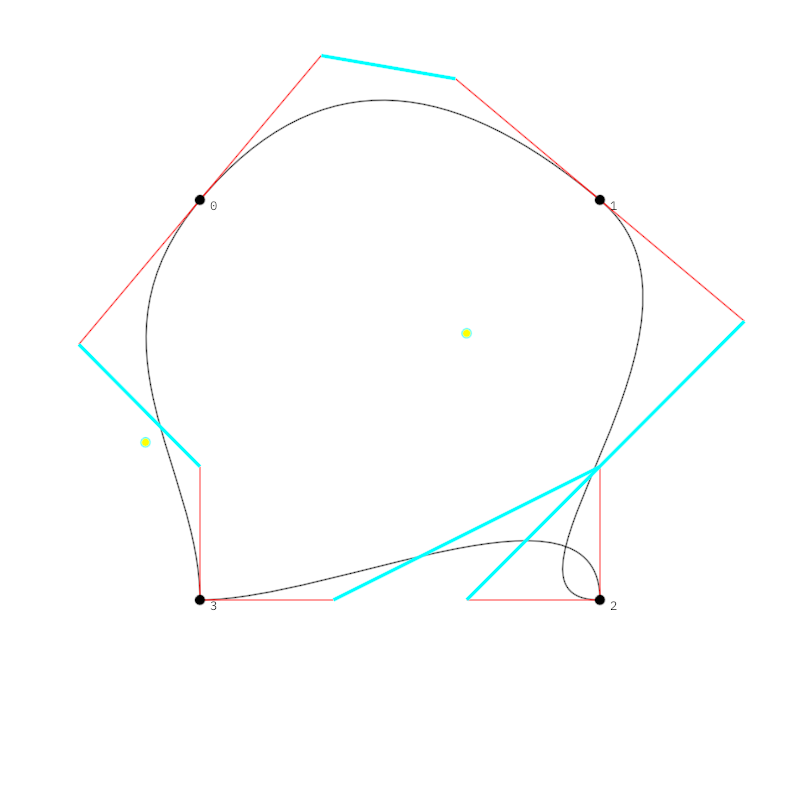
adjust/DemoAdjustContourContinue01
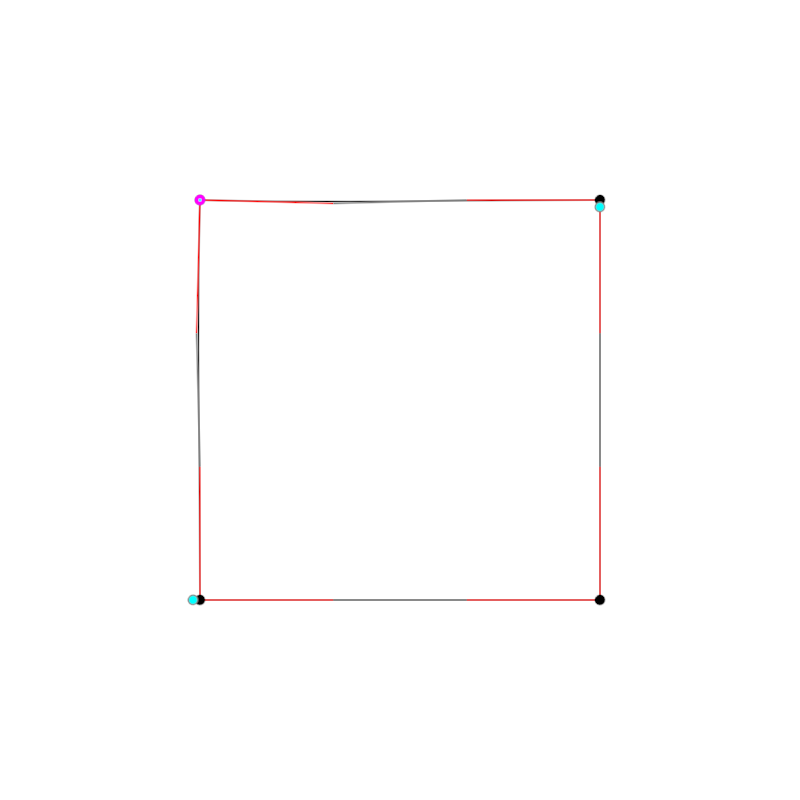
alphashape/DemoAlphaShape
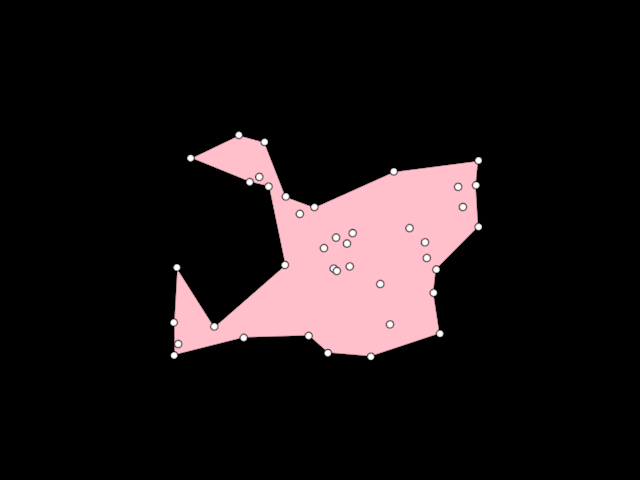
arrangement/DemoArrangement01
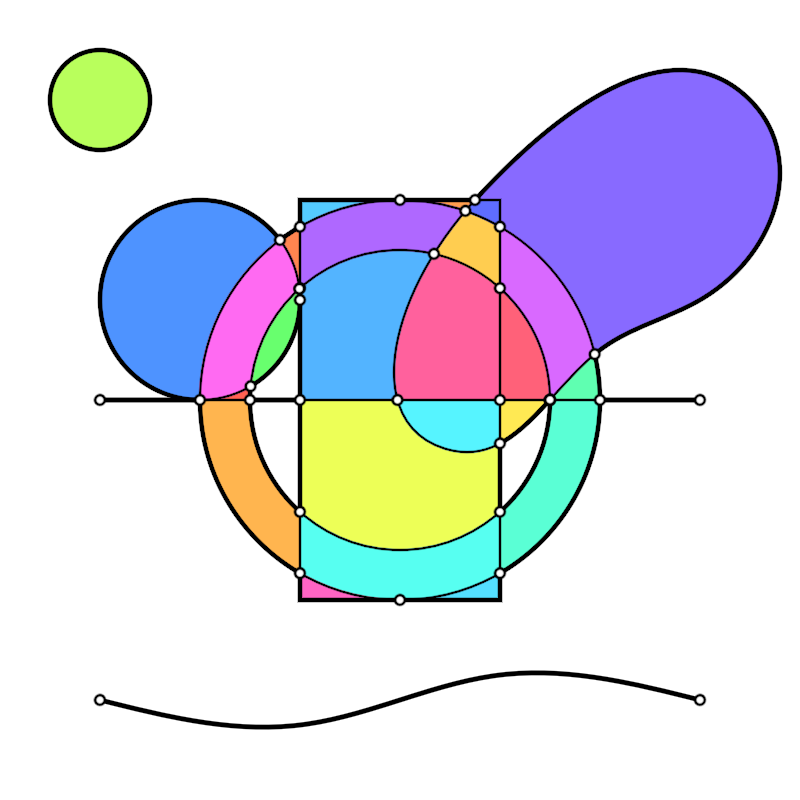
arrangement/DemoArrangement02
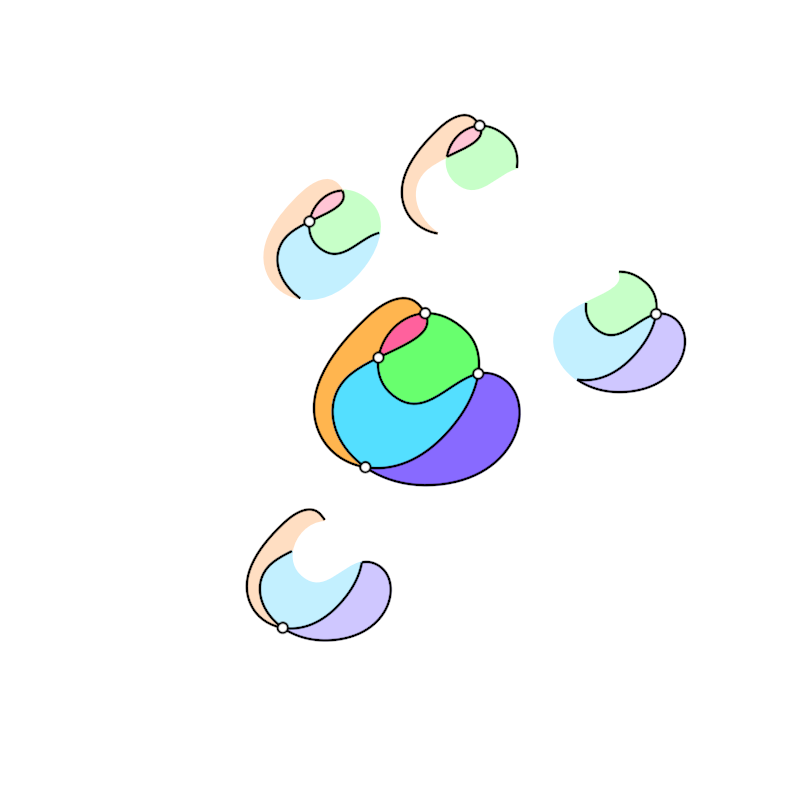
arrangement/DemoArrangement04
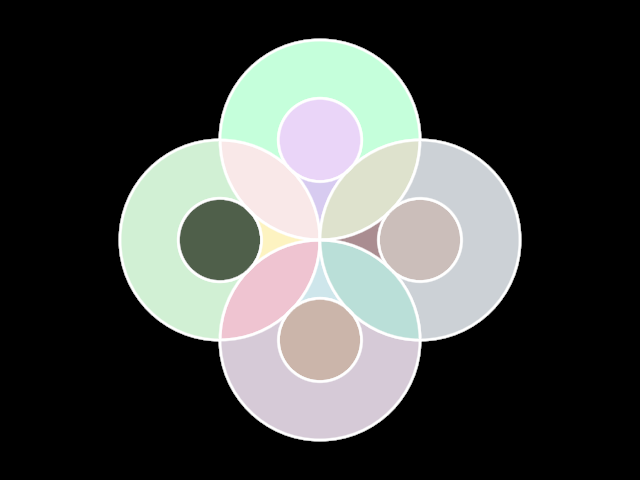
bezierpatch/DemoBezierPatch01
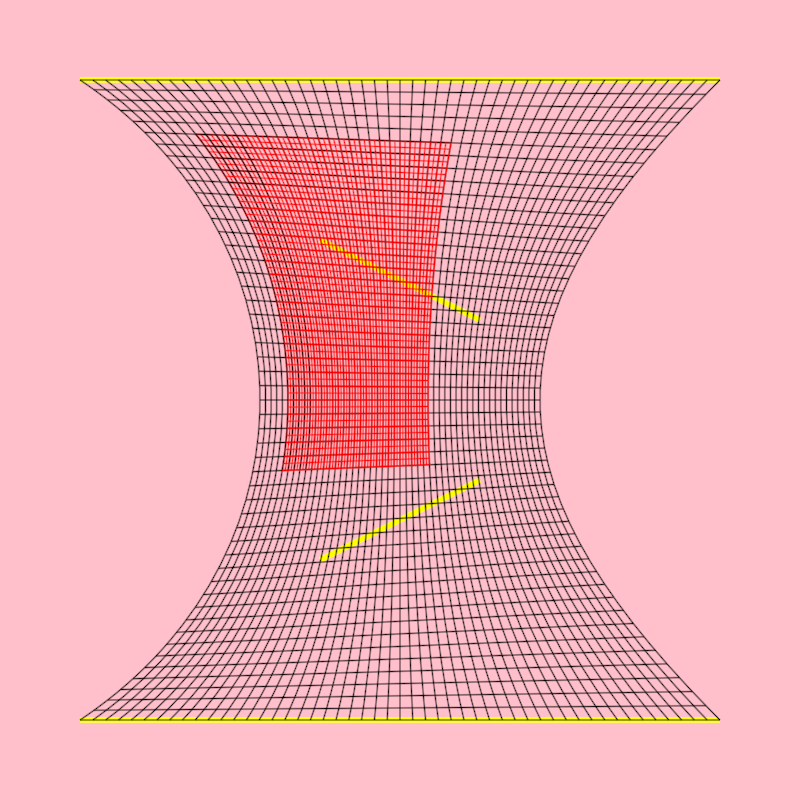
Shows how to
- create a [bezierPatch] out of 4 [LineSegment]
- create a sub-patch out of a [bezierPatch]
- create horizontal and vertical [ShapeContour]s out of [bezierPatch]es
The created contours are horizontal and vertical in "bezier-patch space" but are rendered deformed following the shape of the bezier patch.
bezierpatch/DemoBezierPatch02
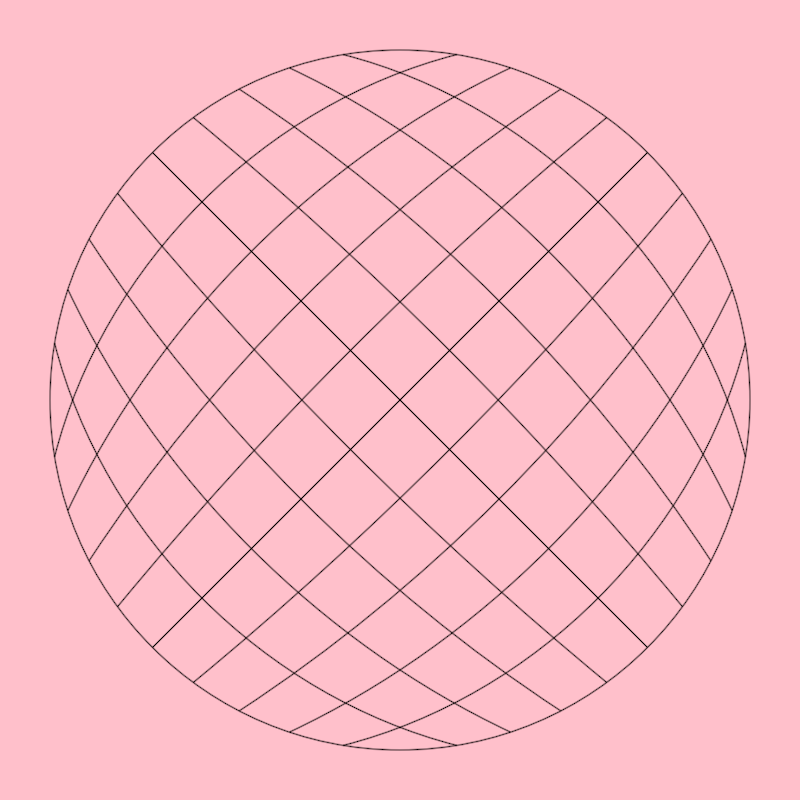
Shows how to create a [bezierPatch] out of a closed [ShapeContour] with 4 curved segments.
Calling [Circle.contour] is one way of producing such a contour with vertices at the cardinal points but one can manually create any other 4-segment closed contour to use in bezier patches.
bezierpatch/DemoBezierPatch03
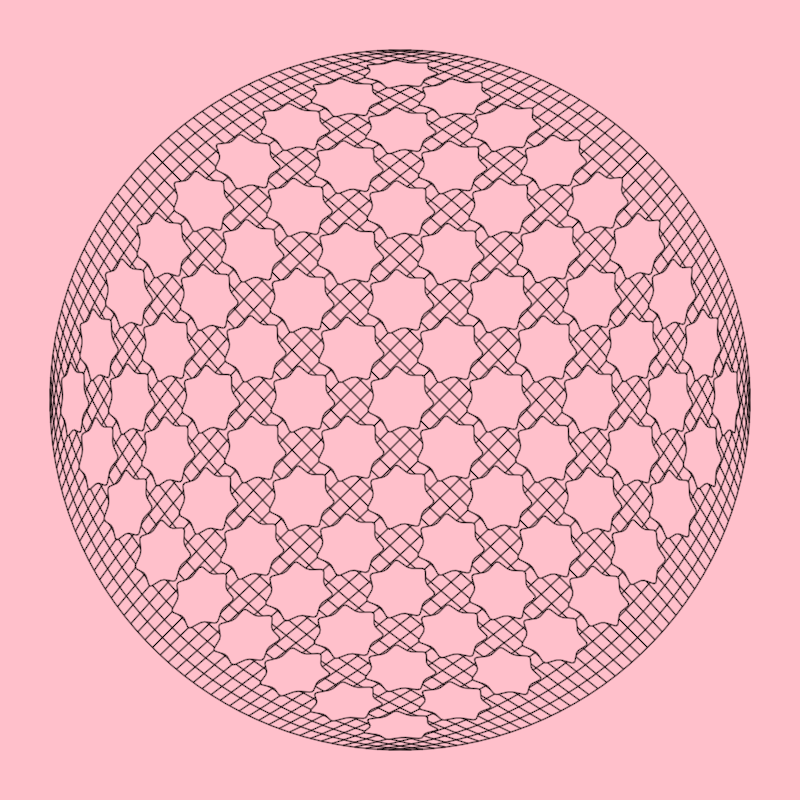
Shows how to distort [ShapeContour]s using a [bezierPatch]
In this case the contours are regular stars and the bezier patch is created using a circular contour with the required 4 segments.
bezierpatch/DemoBezierPatch04
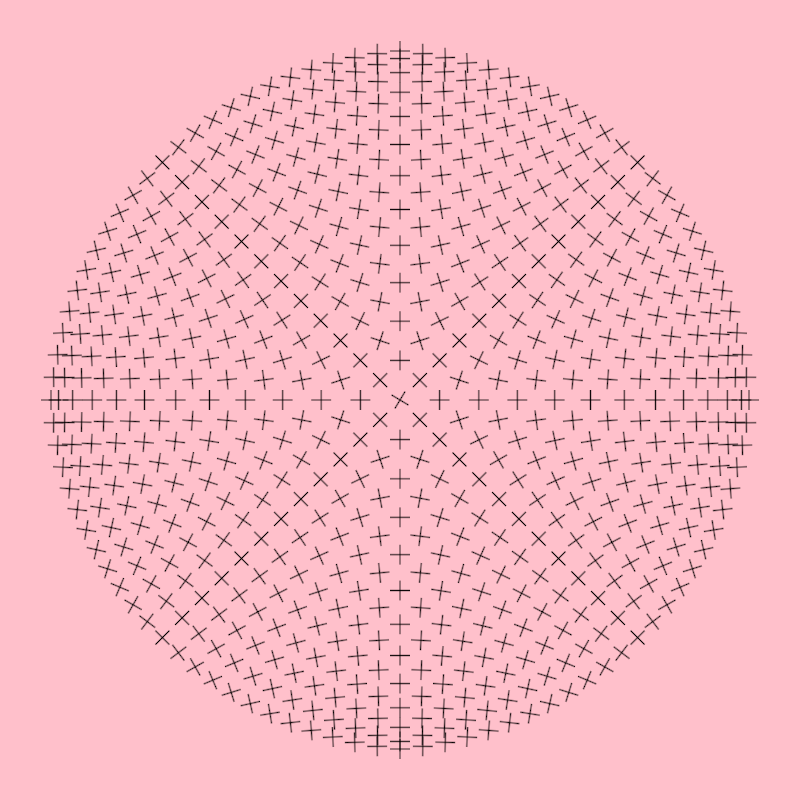
Shows how to get positions and gradient values of those positions from a [bezierPatch]
You can think of bezierPatch.position() as requesting points in a wavy flag (the bezier patch) using normalized uv coordinates.
bezierpatch/DemoBezierPatch05
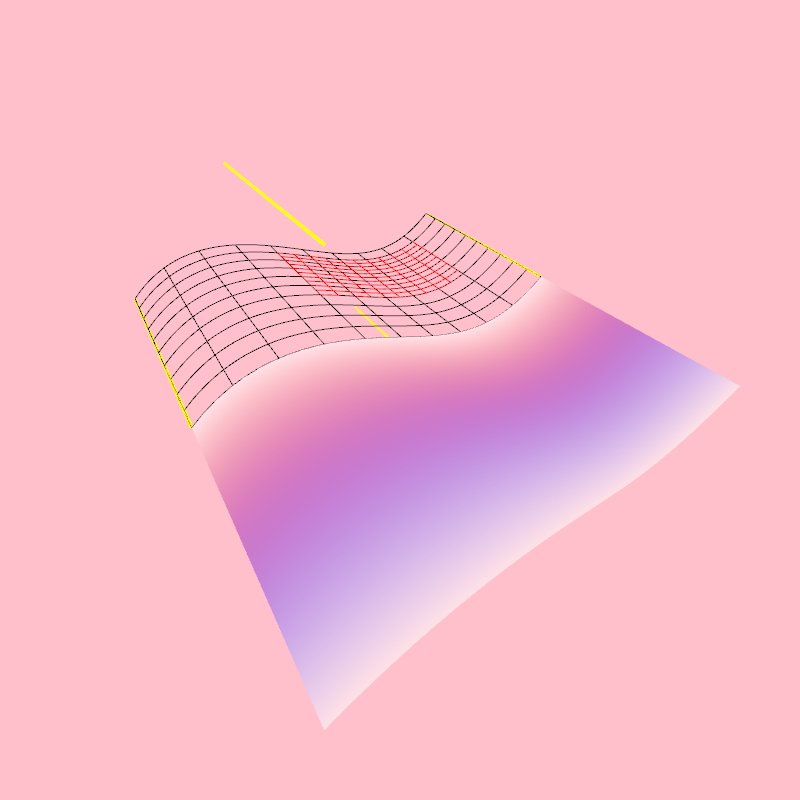
Shows how to
- create a [bezierPatch] out of 4 [Segment3D]
- create a sub-patch out of a [bezierPatch]
- create horizontal and vertical [Path3D]s out of [bezierPatch]es
- add colors to a [bezierPatch]
- draw a [bezierPatch] surface
The created contours are horizontal and vertical in "bezier-patch space" but are rendered deformed following the shape of the bezier patch.
bezierpatch/DemoBezierPatch06
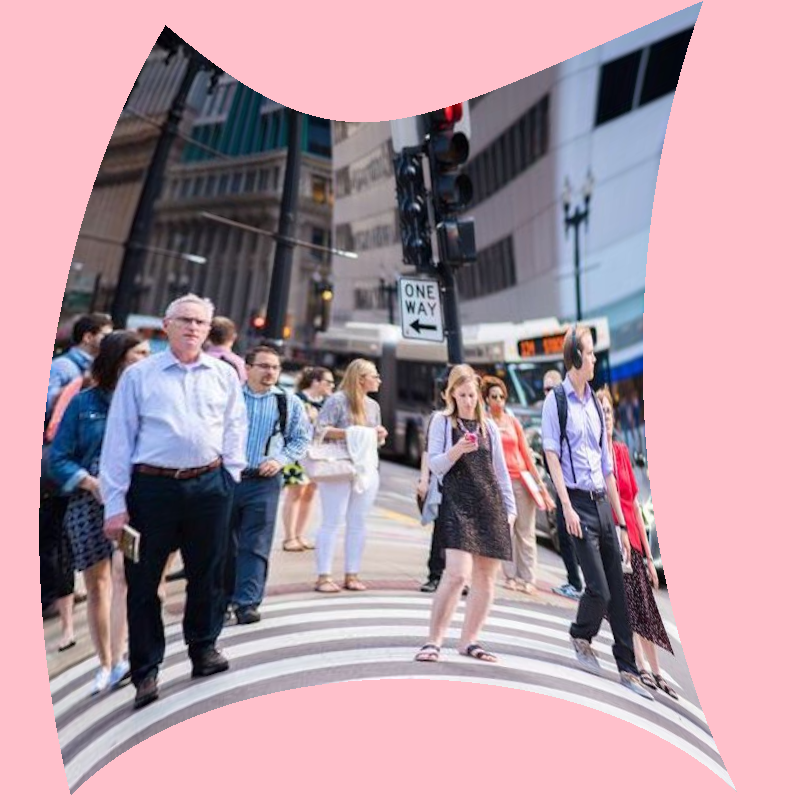
Shows how to
- create a [bezierPatch] out of 4 curved Segment2D instances
- apply an image texture to the patch using a shadeStyle
bezierpatch/DemoBezierPatchDrawer01
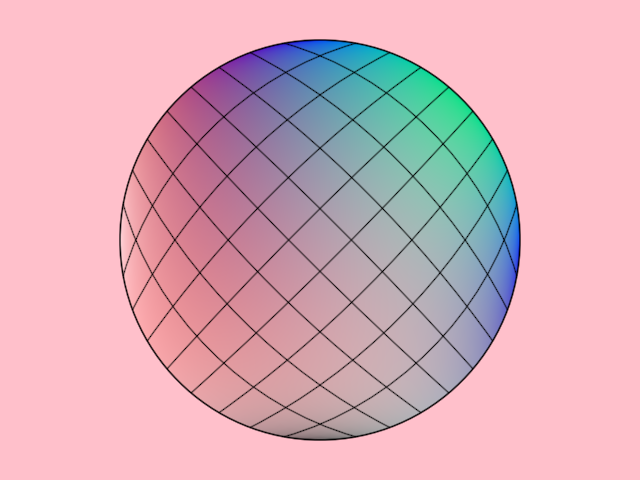
bezierpatch/DemoBezierPatchDrawer02
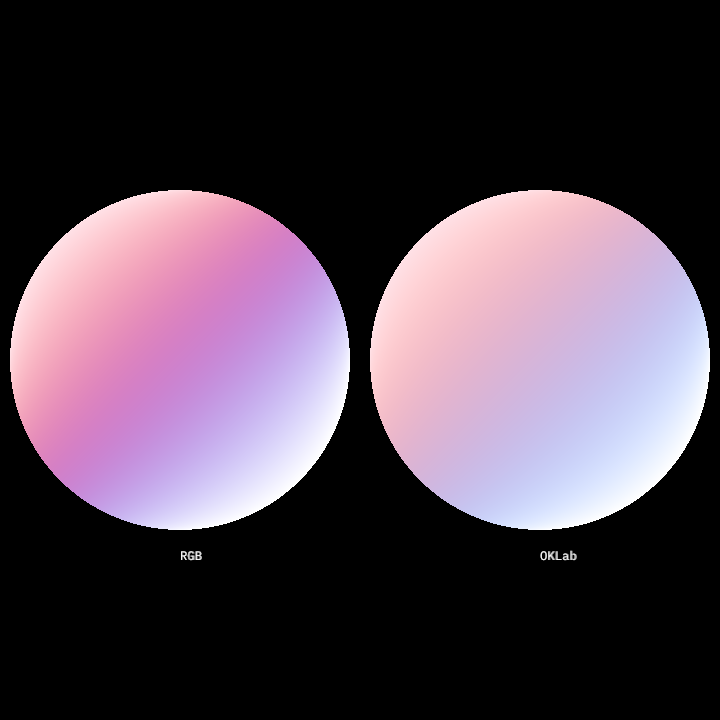
bezierpatch/DemoBezierPatchDrawer03
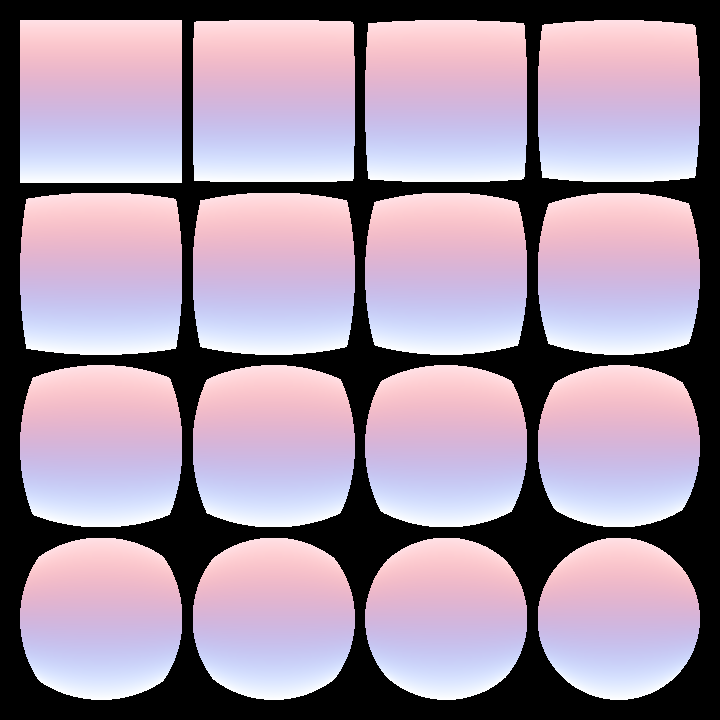
bezierpatch/DemoBezierPatches01
Shows how to create a [bezierPatch] out of a closed [ShapeContour] with 4 curved segments.
Calling [Circle.contour] is one way of producing such a contour with vertices at the cardinal points but one can manually create any other 4-segment closed contour to use in bezier patches.

blend/DemoContourBlend01
Demonstration of uniform contour blending
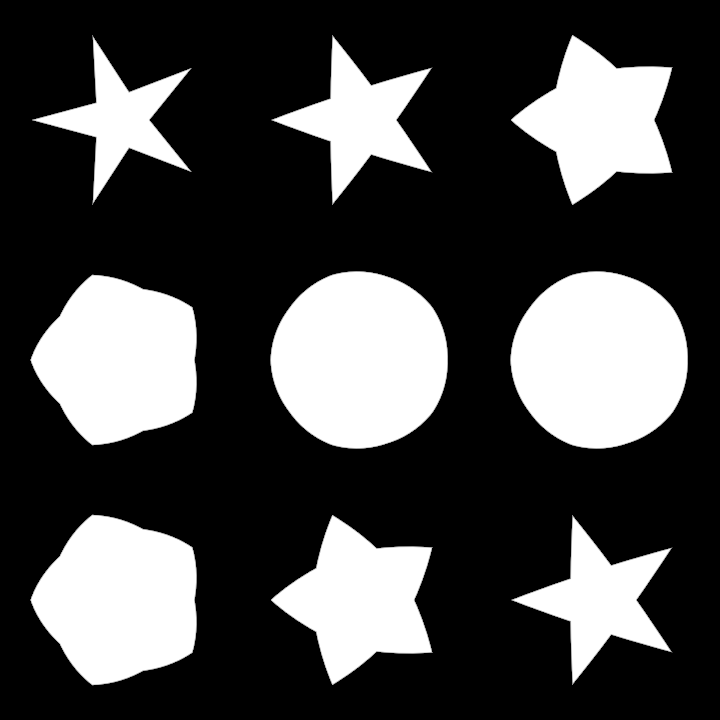
blend/DemoContourBlend02
Demonstration of non-uniform contour blending
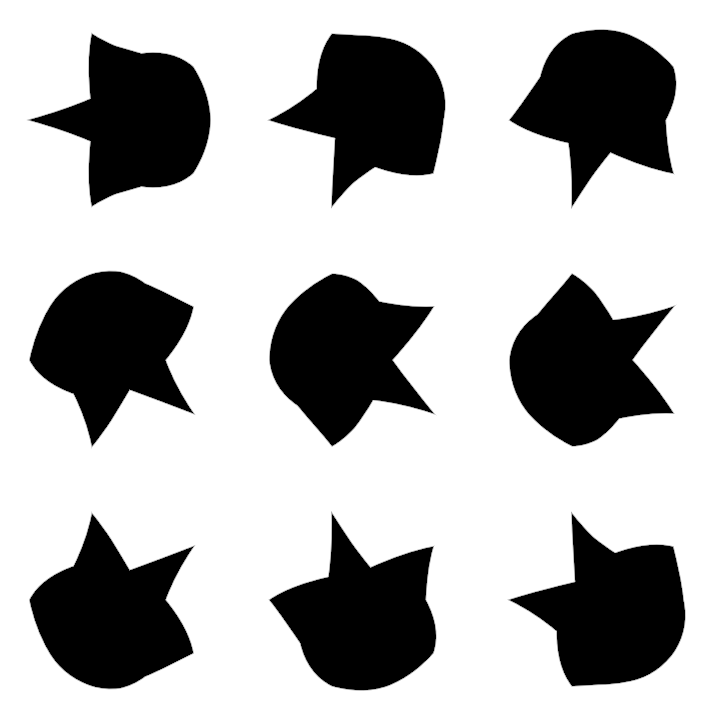
frames/DemoFrames01
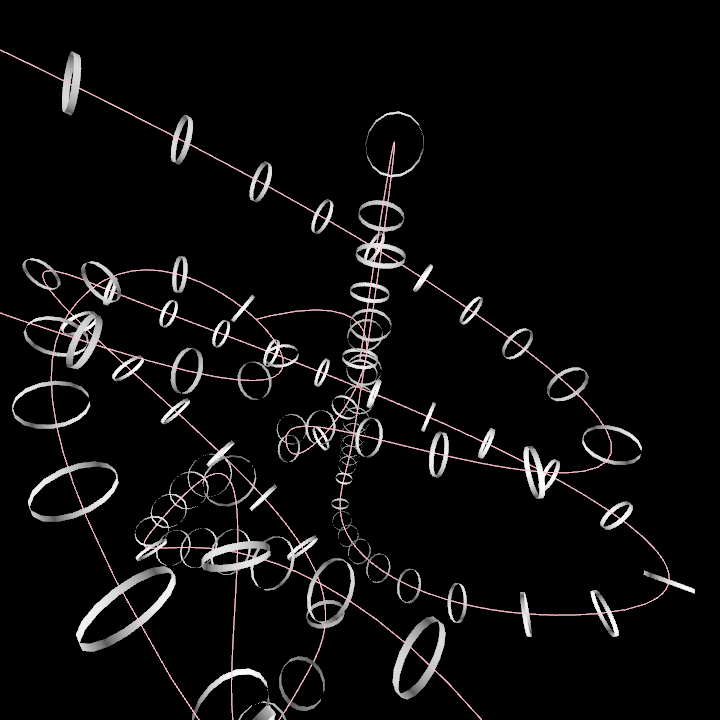
hobbycurve/DemoHobbyCurve01
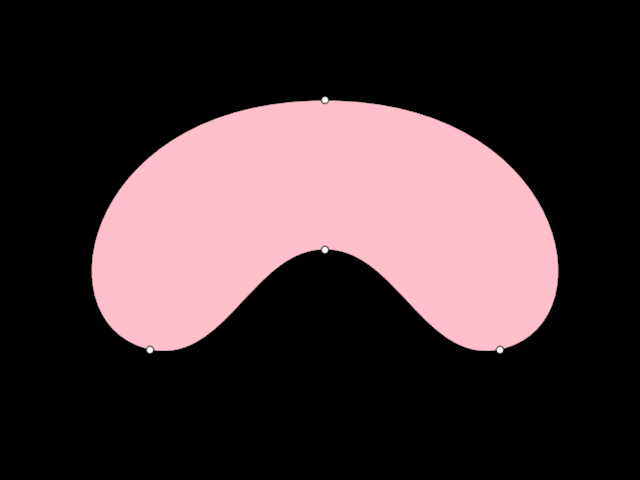
hobbycurve/DemoHobbyCurve02
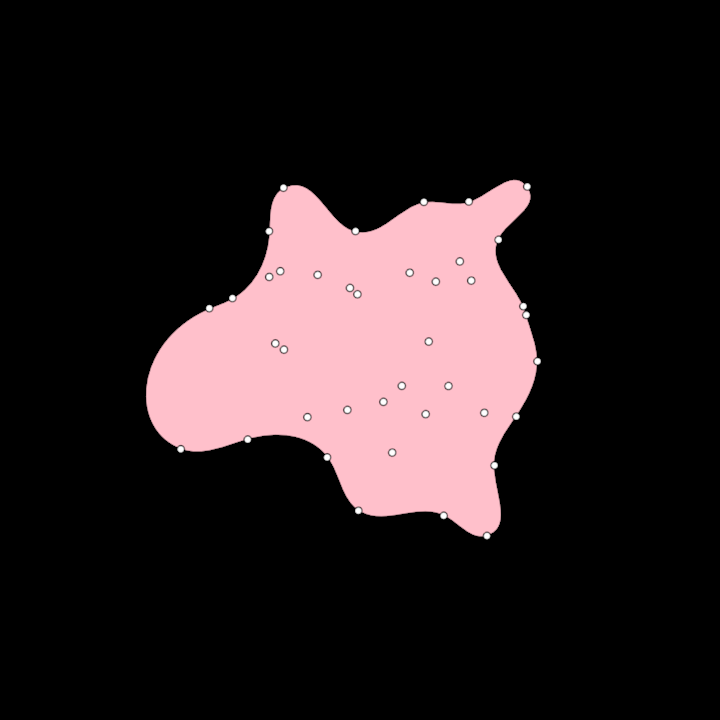
hobbycurve/DemoHobbyCurve03
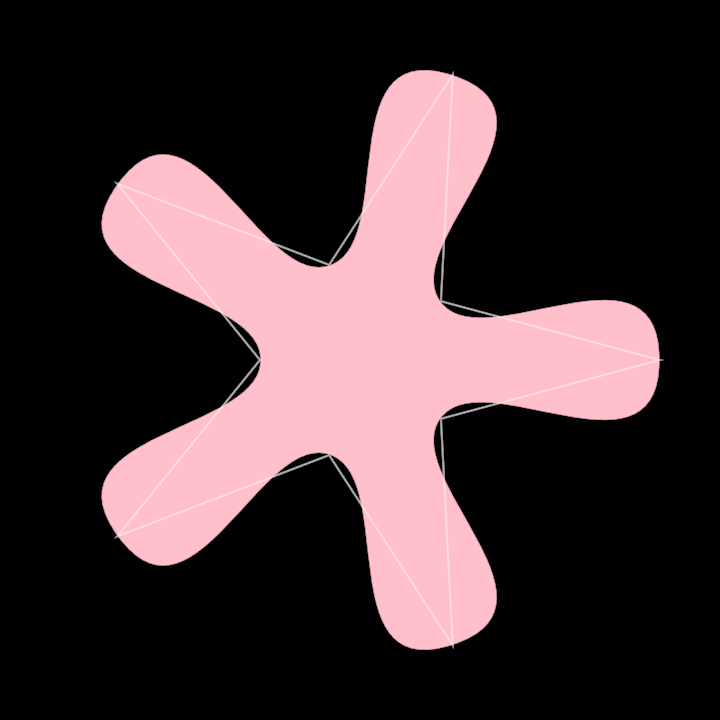
hobbycurve/DemoHobbyCurve3D01
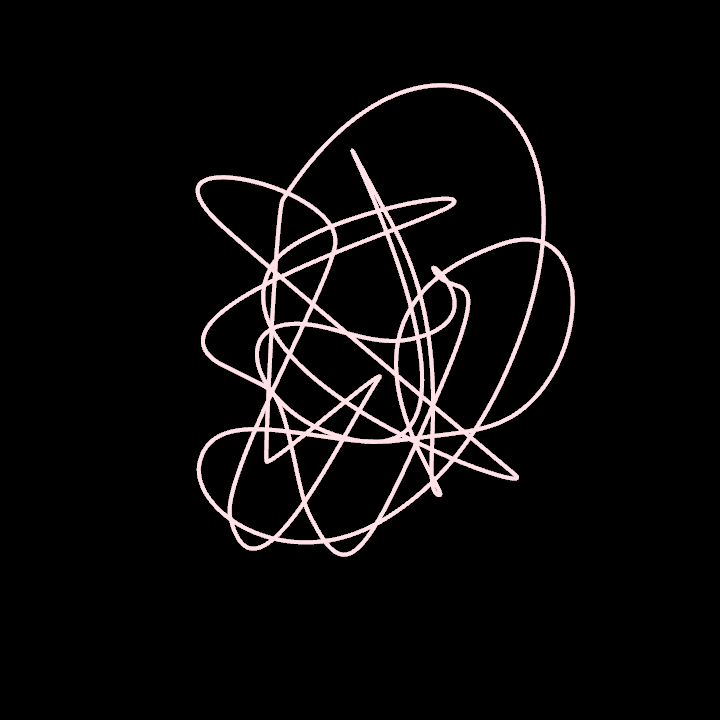
operators/DemoRoundCorners01
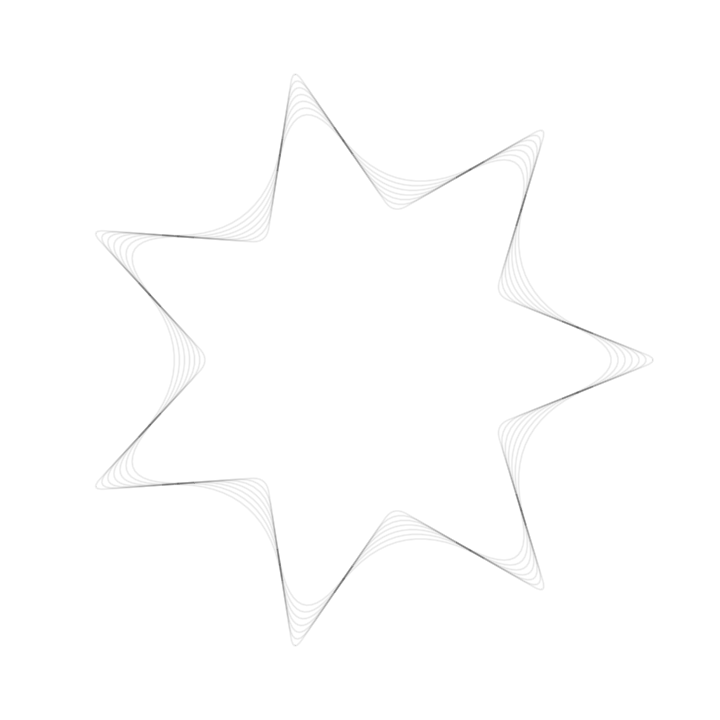
ordering/DemoHilbertOrder01
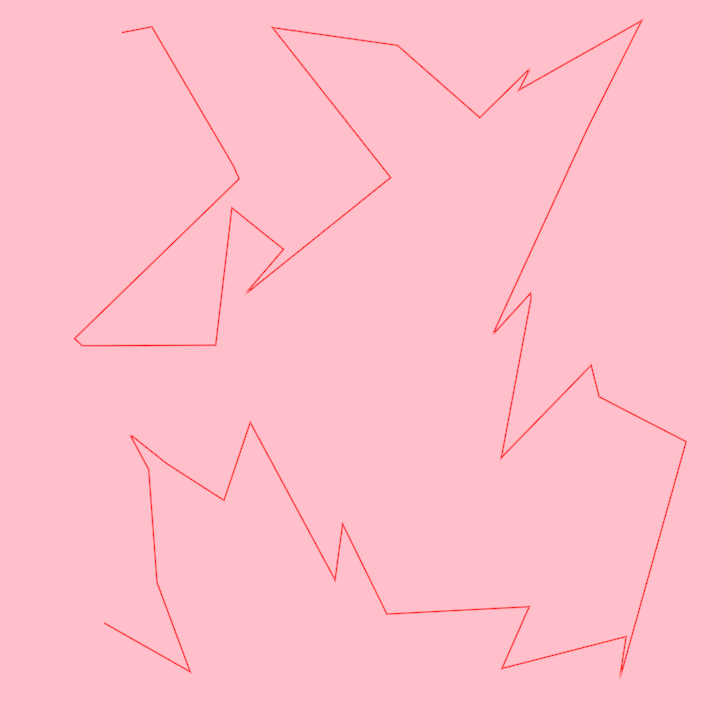
ordering/DemoHilbertOrder02
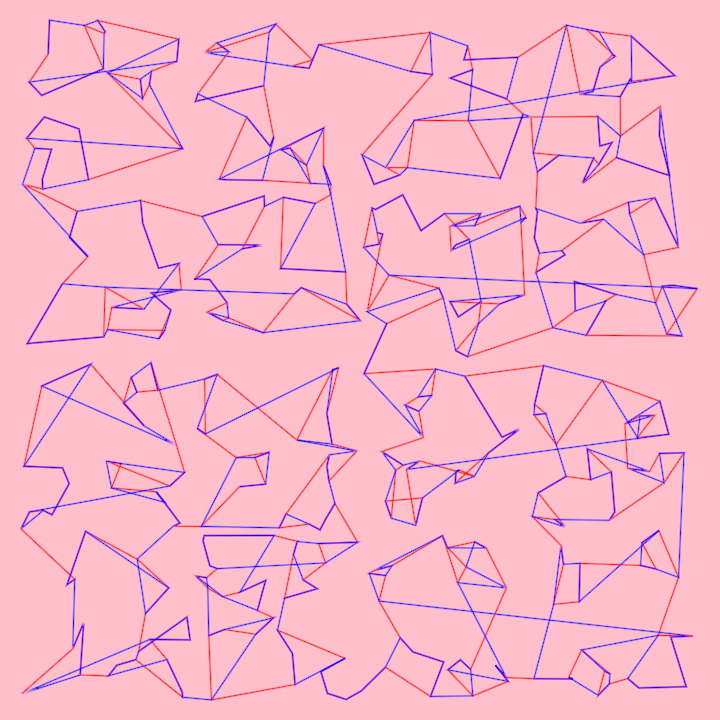
path3d/DemoPath3DProjection

primitives/DemoArc01
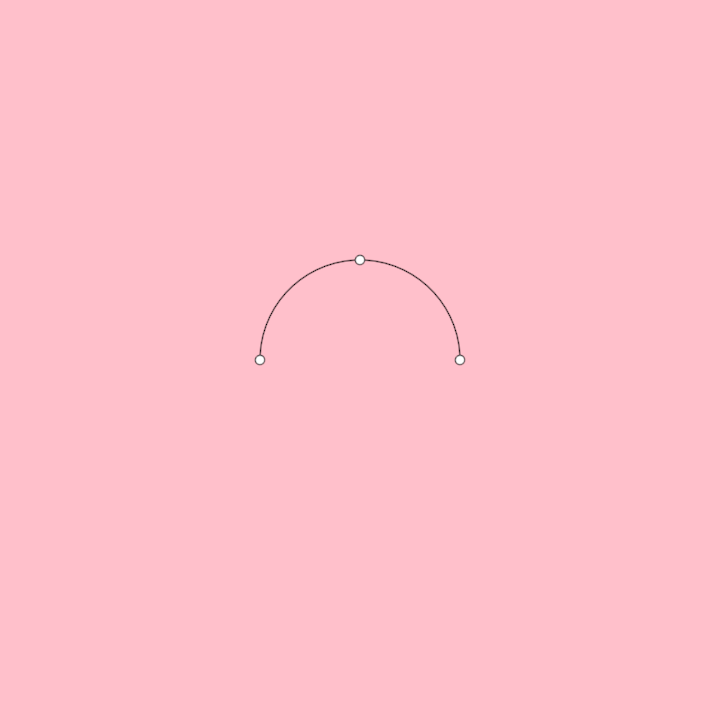
primitives/DemoCircleInversion01

primitives/DemoCircleInversion02
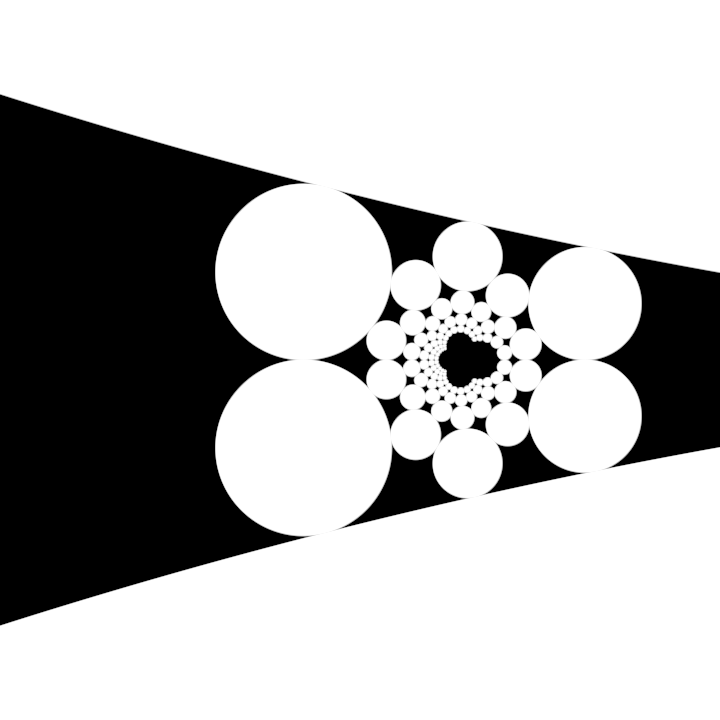
primitives/DemoCircleInversion03
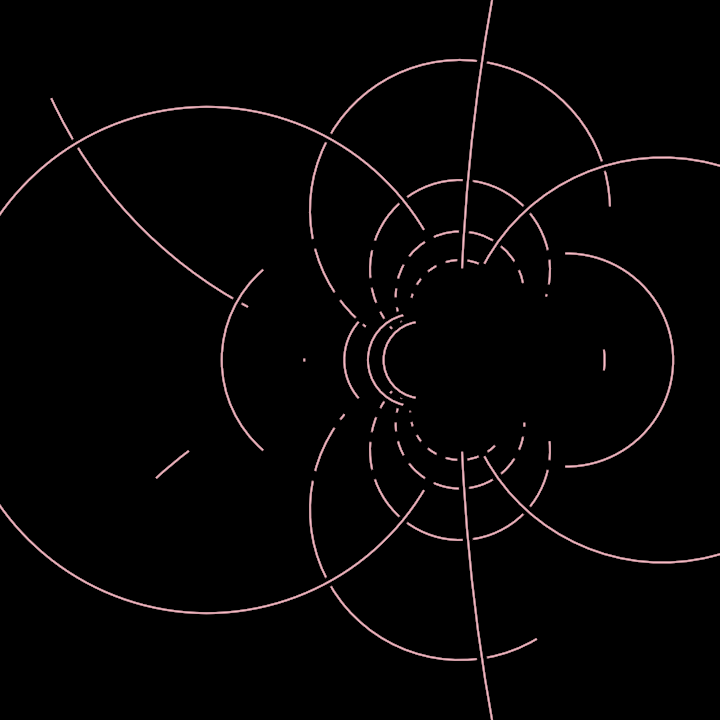
primitives/DemoNet01
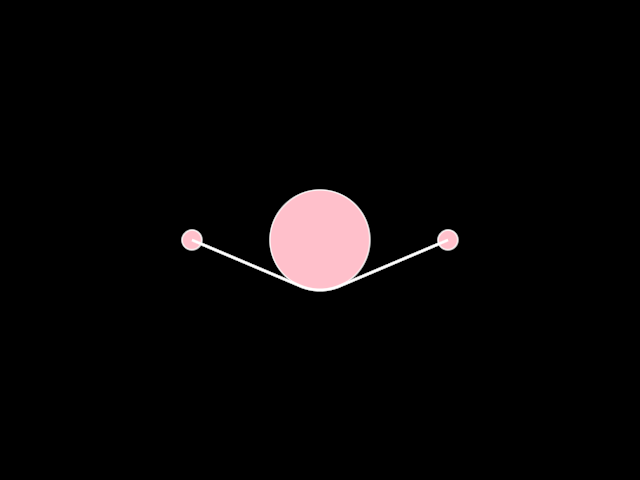
primitives/DemoPulley01
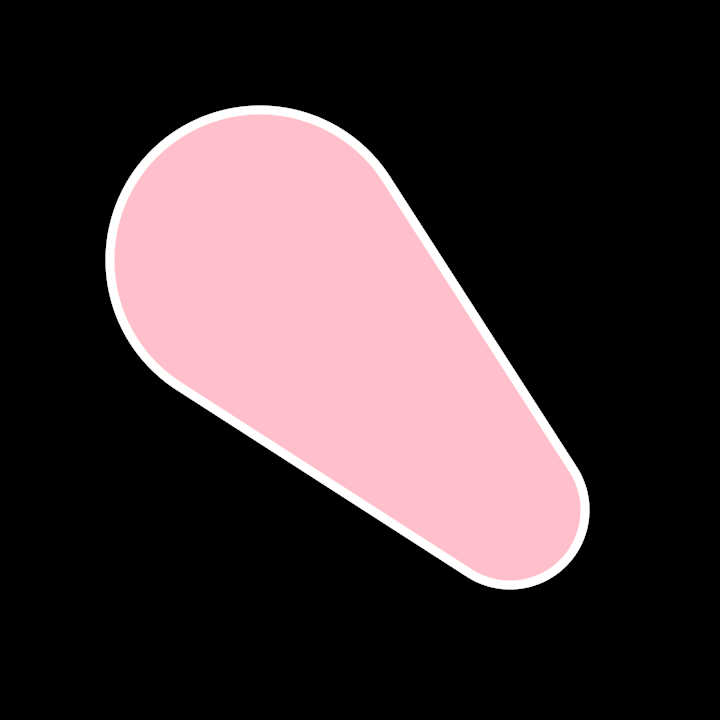
primitives/DemoRectangleDistribute01
of rectangles, which are generated and manipulated based on time and random parameters. The application follows these steps:
- Initializes a random generator seeded with the elapsed seconds since the start of the program.
- Creates a sequence of rectangles using the
uniformSubfunction to generate random sub-rectangles within the bounding rectangle of the canvas. - Distributes the generated rectangles horizontally within the canvas using the
distributeHorizontallymethod. - Aligns the rectangles vertically according to their position in relation to the bounding rectangle and a dynamic anchor point derived from the cosine of elapsed time.
- Renders the rectangles on the canvas in the output window.
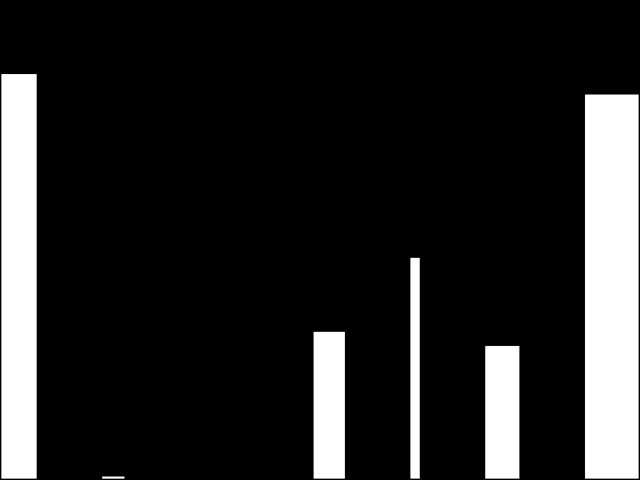
primitives/DemoRectangleFitHorizontally
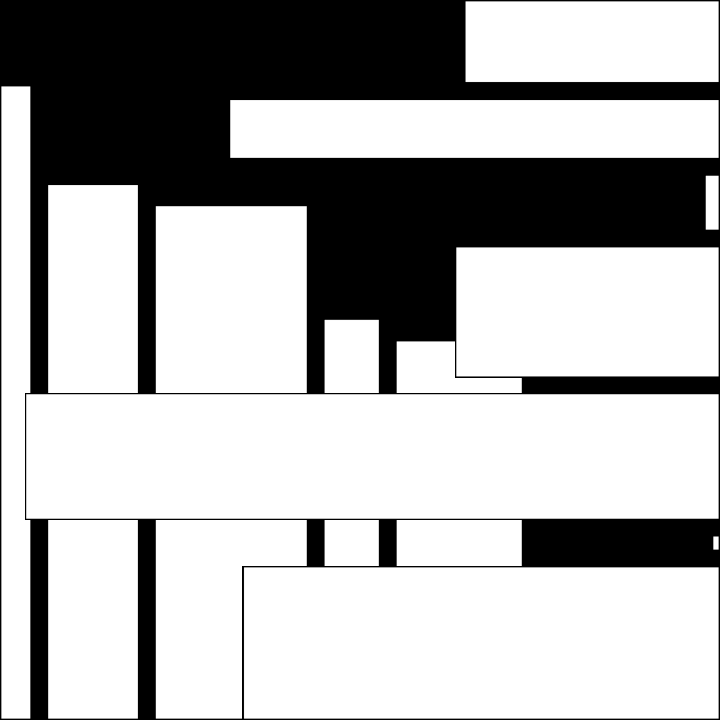
primitives/DemoRectangleGrid01
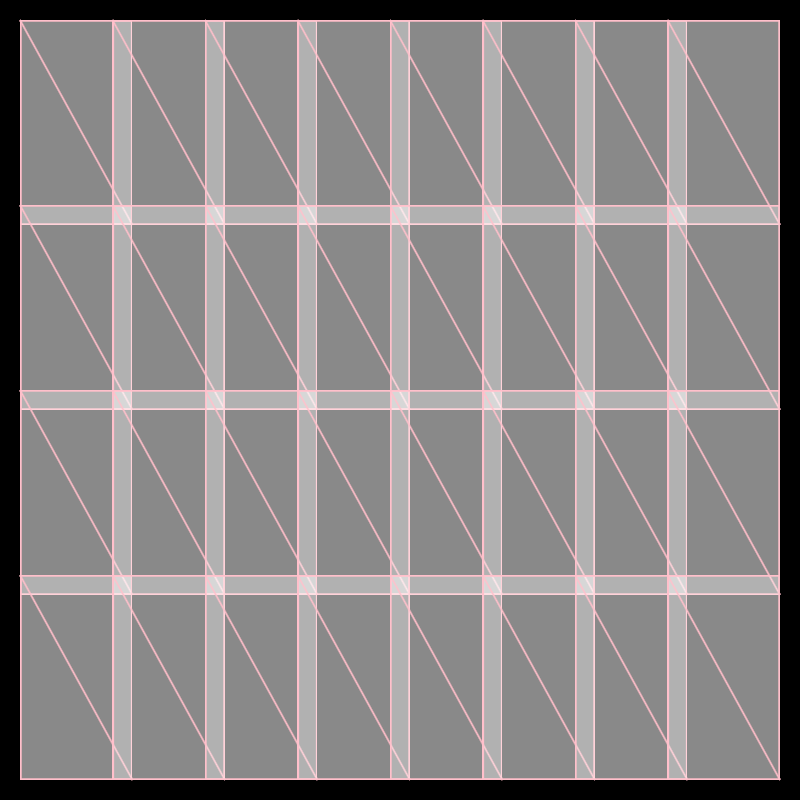
primitives/DemoRectangleGrid02
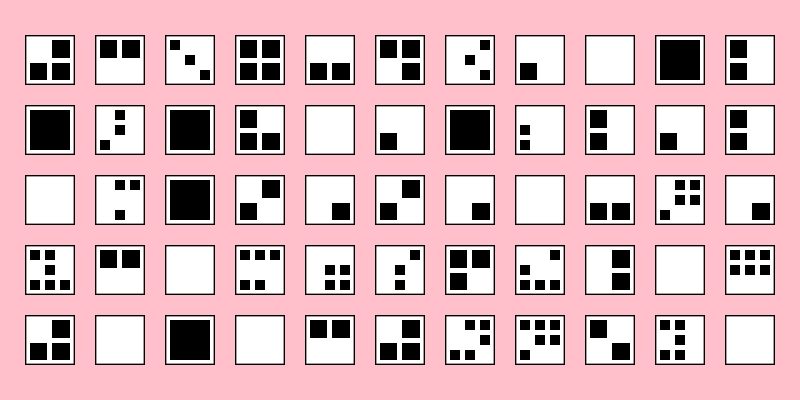
primitives/DemoRectangleGrid03
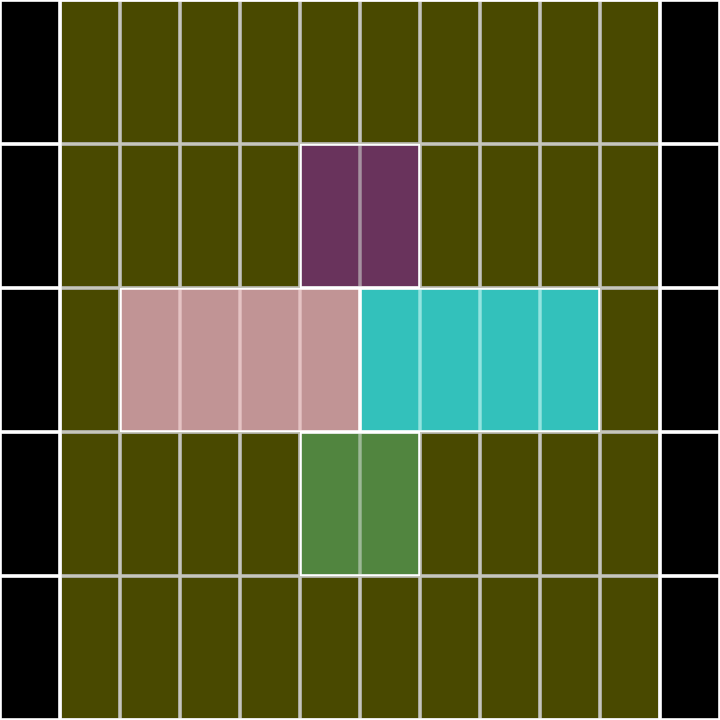
primitives/DemoRectangleIntersection01
Demonstrate rectangle-rectangle intersection
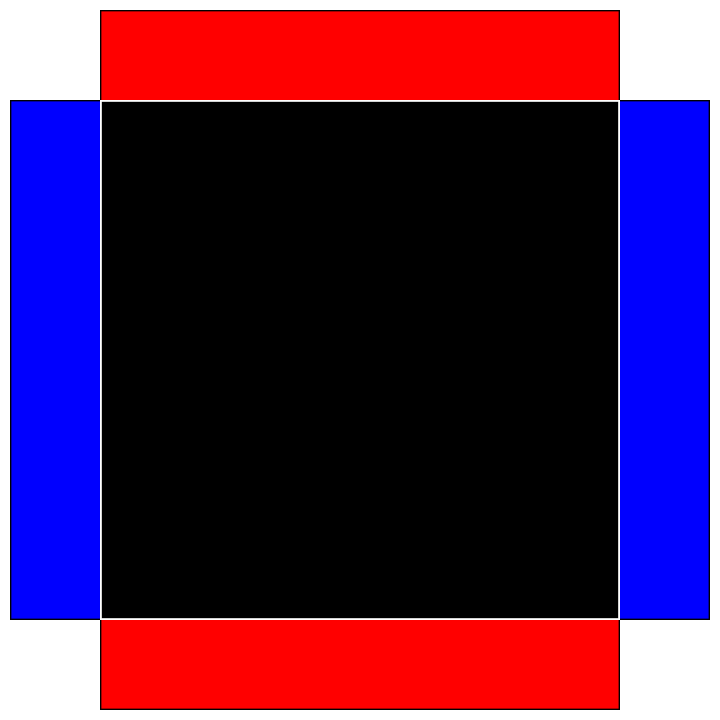
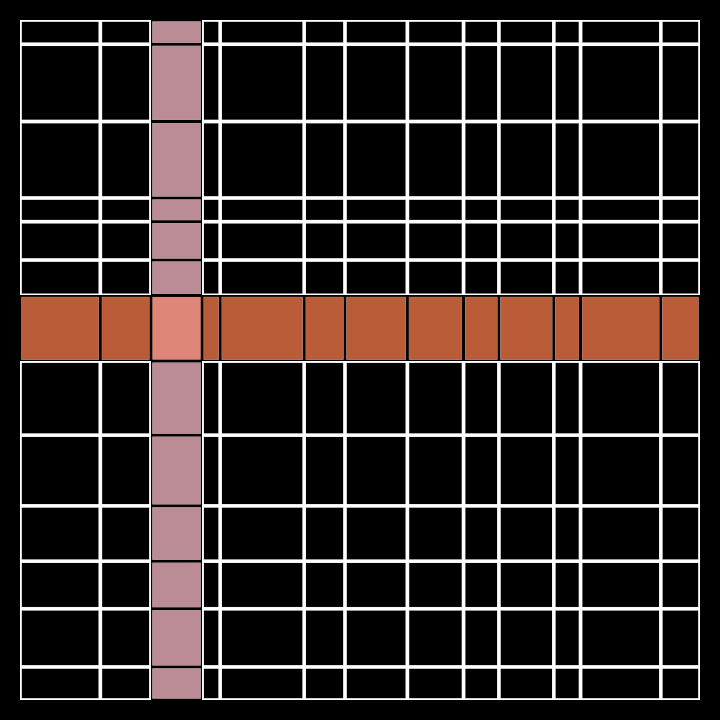
primitives/DemoRectangleIrregularGrid
primitives/DemoRectanglePlace01
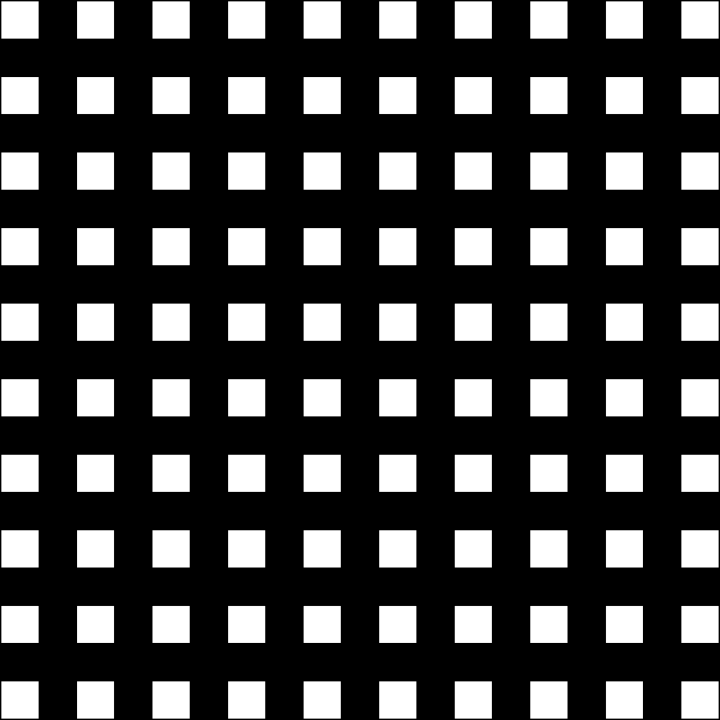
Demo for rendering a 10x10 grid of rectangles within the bounds of the canvas. Each rectangle's position is calculated relative to its anchors, filling the entire canvas with evenly placed items.
The rectangles are drawn using the default white color. The place function is applied to each
rectangle to position them dynamically based on their relative anchor points within the bounding area.
This serves as a demonstration of positioning and rendering shapes in a structured grid layout.
primitives/DemoRegularPolygon
primitives/DemoRegularStar01
primitives/DemoRegularStar02

primitives/DemoRoundedRectangle
primitives/DemoSplit01
primitives/DemoTear01
rectify/DemoRectifiedContour01
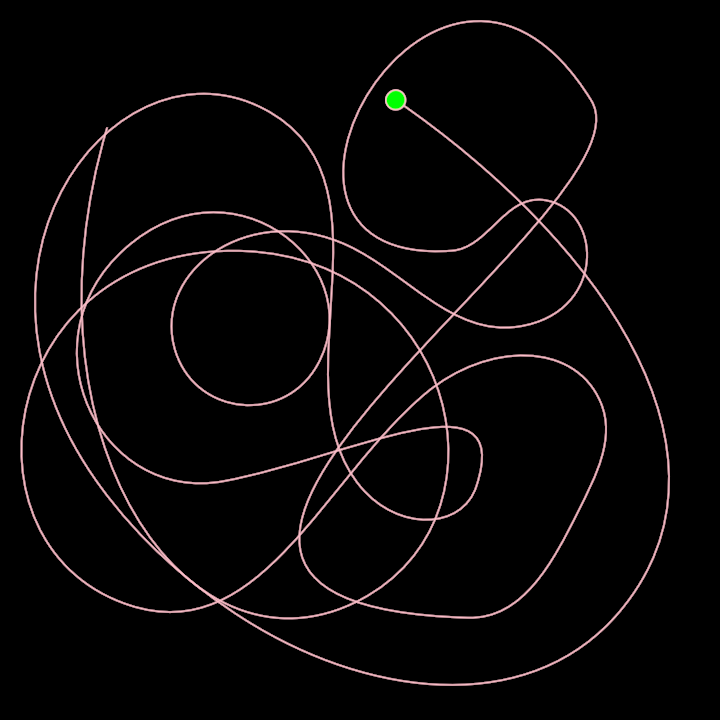
rectify/DemoRectifiedContour02
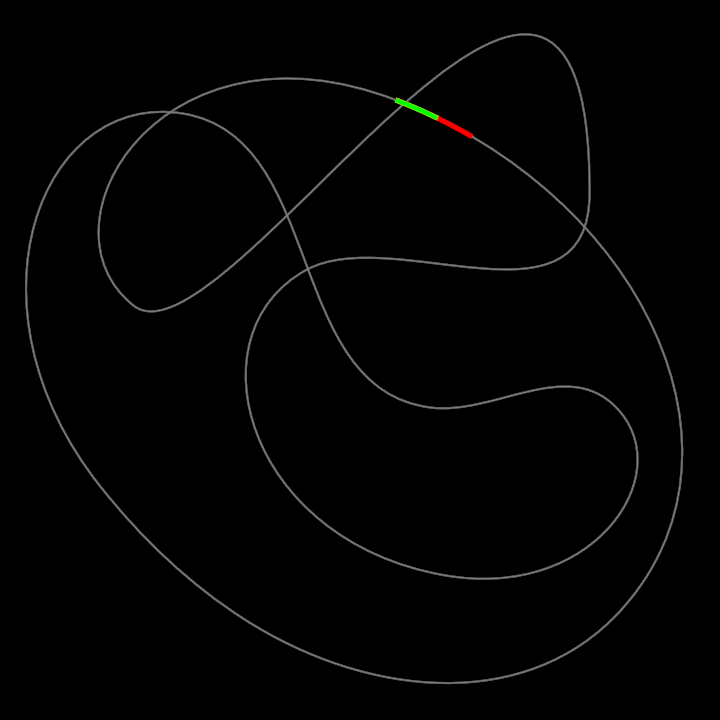
rectify/DemoRectifiedContour03
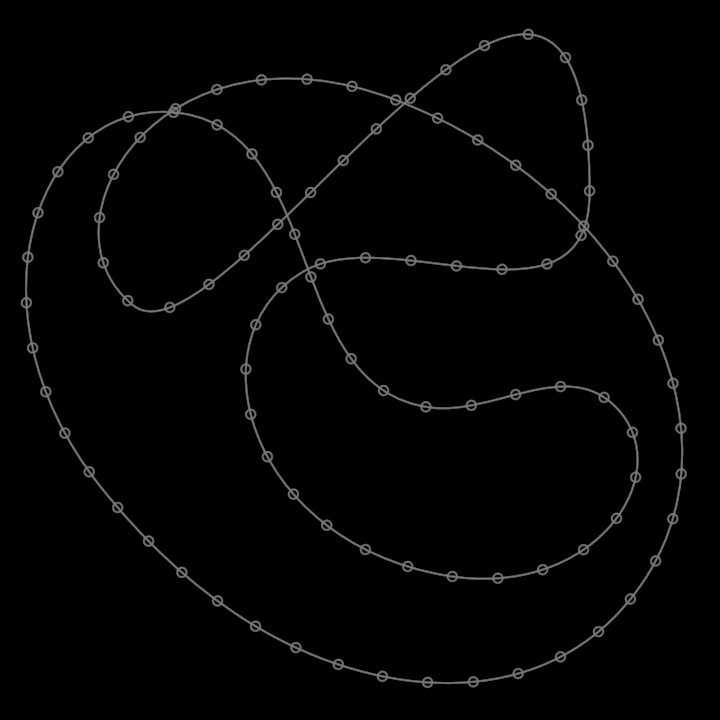
rectify/DemoRectifiedContour04
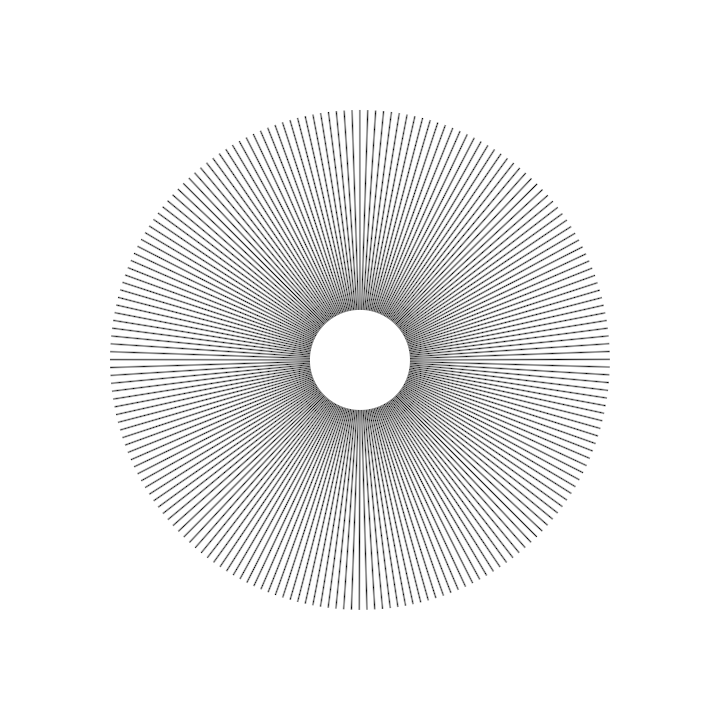
rectify/DemoRectifiedPath3D01
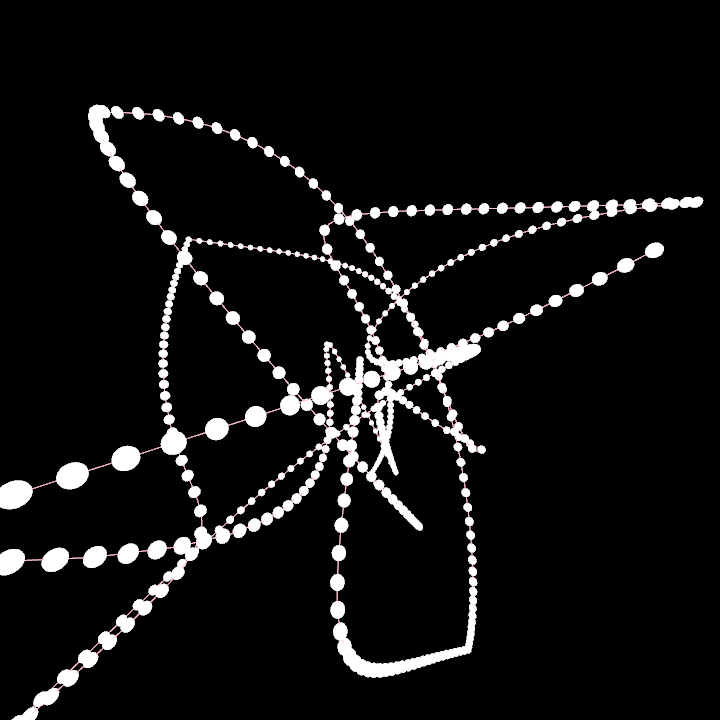
text/DemoText01
tunni/DemoTunniAdjuster01

tunni/DemoTunniPoint01
