8.7 KiB
orx-jumpflood
Calculates distance or direction fields from an image. GPU accelerated, 2D. Results are provided as an image.
Original jump flooding algorithm
orx-jumpflood focusses on finding 2d distance and directional distance fields.
Distance field example
distanceFieldFromBitmap() calculates distances to bitmap contours it stores
the distance in red and the original bitmap in green.
import org.openrndr.application
import org.openrndr.draw.*
import org.openrndr.extra.fx.blur.ApproximateGaussianBlur
import org.openrndr.extra.jumpfill.DistanceField
import org.openrndr.extra.jumpfill.Threshold
import org.openrndr.ffmpeg.VideoPlayerFFMPEG

fun main() = application {
    configure {
        width = 1280
        height = 720
    }

    program {
        val blurFilter = ApproximateGaussianBlur()
        val blurred = colorBuffer(width, height)

        val thresholdFilter = Threshold()
        val thresholded = colorBuffer(width, height)

        val distanceField = DistanceField()
        val distanceFieldBuffer = colorBuffer(width, height, type = ColorType.FLOAT32)

        val videoCopy = renderTarget(width, height) {
            colorBuffer()
        }
        val videoPlayer = VideoPlayerFFMPEG.fromDevice(imageWidth = width, imageHeight = height)
        videoPlayer.play()

        extend {
            // -- copy videoplayer output
            drawer.isolatedWithTarget(videoCopy) {
                drawer.ortho(videoCopy)
                videoPlayer.draw(drawer)
            }

            // -- blur the input a bit, this produces less noisy bitmap images
            blurFilter.sigma = 9.0
            blurFilter.window = 18
            blurFilter.apply(videoCopy.colorBuffer(0), blurred)

            // -- threshold the blurred image
            thresholdFilter.threshold = 0.5
            thresholdFilter.apply(blurred, thresholded)

            distanceField.apply(thresholded, distanceFieldBuffer)

            drawer.isolated {
                // -- use a shadestyle to visualize the distance field
                drawer.shadeStyle = shadeStyle {
                    fragmentTransform = """
                        float d = x_fill.r;
                        if (x_fill.g > 0.5) {
                            x_fill.rgb = vec3(cos(d) * 0.5 + 0.5);
                        } else {
                            x_fill.rgb = 0.25 * vec3(1.0 - (cos(d) * 0.5 + 0.5));
                        }
                    """
                }
                drawer.image(distanceFieldBuffer)
            }
        }
    }
}
Direction field example
directionFieldFromBitmap() calculates directions to bitmap contours it stores
x-direction in red, y-direction in green, and the original bitmap in blue.
import org.openrndr.application
import org.openrndr.draw.*
import org.openrndr.extra.fx.blur.ApproximateGaussianBlur
import org.openrndr.extra.jumpfill.DirectionalField
import org.openrndr.extra.jumpfill.Threshold
import org.openrndr.ffmpeg.VideoPlayerFFMPEG

fun main() = application {
    configure {
        width = 1280
        height = 720
    }

    program {
        val blurFilter = ApproximateGaussianBlur()
        val blurred = colorBuffer(width, height)

        val thresholdFilter = Threshold()
        val thresholded = colorBuffer(width, height)

        val directionField = DirectionalField()
        val directionalFieldBuffer = colorBuffer(width, height, type = ColorType.FLOAT32)

        val videoPlayer = VideoPlayerFFMPEG.fromDevice(imageWidth = width, imageHeight = height)
        videoPlayer.play()

        val videoCopy = renderTarget(width, height) {
            colorBuffer()
        }

        extend {
            // -- copy videoplayer output
            drawer.isolatedWithTarget(videoCopy) {
                drawer.ortho(videoCopy)
                videoPlayer.draw(drawer)
            }

            // -- blur the input a bit, this produces less noisy bitmap images
            blurFilter.sigma = 9.0
            blurFilter.window = 18
            blurFilter.apply(videoCopy.colorBuffer(0), blurred)

            // -- threshold the blurred image
            thresholdFilter.threshold = 0.5
            thresholdFilter.apply(blurred, thresholded)

            directionField.apply(thresholded, directionalFieldBuffer)

            drawer.isolated {
                // -- use a shadestyle to visualize the direction field
                drawer.shadeStyle = shadeStyle {
                    fragmentTransform = """
                        float a = atan(x_fill.r, x_fill.g);
                        if (x_fill.b > 0.5) {
                            x_fill.rgb = vec3(cos(a)*0.5+0.5, 1.0, sin(a)*0.5+0.5);
                        } else {
                            x_fill.rgb = vec3(cos(a)*0.5+0.5, 0.0, sin(a)*0.5+0.5);
                        }
                    """
                }
                drawer.image(directionalFieldBuffer)
            }
        }
    }
}
Demos
DemoDirectionField01
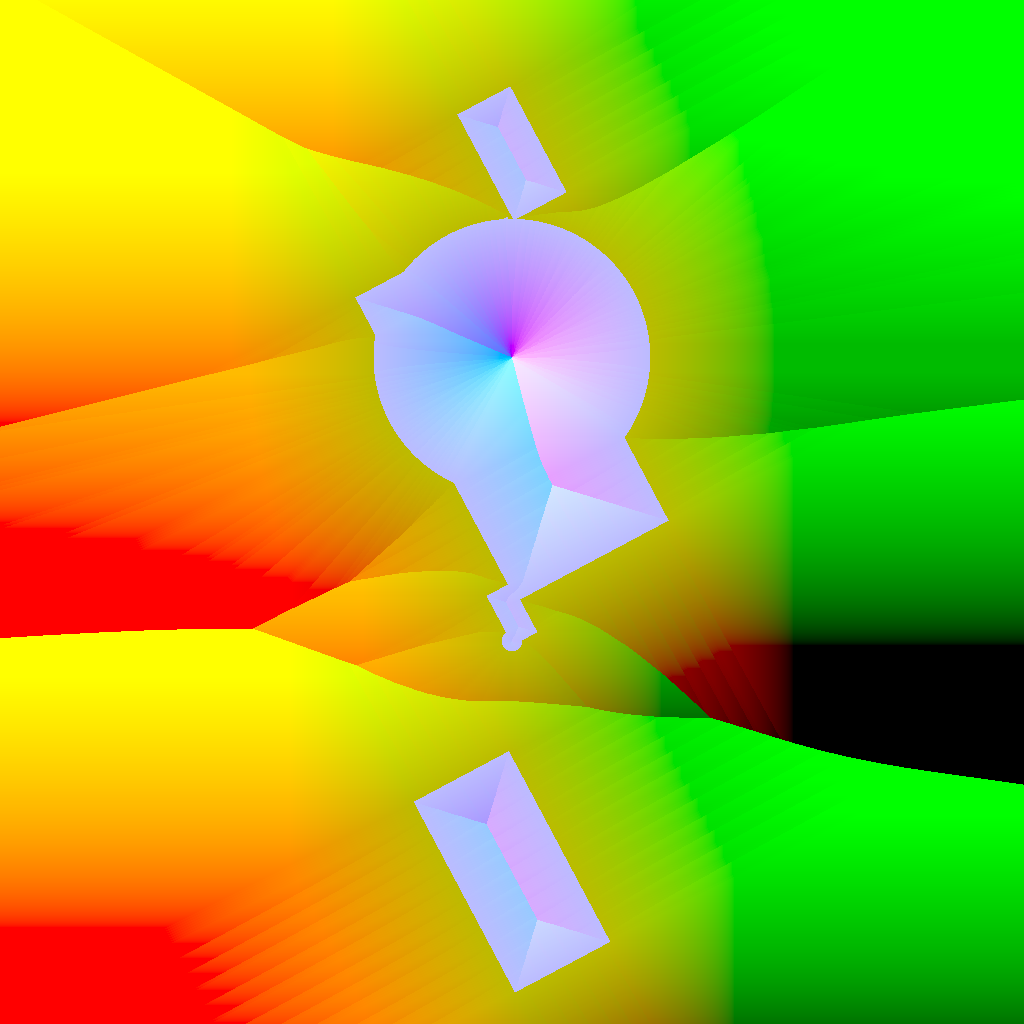
Shows how to use the [DirectionalField] filter. Draws moving white shapes on black background, then applies the DirectionalField filter which returns a [ColorBuffer] in which the red and green components encode the direction to the closest black/white edge.
Hold down a mouse button to see the raw animation.
DemoDirectionField02
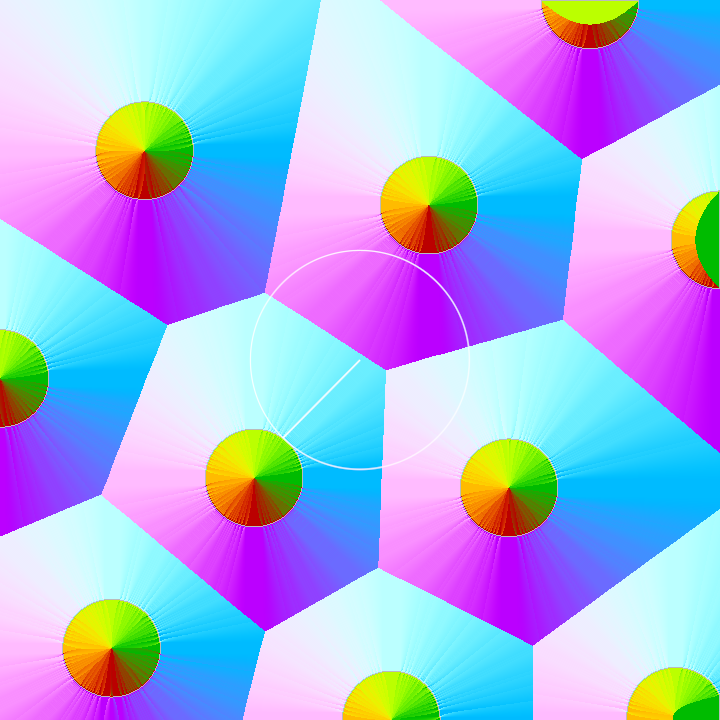
Create directional distance field and demonstrate signed distance
DemoDistanceField01
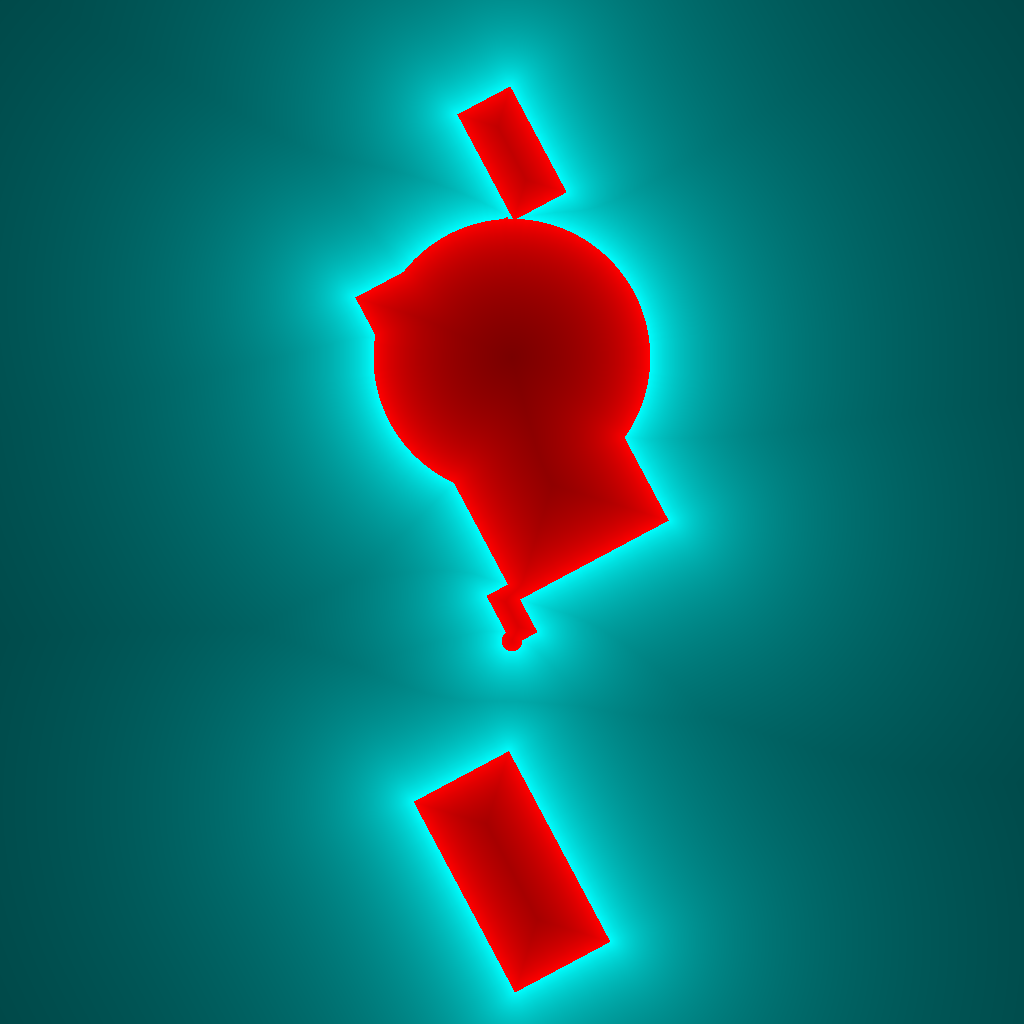
Shows how to use the [DistanceField] filter.
Draws moving white shapes on black background, then applies the DistanceField filter which returns a [ColorBuffer] in which the red component encodes the distance to the closest black/white edge.
The value of the green component is negative when on the black background and positive when inside white shapes. The sign is used in the [shadeStyle] to choose between two colors.
The inverse of the distance is used to obtain a non-linear brightness.
Hold down a mouse button to see the raw animation.
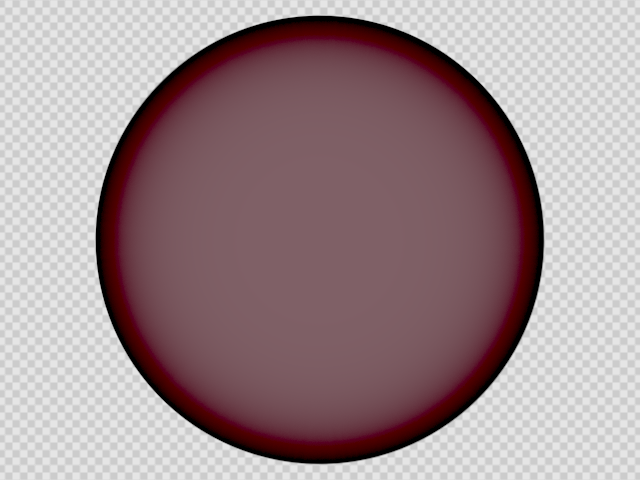
DemoInnerGlow01
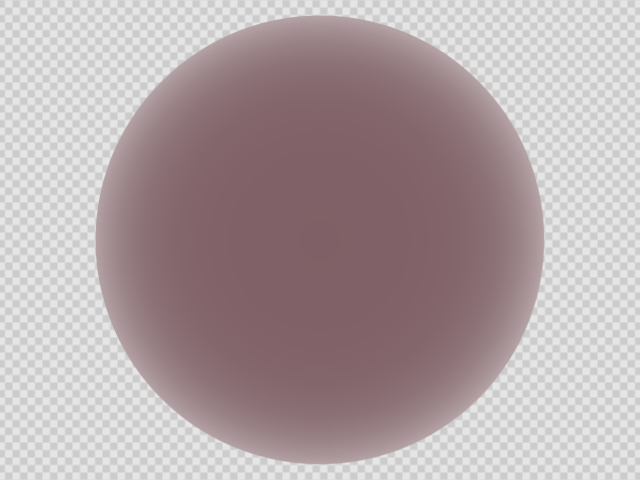
DemoInnerGlow02
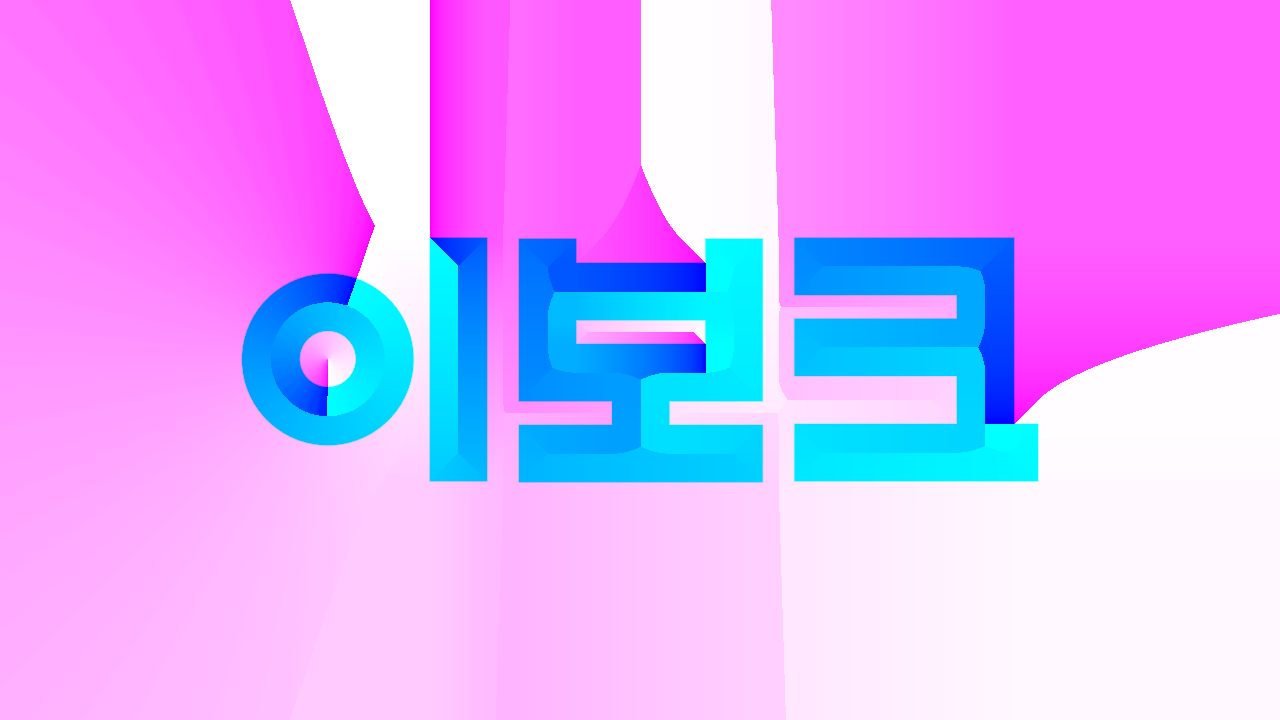
DemoShapeSDF01
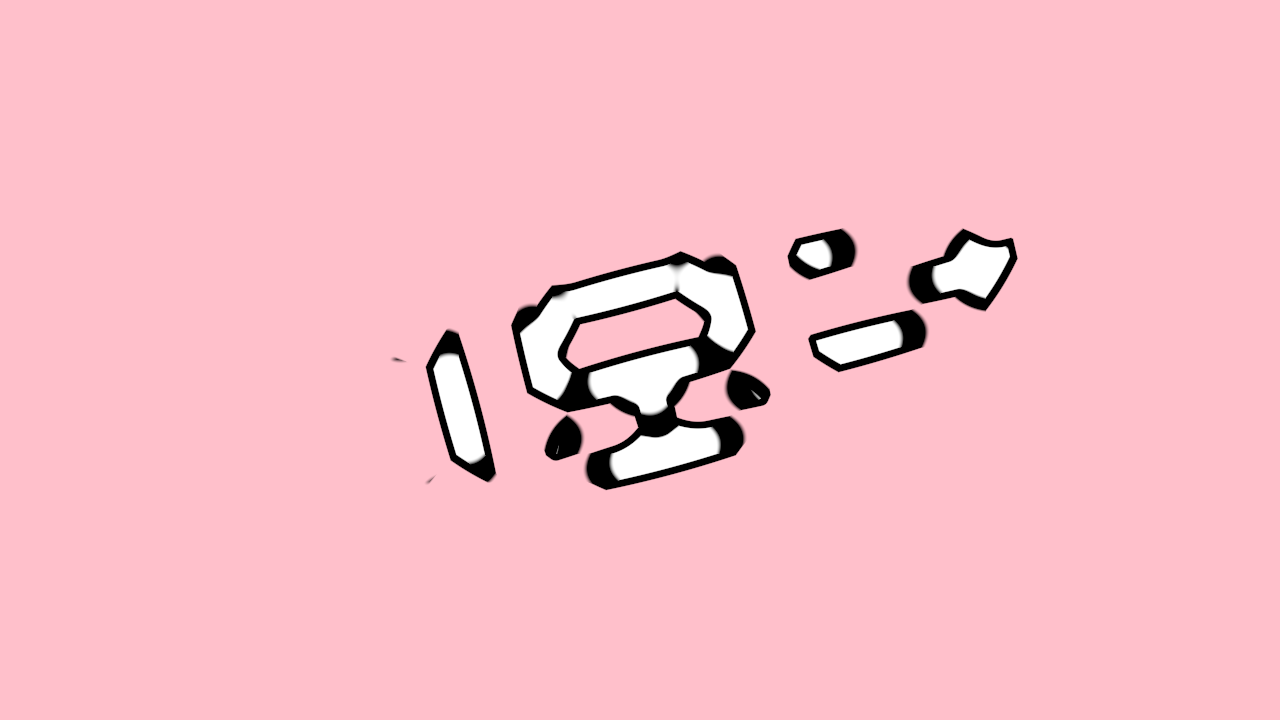
DemoShapeSDF02
DemoShapeSDF03
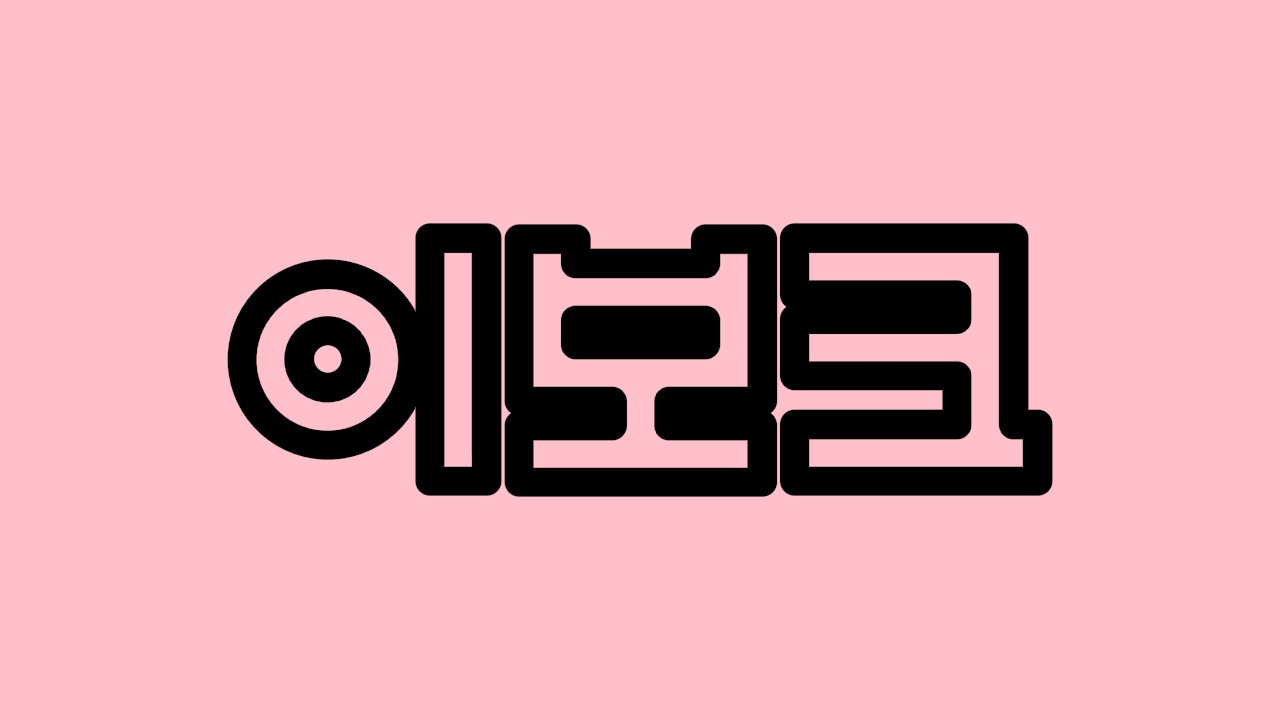
DemoShapeSDF04
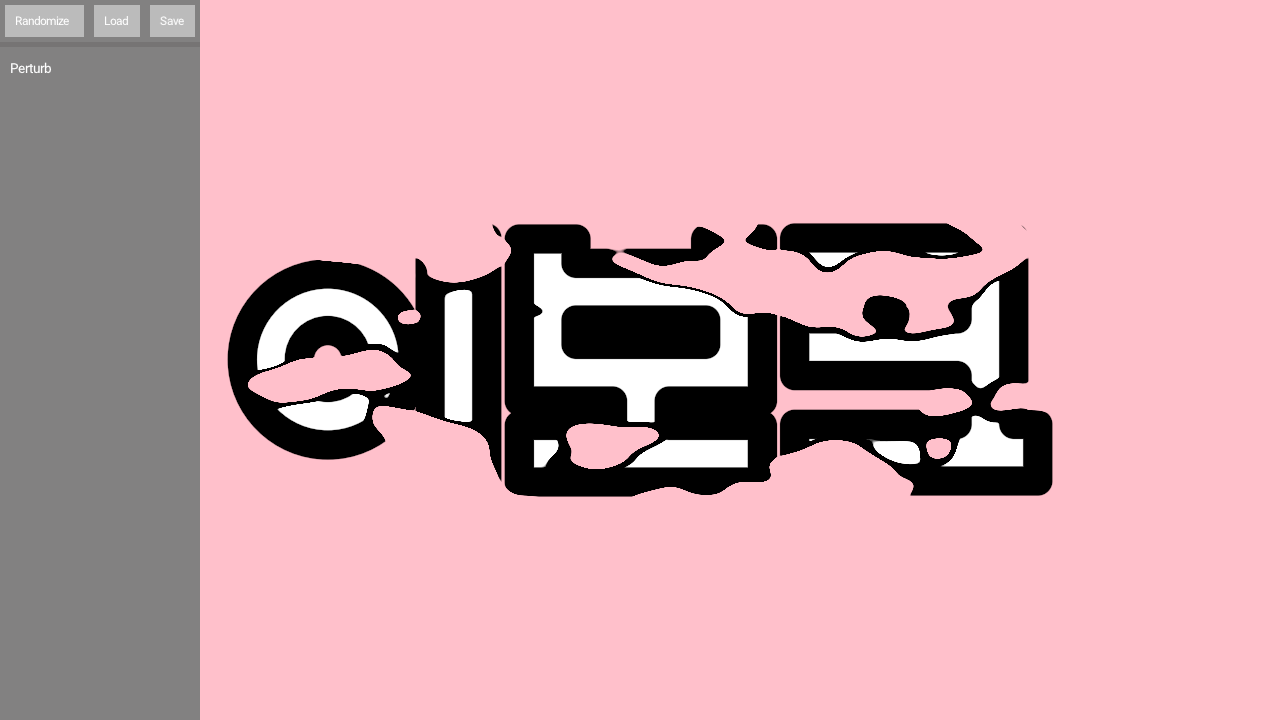
DemoShapeSDF05
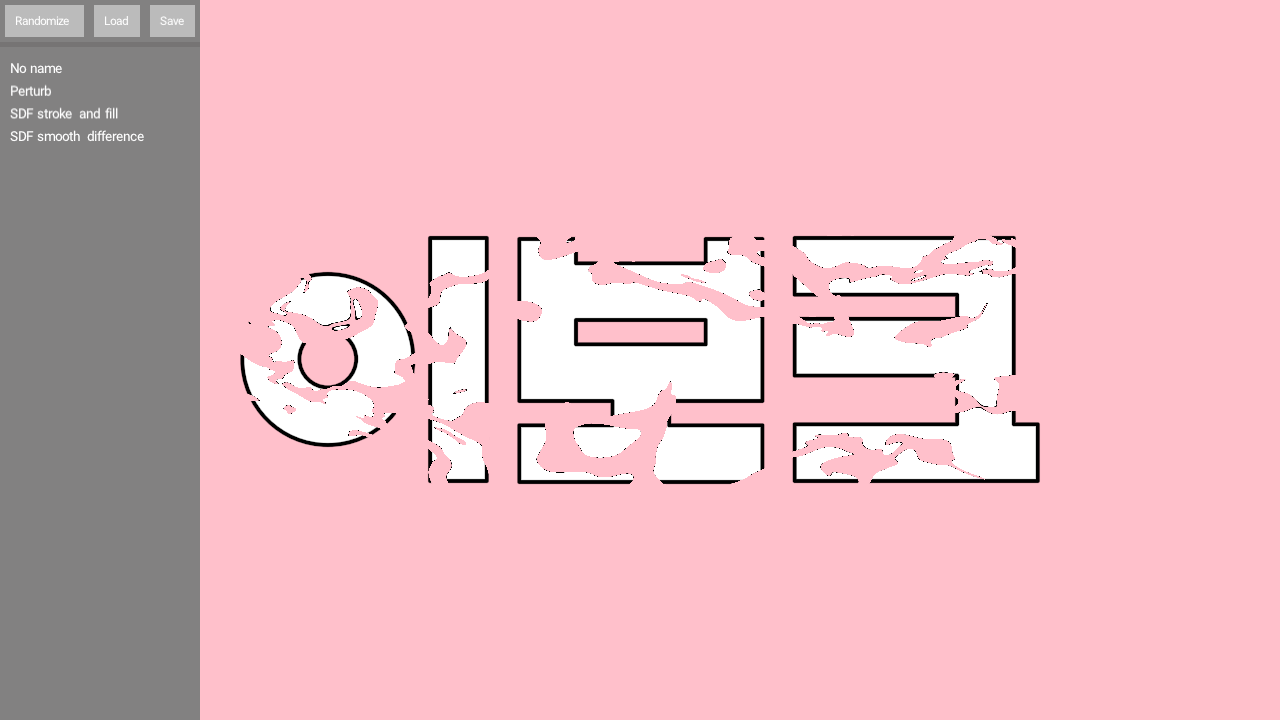
DemoSkeleton01
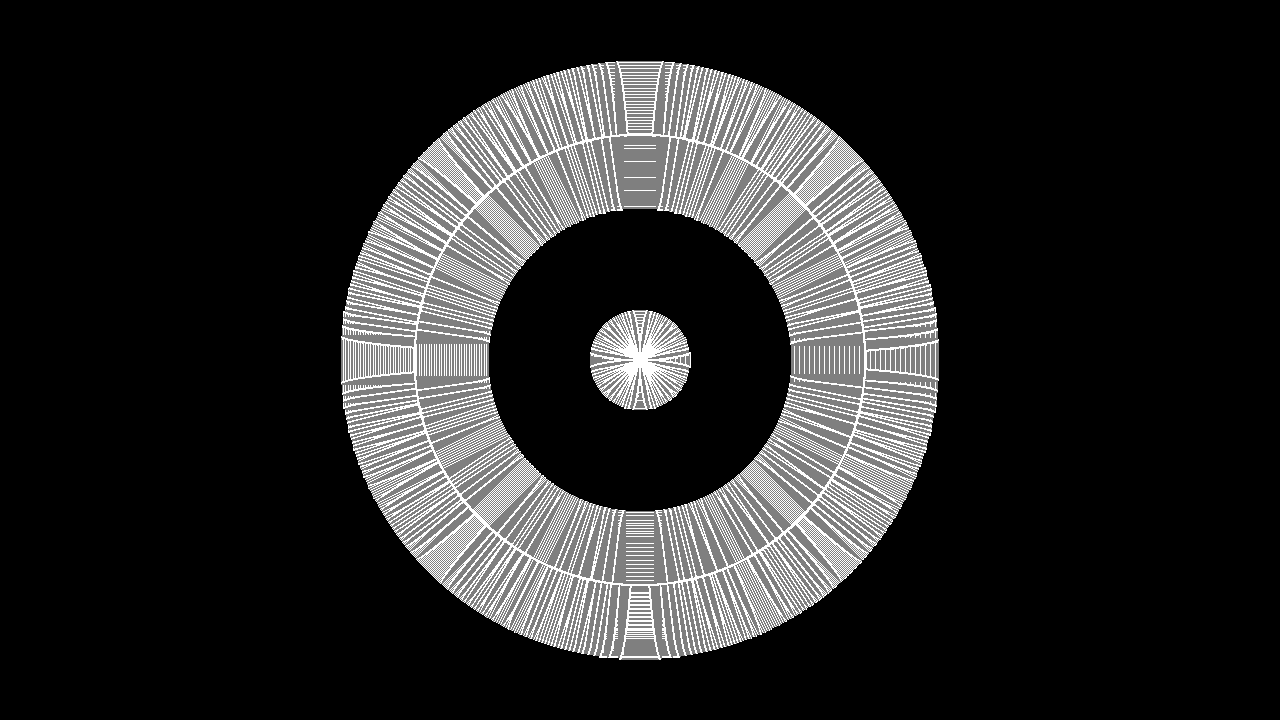
DemoStraightSkeleton01
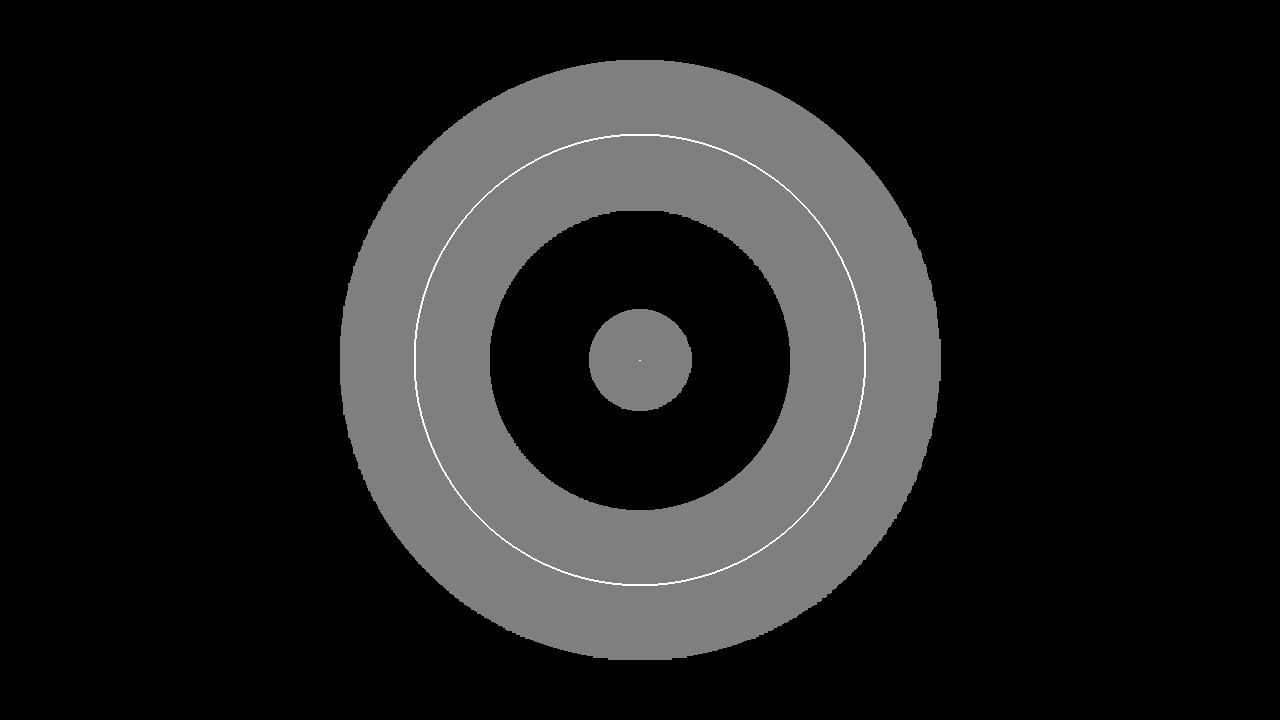
DemoVoronoi01
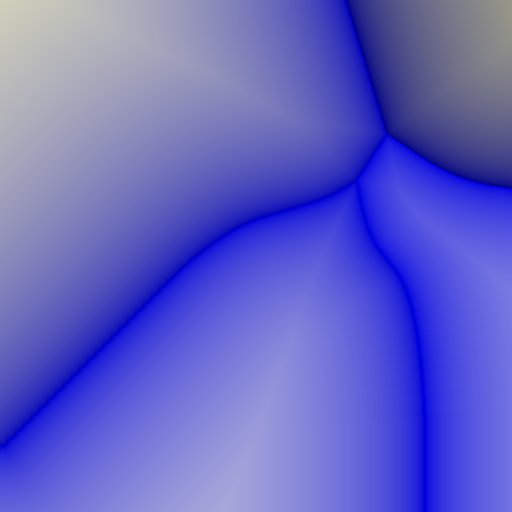
DemoVoronoi02
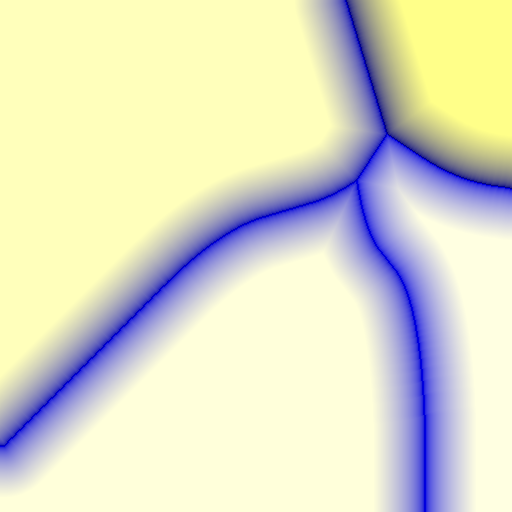
DemoVoronoi03