
53 lines
1.6 KiB
Markdown
53 lines
1.6 KiB
Markdown
# orx-temporal-blur
|
|
|
|
Post-processing temporal-blur video effect. CPU intense, therefore not intended
|
|
for use with the `ScreenRecorder` extension or other real-time uses.
|
|
|
|
This extension uses multi-sampling to accumulate and average the final image.
|
|
|
|
Multi-sampling is performed by modifying `Program.clock`
|
|
while processing the tail-end of the extension chain. This multi-sampling strategy is slow and not
|
|
entirely suited in real-time and/or interactive settings.
|
|
|
|
`orx-temporal-blur` works well with programs that use `seconds` for their animation input.
|
|
|
|
Note that time-step-based simulations or integrations will likely break because your drawing code will be executed multiple times
|
|
per frame.
|
|
|
|
## Configuration
|
|
|
|
```kotlin
|
|
extend(TemporalBlur()) {
|
|
duration = 0.9 // duration is in frames
|
|
samples = 30
|
|
fps = 60.0
|
|
jitter = 1.0
|
|
}
|
|
```
|
|
|
|
## Color shifts
|
|
|
|
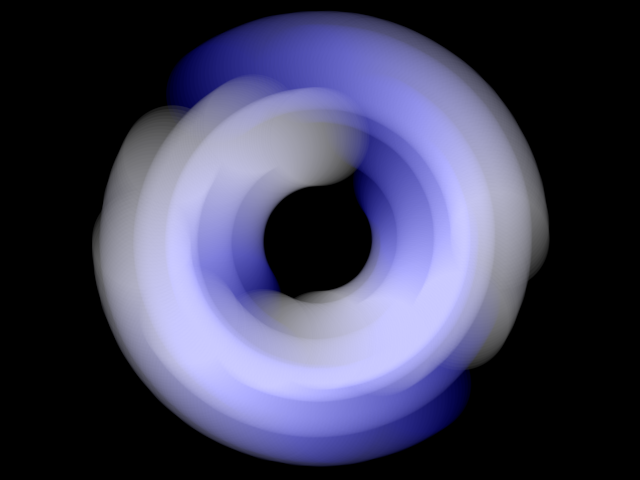
Additionally, a color matrix can be set per accumulation step. See [`DemoColorShift01.kt`](src/demo/kotlin/DemoColorShift01.kt)
|
|
|
|
```kotlin
|
|
extend(TemporalBlur()) {
|
|
colorMatrix = {
|
|
// `it` is 0.0 at start of frame, 1.0 at end of frame
|
|
tint(ColorRGBa.WHITE.mix(ColorRGBa.BLUE, it))
|
|
}
|
|
}
|
|
```
|
|
|
|
|
|
<!-- __demos__ -->
|
|
## Demos
|
|
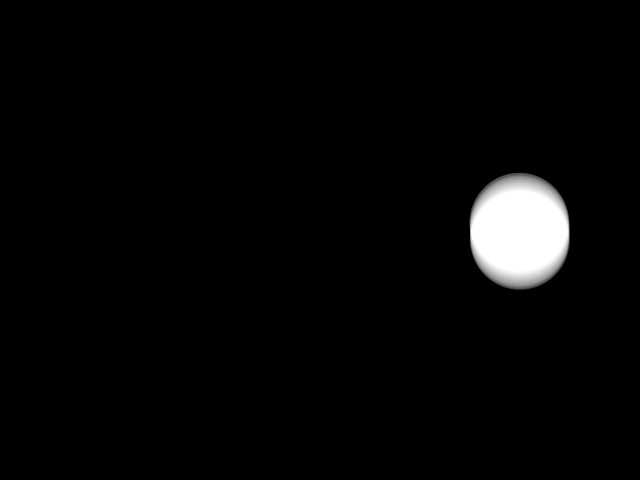
### DemoBasic01
|
|
[source code](src/demo/kotlin/DemoBasic01.kt)
|
|
|
|
|
|
|
|
### DemoColorShift01
|
|
[source code](src/demo/kotlin/DemoColorShift01.kt)
|
|
|
|
|